
Adobe Workfront Use Case
Execute marketing campaigns with clearer alignment.
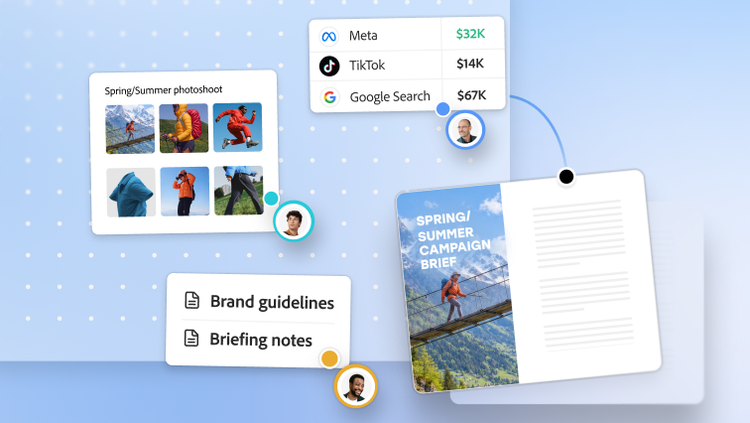
Adobe Workfront helps make marketing campaign planning simpler. Easily plan and manage your campaigns, align with business objectives and connect strategy directly to the work that delivers it.
Watch video | Watch video Workfront Campaign Planning Video Use Case
Get to market faster and stay aligned to your goals.
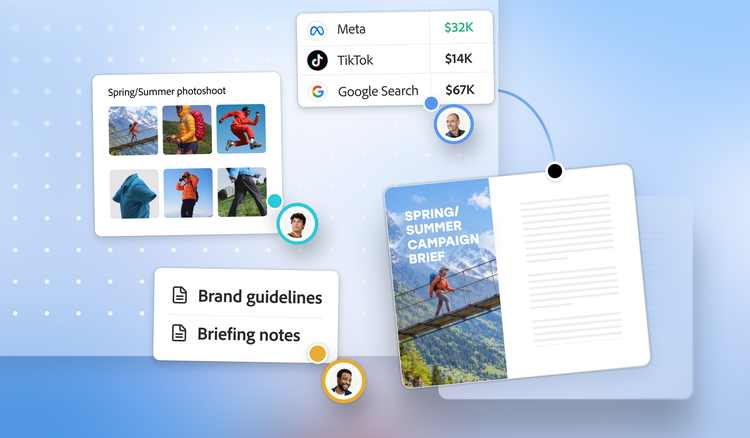
Adobe Workfront Planning lets you organise your campaigns by defining your campaign needs, identifying target audiences and creating timelines — with plans that are clear, connected to execution and informed by performance data from previous campaigns.
Get visibility across the campaign lifecycle.
View how plans connect to strategic initiatives and execution workflows in one centralised interface. Shareable table, timeline and calendar views provide stakeholders with visibility into the campaigns in flight.
Help accelerate time to market with AI.
Use Ideation Space to build campaign strategy on an AI-driven canvas that draws on performance data from past campaigns, delivered directly into Workfront Planning or turn unstructured documents into structured campaign records automatically. Upload a brief, PowerPoint or a PDF and let AI extract objectives, audiences, channels and assets to auto-populate planning records with less duplicate data entry.
Capture and share strategic context.
Link Workfront Planning records to execution workflows for timely updates on budget, project completion and campaign status. The same operational context can be made available to supported AI platforms through MCP — so supported agents working on the campaign can use the same context, within your Workfront permissions.
Learn more about campaign planning.
Questions? We have answers.
How does Workfront centralise campaign planning and improve visibility for marketing teams?
Can Workfront help align strategic goals with campaign execution?
What automation features does Workfront offer to reduce manual campaign processes?
What’s the difference between campaign management software and general project management tools?
How does the marketing calendar software in Adobe Workfront help teams stay on schedule?
How does Workfront support campaign resource planning and budget tracking?