Legal firm builds stronger cases with trusted document AI for court filings.
Every court filing depends on finding the right evidence quickly and proving it's accurate.
For the attorneys and legal professionals at the Law Offices of Reisner and King LLP, preparing a case can mean reviewing thousands of pages of deposition transcripts, emails, exhibits, photographs, and court filings. The firm specializes in seeking justice for victims of employment-related abuses and serious personal injuries. To give their clients the best chance of fast resolution in a difficult time, they aim to deliver overwhelming evidence to support clients’ cases. Every document must be organized, searchable, accurately cited, and ready for electronic filing. Missing a critical piece of evidence isn’t an option.
“We’re always looking for the best arguments and the strongest evidence to help our clients win their cases,” says Zachary Reisner, law clerk at Law Offices of Reisner and King. “People often make changes to case files right up to the filing deadline. We need to have confidence that our tools are helping us move quickly while giving us results we can trust.”
The California employment law firm has relied on the Adobe Acrobat platform for more than 15 years. To manage growing document volumes while maintaining accuracy, the firm adopted Adobe Acrobat Studio, which brings together Acrobat Pro, Acrobat AI Assistant, PDF Spaces, and Adobe Express Premium into one connected workflow that provides trusted PDF tools and AI-powered document intelligence. This helps attorneys understand the full body of information faster, giving them more time to build stronger cases and advocate for their clients.
Finding evidence in minutes instead of hours.
Attorneys manage enormous volumes of information to help prove their clients’ cases. Previously, finding a specific evidentiary statement often meant relying on keyword searches and manually reviewing lengthy documents. If someone couldn’t remember the exact wording of a meaningful quote or the correct spelling of a name, the search could quickly become frustrating.
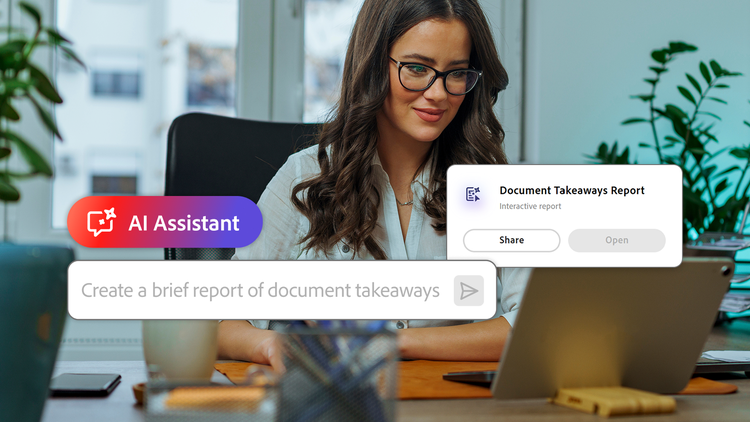
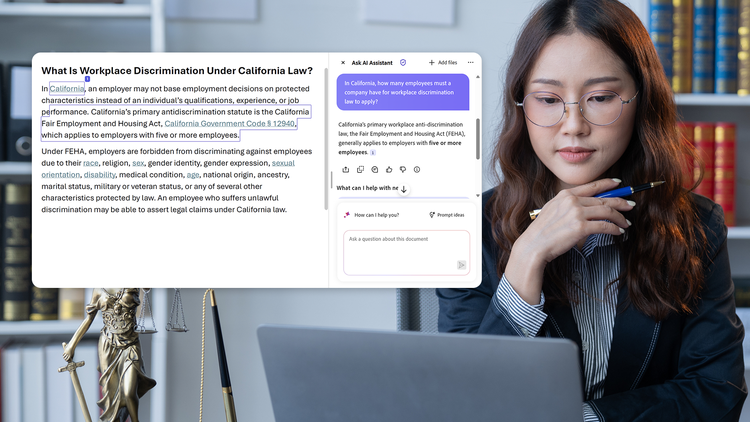
What once required manual searches across thousands of pages now takes a conversational question. Rather than searching for an exact phrase, attorneys and law clerks can ask where a witness discussed a specific event, identify precisely where a topic appears in testimony so they can confirm key facts, or pull up needed contact information in seconds. Acrobat AI Assistant looks through the documents housed in PDF Spaces, surfaces relevant passages, and links directly to the supporting text in the original document.
“We use Acrobat AI Assistant like a superpowered Control + F,” says Reisner. “You don’t have to remember the exact wording. If I know someone talked about a subject, Acrobat AI Assistant can find it and show me exactly where it appears.”
Since adopting Acrobat Studio, Reisner estimates the firm’s document preparation workflows have become 20% more efficient, helping legal teams spend less time searching and more time analyzing cases.
AI that legal teams can trust.
In legal work, speed only matters if the information is accurate. An AI tool that hallucinates answers can put a client’s entire case at risk. Acrobat Studio helps the firm work with greater confidence by linking every AI-generated answer back to the specific paragraph in the original source document.
“I don’t trust any AI to draft legal work on its own,” says Reisner. “What I do trust is being able to click the citation in Acrobat Studio and immediately confirm, yes, that’s exactly what the document says.”
Those citations have changed how the firm works. Instead of wondering whether AI produced the right answer, attorneys can simply click through to verify the source in seconds before incorporating information into legal research or court filings.
Adobe strengthens trust beyond accuracy. Because the firm works with highly confidential legal documents, protecting client information is critical. Reisner values Adobe’s approach to privacy and security, which helps the firm feel comfortable incorporating time-saving AI capabilities into sensitive legal workflows.
“Privacy matters in legal work,” Reisner says. “Knowing that Adobe won’t use our information to train large language models gives us confidence using the AI tools in Acrobat Studio with sensitive documents.”
Modernizing court filings for the digital age.
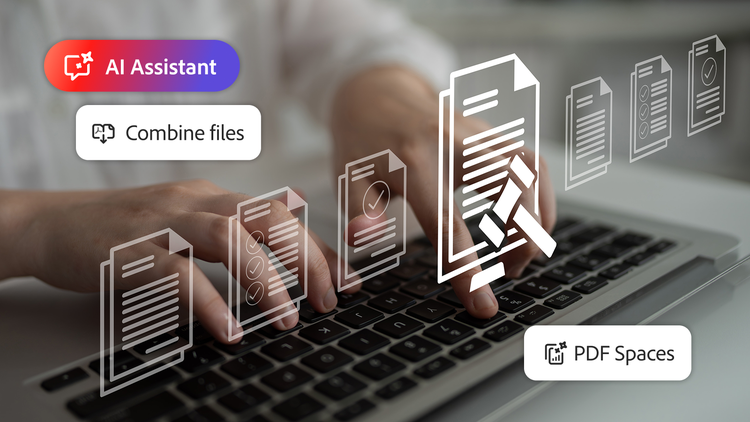
As courts transition to electronic filing, attorneys and legal professionals increasingly use Acrobat Studio for the entire filing workflow, from organizing exhibits to preparing documents for electronic submission. They can merge files, apply OCR for scanned paper documents, add bookmarks to organize exhibits, collaborate on edits, and send documents for approval signatures. True redaction capabilities permanently secure privileged information, unlike many apps that use black bars that can leave text legible to certain programs.
“Being able to drag, drop, organize, extract pages, and build everything digitally saves us hours every day,” says Reisner. “For some court filings, using Acrobat Studio can save us days of work.”
Working in PDF Spaces allows every member of the legal team to add evidence and review drafts in a shared, collaborative space. Legal teams can keep refining arguments and making edits right up until the submission deadline. They’re even hitting same-day deadlines while providing the high-quality arguments that clients expect from the firm.
The firm’s transition to Acrobat Studio has also reduced paper usage by an estimated 50% while allowing attorneys to produce more legal documents — improving the organization’s environmental footprint without increasing administrative burden.
“The legal profession is constantly evolving, and Adobe has evolved with it,” says Reisner. “As courts have moved to digital filing, Acrobat Studio has continued to add the capabilities we need to keep pace without changing the way we work.”
Scaling with confidence.
As Adobe continues to expand Acrobat Studio, Reisner expects the platform to become even more valuable to the firm’s daily operations.
“We’re producing more legal documents than ever before,” he says. “Every Acrobat update helps us find another way to save time while maintaining the same quality of work. That’s what we’re looking for: better tools that let us focus more on serving our clients.”
From contract reviews to regulatory analysis, learn more about how Adobe Acrobat Studio helps legal teams find answers faster and make informed decisions with confidence.