Adobe Workfront Use Case
Manage enterprise work at scale, from intake to delivery.
Consolidate your projects, requests and resource decisions into one operating layer — where teams, priorities and budgets are visible and connected.
Deliver work on time and on budget.
Workfront aligns teams to your priorities, enabling you to deliver your most critical business objectives with greater speed and predictability.
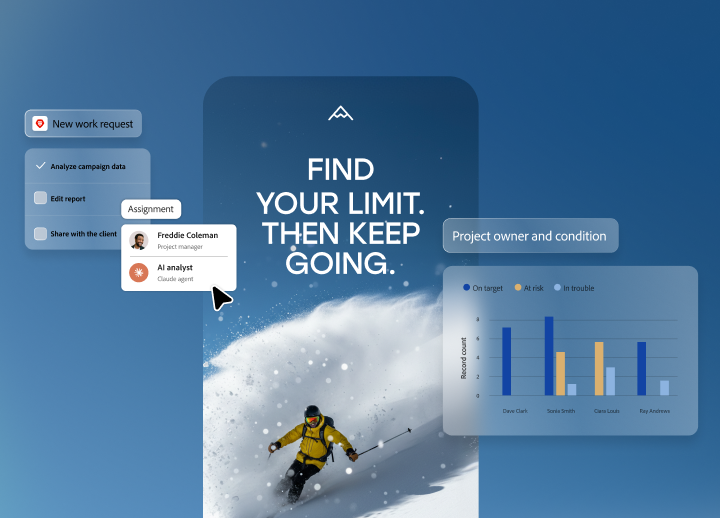
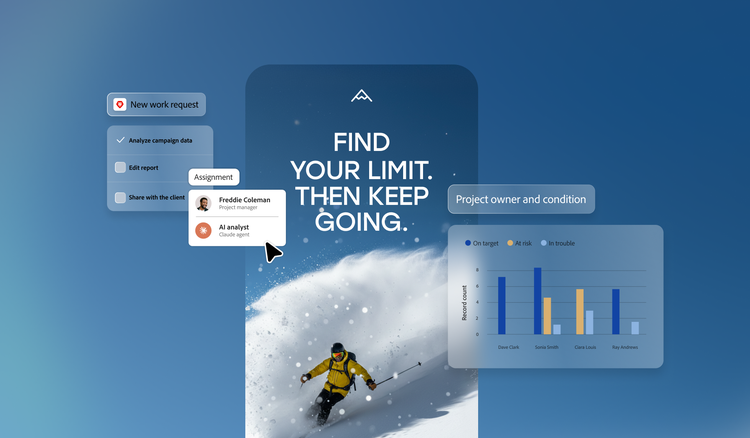
Streamline intake and prioritise what matters.
Create a single channel for work requests, capture critical information through customised forms, automatically route requests to the teams you specify and prioritise in line with company strategy.
Resource projects more precisely — and connect them to financial outcomes.
Estimate and budget resource allocations across work initiatives, track utilisation from forecast to actuals and tie budgets and financial assumptions directly to resource plans — with timely visibility into costs, margins and ROI. Workfront supports financial tracking and reporting but isn’t a replacement for dedicated financial or billing software.
Report and monitor with current data.
Keep the business informed with configurable reports and dashboards and export operational data via MCPs to supported agentic systems or via DataConnect to a supported BI Stack. Exported data is subject to your own security and governance controls.

“Reporting is the biggest benefit of Adobe Workfront. It changes how we communicate about creative work. I create over 200 reports every year to help leaders understand how creative teams support the overall business.”
Joel Caracci, Associate Director of Creative Operations
JLL
Learn more about scaling project management systems.
Questions? We have answers.
How does Adobe Workfront support enterprise project management at scale?
What’s the difference between portfolio management and project management in Workfront?
How does Workfront help teams work from a shared view of project data?
What is a project management system?
Why does scalability matter for project management?