Customer Touchpoints: Examples, Types & How to Measure Them

Customer touchpoints: Examples, types, and how to measure them.

A customer explains a problem to a chatbot, explains it again to a support agent, then a third time by email. Nothing is technically broken, but the experience is. Customer touchpoints are the moments where a customer meets your brand, from a search ad and a product page to a checkout screen, a support call, and a renewal reminder. Each one shapes what people think of the business and whether they come back. Yet many organizations still manage those moments channel by channel, with marketing, sales, and customer service each seeing only part of the journey. Managing touchpoints as one connected system starts with knowing what they are, where they occur, and how well each one performs.

In this article:

What is a customer touchpoint?

A customer touchpoint is any direct or indirect interaction between a customer and a brand that shapes how the customer perceives it. Touchpoints can be digital or physical, started by the brand or by the customer, and they happen before, during, and after a purchase. A product page, a live chat, a delivery notification, a store visit, and a friend's recommendation are all touchpoints.

A touchpoint is not the same as a channel. A channel is the medium, such as email or a mobile app. A touchpoint is a specific interaction within it, such as an abandoned-cart email sent the morning after a shopper leaves the site. Working at the touchpoint level is more precise, because it isolates the exact moment that moves a customer forward or stalls progress.

Responsibility for touchpoints is spread across the business. Marketing usually owns awareness and nurture touchpoints, sales owns demos and proposals, customer service owns support and resolution, and product and operations teams own in-app and fulfillment moments. A consistent experience depends on those teams working from a shared view of every touchpoint.

What are examples of customer journey touchpoints at each stage?

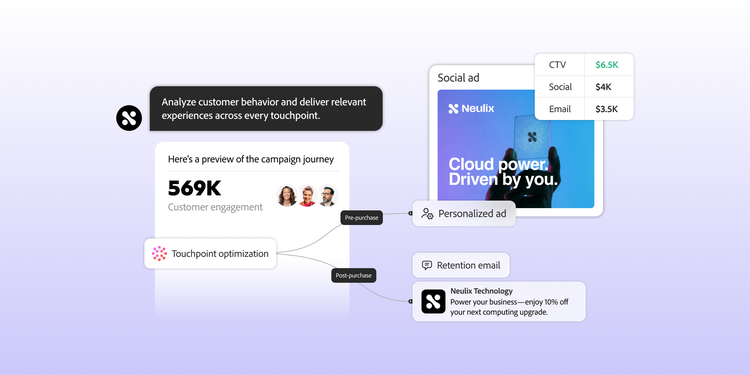
Customer journey touchpoints are usually grouped into three phases: pre-purchase (awareness and consideration), purchase, and post-purchase (retention and advocacy). Breaking those phases into five stages shows what customers need at each point:

Stage

Example touchpoints

What the customer needs

Awareness (pre-purchase)
Social media posts, search results, display and video ads, podcasts, press coverage, word-of-mouth referrals
A reason to pay attention and a clear idea of what the brand offers
Consideration (pre-purchase)
Blog articles, product pages, comparison guides, online reviews, webinars, chatbots, demo requests
Evidence that the product fits their needs at a fair price and low risk
Purchase
Pricing page, shopping cart, checkout, sales calls, proposals, in-store staff, point-of-sale, order confirmation
A smooth, transparent transaction with no surprises in price, terms, or delivery
Retention (post-purchase)
Shipping updates, unboxing, welcome emails, onboarding guides, in-app tips, help center, live chat, support calls, renewal reminders
Quick time to value and prompt help when something goes wrong
Advocacy (post-purchase)
Satisfaction surveys, review requests, loyalty programs, referral programs, community forums, customer events
Recognition and ongoing value that make recommending the brand easy

Many teams use the same five stages to describe the main points of a customer journey. This overview of the customer journey stages covers each one in more depth.

Touchpoints also vary by business model. A shopper buying running shoes might see a social ad, read reviews, use a size-guide chart, check out on mobile, track the delivery, and get a review request after the first run. A B2B purchase involves more people and more steps. A hospital network evaluating patient-communication software, for example, might attend an industry webinar, compare vendors on review sites, schedule demos for several stakeholders, negotiate with sales and procurement, and then rely on implementation calls, training sessions, and quarterly business reviews. Because each member of the buying group meets different touchpoints, a B2B touchpoint map needs to track roles as well as stages.

What are the main types of customer touchpoints?

The most common way to classify customer touchpoints is by who controls them:

Type

Examples

Brand control

How to measure

Owned
Website, mobile app, email, push notifications, packaging, stores, support team
High
First-party data the brand collects directly
Paid
Search ads, social and display ads, sponsored content, influencer partnerships, trade show booths
High, but only while spend continues
Ad platform data, plus attribution to compare with other touchpoints
Earned
Organic search rankings, press coverage, online reviews, social mentions, word of mouth
Low
Indirectly, through review monitoring, social listening, and surveys

Three other distinctions help when you sort your touchpoints:

  • Digital or physical. Digital touchpoints such as websites, apps, and chat generate behavioral data automatically. Physical touchpoints such as stores, events, and direct mail need extra capture, such as loyalty sign-ins or post-visit surveys.
  • Direct or indirect. Direct touchpoints involve the brand, like a sales call or a checkout page. Indirect touchpoints happen without it, like a colleague's recommendation or a third-party review, but still shape perception.
  • Human or automated. Human touchpoints such as sales reps, store associates, and support agents build trust in complex or emotional moments. Automated touchpoints like triggered emails, chatbots, and self-service portals deliver consistency at scale. Most journeys need both, with clean handoffs between them.

Why do customer touchpoints matter?

Customers judge a brand by the sum of its touchpoints, not by its best campaign. One weak touchpoint can undo earlier work: A confusing checkout form can lose a buyer that a strong ad and product page attracted. Inconsistency does even more damage. When an email offers a discount that fails at checkout, the customer experiences a broken promise, not just a bug. Touchpoints are also where customer experience becomes measurable, because satisfaction, effort, and loyalty are captured at specific moments. That is why a consistent omnichannel experience depends on managing touchpoints as one connected system rather than as separate channels.

How do you identify customer touchpoints?

Identifying customer touchpoints starts with a touchpoint audit: a complete list of every place a customer can encounter your brand, seen from the customer's side rather than the org chart. Work through these steps:

  1. Choose one segment and scenario. A first-time buyer of a project management app follows a different path than an enterprise customer renewing a contract. Audit one scenario at a time.
  2. Walk the journey yourself. Search for your category, read your own reviews, sign up, buy, request a return, and contact support, examining every interaction.
  3. Mine existing data. Web and app analytics, heat maps and session recordings, customer relationship management (CRM) records, support tickets, and chat logs reveal touchpoints that internal teams overlook.
  4. Ask customers and frontline staff. Surveys, interviews, and conversations with sales and service teams surface indirect touchpoints, such as peer recommendations or community forums, that no dashboard shows.
  5. Log each touchpoint. Note its stage, channel, owner, data source, and current metric. The result is your touchpoint map. Touchpoints with no data source are blind spots.
  6. Flag gaps and handoffs. Look for moments when customers expect contact but get none, such as silence during a long shipping delay, and for handoffs between teams, such as sales to implementation, that nobody owns.

Run touchpoint mapping as a cross-functional workshop where possible. Marketing, sales, service, and product teams each see different parts of the journey. Service teams in particular hear about post-purchase friction that often doesn’t reach marketing dashboards. The finished touchpoint map becomes the backbone of a customer journey map, which adds customer goals, emotions, and pain points to each stage.

How do you measure customer touchpoints?

Measure each touchpoint against the job it does in the journey, not against one company-wide metric. Assign a primary metric before you try to improve anything. Common customer experience metrics by touchpoint include:

Touchpoint

Metric

What it tells you

Search or social ad
Click-through rate, cost per acquisition
Whether the message reaches and interests the right audience
Blog article or guide
Engaged time, next-step or sign-up rate
Whether content moves readers forward
Product or pricing page
Add-to-cart or demo-request rate
Whether visitors find enough reason to act
Checkout or sign-up form
Completion and abandonment rates
Where friction stops an intended purchase
Onboarding email or in-app guide
Activation rate, feature adoption
Whether new customers reach value quickly
Support chat or call
Customer effort score, first-contact resolution
How easy it is to get help
Post-purchase survey
Customer satisfaction score
How a specific interaction felt
Renewal, loyalty, or referral program
Retention rate, Net Promoter Score, referral rate
Whether customers want to stay and recommend the brand

Touchpoint metrics show how each interaction performs, but not how much it contributes to the final result. Marketing attribution fills that gap by assigning credit for a conversion across the touchpoints that preceded it. Last-click models give all the credit to the final interaction, which tends to undervalue the content and earned touchpoints that start the journey. Multi-touch attribution models, such as linear, time-decay, or algorithmic, spread credit across the path for a fairer view.

Measurement is hardest when touchpoint data sits in separate tools. Customer experience analytics closes that gap. Adobe Customer Journey Analytics connects online and offline data across channels and devices at the person level, so teams can see how each customer moves through the journey. Its drag-and-drop visualizations help teams find where customers drop off between touchpoints, and algorithmic attribution compares marketing channels to show which ones contribute to specific conversions.

How do you improve customer touchpoints?

Improving customer touchpoints means fixing the interactions with the most influence on outcomes first, then improving them one change at a time:

  • Prioritize by impact and effort. Rank weak touchpoints by the traffic or revenue at stake and by the effort needed to fix them. Start with high-impact, low-effort fixes such as removing an unnecessary form field.
  • Test one touchpoint at a time. An A/B test on a single onboarding email, varying the subject line or call to action, produces cleaner evidence than changing a whole campaign. Test the sequence too: Moving a setup video into the welcome email may cut support contacts more than rewriting it.
  • Keep touchpoints consistent. Align offers, prices, and messaging across channels so an emailed discount works at checkout and a support agent can see what the customer did online.
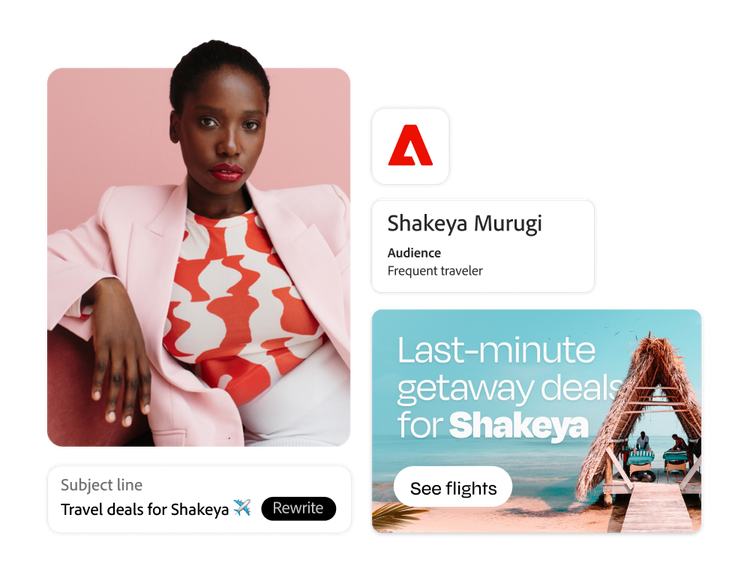
  • Personalize with context. Use what customers did at earlier touchpoints to shape the next one, so they don't have to repeat themselves. A personalized customer experience reduces friction and makes each interaction more relevant.
  • Close silent gaps. Add proactive touchpoints where silence creates anxiety, such as a shipping delay or a pending approval.

Strong touchpoints are the foundation for broader programs. Once individual interactions work well, these customer engagement strategies show how to build ongoing relationships across them.

What tools help manage customer touchpoints?
Most organizations combine several types of tools because no single category covers every touchpoint:

  • Customer experience analytics measures behavior at digital touchpoints and connects it across channels.
  • Customer data platforms unify identity and profile data so every touchpoint draws from the same customer view.
  • Journey orchestration triggers and coordinates touchpoints across channels based on customer behavior.
  • CRM and service platforms manage sales and support interactions.
  • Survey and feedback tools capture satisfaction and effort at specific moments.

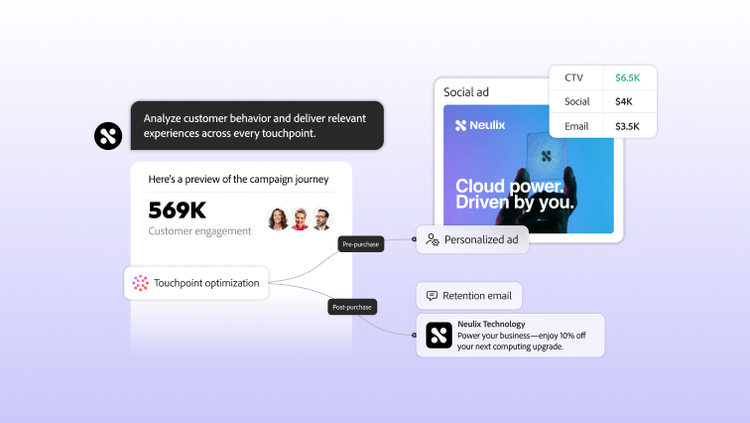
Match the stack to your complexity. A business with a few channels may manage touchpoints well with a CRM and email automation. Organizations with many channels, segments, and real-time needs usually require event-based orchestration and cross-channel analytics. Adobe Journey Optimizer uses customer actions and business events as triggers for multi-step journeys across channels like email, web, in-app, push, and SMS, with built-in governance for frequency, fatigue, and send prioritization. Adobe Customer Journey Analytics can then analyze how those journeys perform by connecting engagement across campaigns, channels, and content. Before adding a new platform, check how much of your touchpoint map has data behind it. A platform can’t improve touchpoints the audit never captured.

Explore how Adobe Customer Journey Analytics connects touchpoint data across channels and devices, and how Adobe Journey Optimizer coordinates personalized journeys across the touchpoints that matter most.

Frequently Asked Questions

Let’s talk about what Adobe can do for your business.

Get started