Adobe Marketing Campaign Analytics Features
Insights and recommendations
Ask any question of your models and act on the recommendations — while the budget is still in play.
Conversational and proactive insights
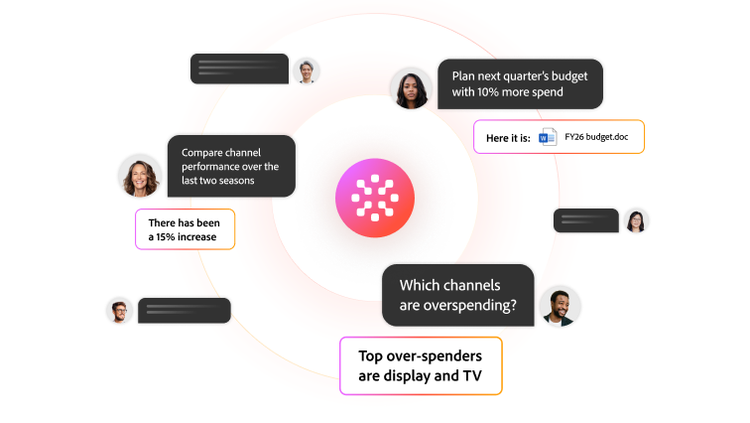
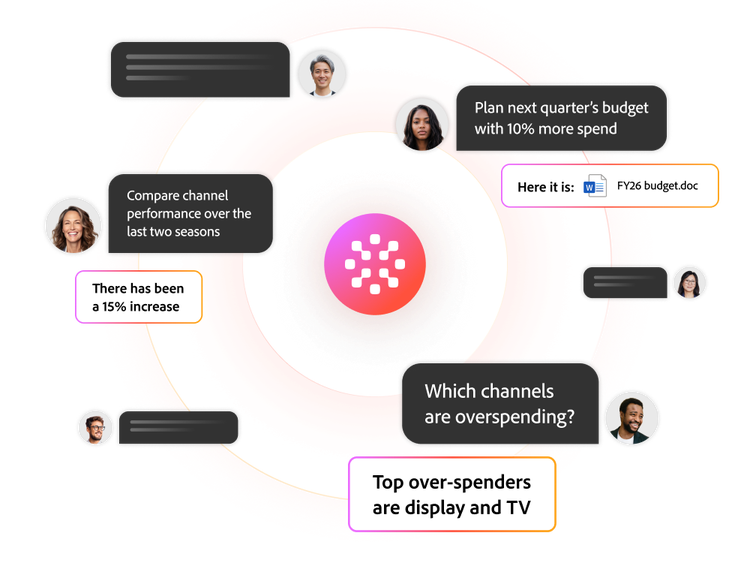
Give anyone on your team the power to explore your models directly. The connected agentic interface — powered by Adobe CX Enterprise Coworker — answers questions, uncovers insights, and explains model outputs in plain language — all within the view you’re already using.
- On every screen. Open CX Enterprise Coworker in any view to ask questions about what you’re working on, whether it’s your model insights or a budget scenario you're building.
- Rapid insights. Pull an insight or create a new scenario plan from a single request across any model you've built.
- Visuals on demand. Generate a chart from any question you ask, built on the spot and formatted to drop straight into a leadership presentation.
- Model-level detail. Explore models in granular detail, including which channels are overspending, how much revenue your promotions are driving, or how marketing contribution has changed over time.
Recommendations and executive readouts
Continuously adjust both your media mix and your models as results come in, then hand leadership a readout generated straight from the model.
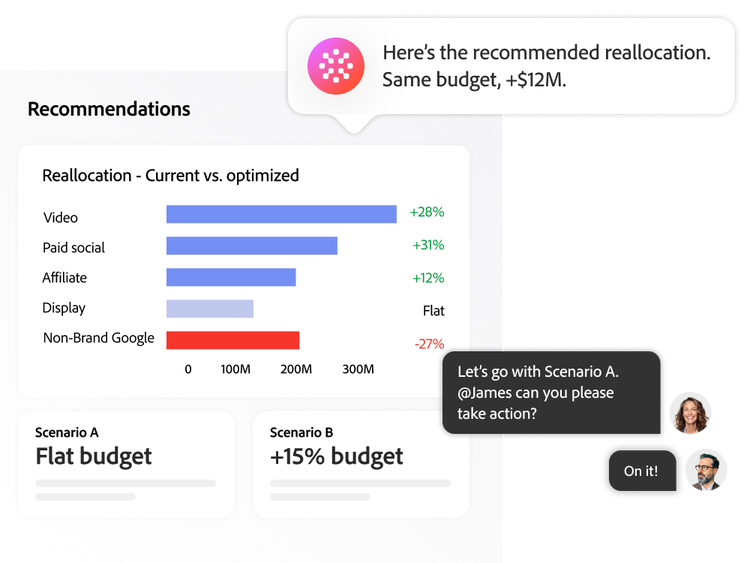
- Spend reallocation. Get shift-in-spend recommendations when new results land and your models rescore, without waiting on a reporting cycle.
- Model drift alerts. Get notified automatically when a model's accuracy starts to slip, with guidance on whether to retrain now or wait.
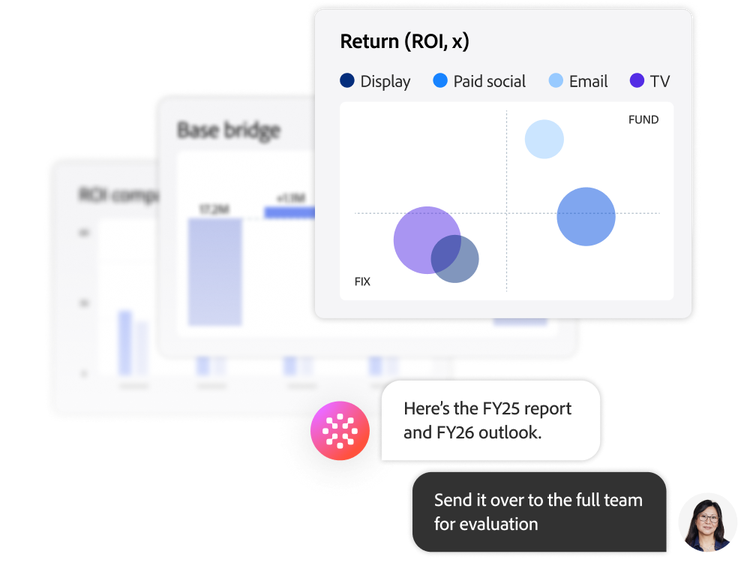
- Executive-ready readouts. Turn your model into a readout tailored to your business and your vertical — the headline finding, the KPIs that moved, and where to scale, shift, and cut.
High impact visualizations
Understand what drove performance and where to move budget next, from your whole mix down to the individual tactic — all from the same models behind your plans.
- Incremental contribution. See your outcome decomposed into base demand and each tactic's incremental lift and how that mix shifts over time and against last year.
- Base drivers. Break down how much demand comes from pricing, promotions, seasonality, and macro conditions, and whether those factors moved for or against you this period.
- Channel synergies. Identify which channel pairs create more value together than apart and how much surplus that pairing produces.
- Performance below the channel. Compare network, daypart, creative, and audience against an effectiveness index, and receive guidance on whether to scale, maintain, or reduce each tactic.
- Saturation and headroom. Compare each channel's return with its next-dollar efficiency to see which are saturated and which have room to invest.
Learn how to use insights and recommendations features.
Find what you need in Experience League, our vast collection of how-to content — including documentation, tutorials, and user guides.
Learn more | Learn more about how to use insights and recommendations features
Questions? We have answers.
What is Adobe Marketing Campaign Analytics?
How does AI help marketers analyze campaign performance?
How does Adobe Marketing Campaign Analytics integrate with other Adobe analytics tools?
What marketing data sources can be analyzed in Adobe Marketing Campaign Analytics?
How does marketing campaign analytics help improve marketing ROI?