PDF Spaces | Secure Document Collaboration | Acrobat Studio
.

ADOBE ACROBAT STUDIO FEATURES

Smarter document collaboration.

Make collaboration your competitive edge. Adobe Acrobat Studio brings together people, documents, and context in one intelligent workspace — PDF Spaces — where teams stay aligned, keep work moving from review to action, and share content through interactive, tailored experiences.

Keep content in one intelligent workspace.

Add structure to your collaboration. PDF Spaces is an intelligent workspace where teams can organize files, stay aligned, and share content in a way that’s easy to understand and act on.

  • Unified content space. Bring related documents together so teams can understand them in context. Connect trusted document collections with Knowledge Base in Adobe Acrobat Studio to consolidate organizational knowledge in the same workspace.
  • Easy collaboration. Share documents for review and leave comments directly in PDF Spaces so teams stay aligned without version confusion.
  • Insight-ready structure. Organize related content to surface connections and context, making it easier to understand complex topics and stay aligned.
  • Role-based access. Assign contributor, reviewer, or read-only roles to control how teammates engage with shared content and keep collaboration focused.
Put content to work with the help of AI. Explore ideas, ask meaningful questions, and extract insights across multiple documents and formats, in PDF Spaces using Adobe Acrobat AI Assistant.

  • Cross-format exploration. Use AI Assistant to chat across PDFs, documents, slides, spreadsheets, transcripts, notes, and web links to surface connections and opportunities.
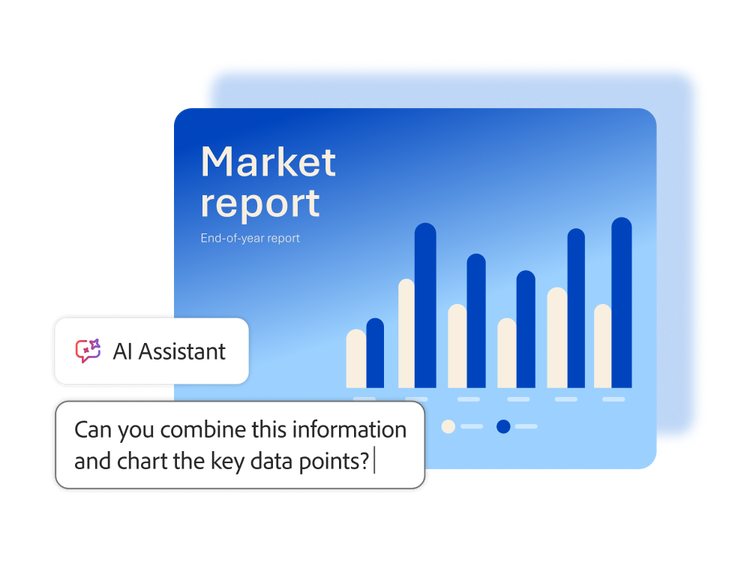
  • Visual data understanding. Turn complex information into charts, graphs, and tables using natural language questions to make findings easier to understand and share.
  • Insight synthesis. Combine information from multiple files to support faster decision-making and deeper understanding.

Transform documents into guided, engaging experiences.

Make content easier to absorb and share. Create engaging audio overviews, polished presentations, or custom, interactive experiences from documents stored in PDF Spaces that guide how content is explored and understood.

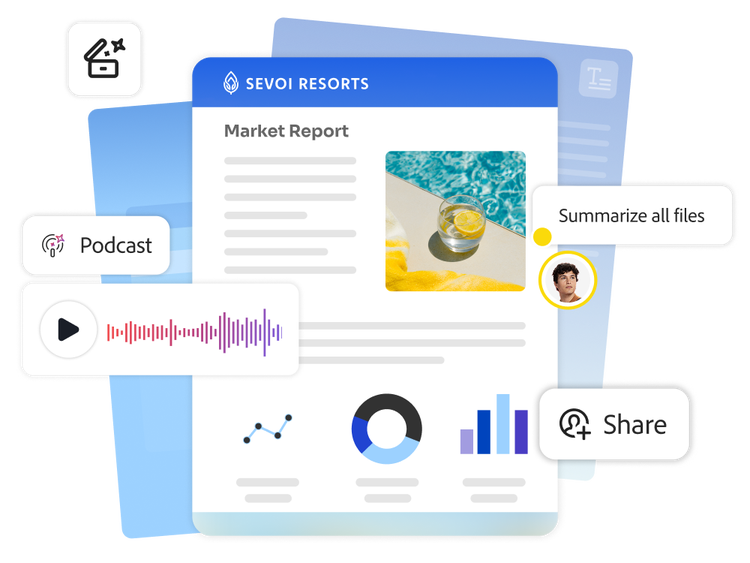
  • Audio-powered summaries. Turn documents into podcast-style audio overviews that make information more accessible and easier to absorb.
  • Generate polished presentations. Create compelling, on-brand presentations from documents in a few clicks, adding your prompt and picking audience, length, and tone.
  • Interactive content experiences. Tailor PDF Space summaries, content order, and branding to present information clearly, guide stakeholders through key insights, and gain visibility into how content is engaged with.

Collaborate with confidence.

Collaboration in PDF Spaces is built on a foundation of security and responsible AI, so your team’s content stays protected.

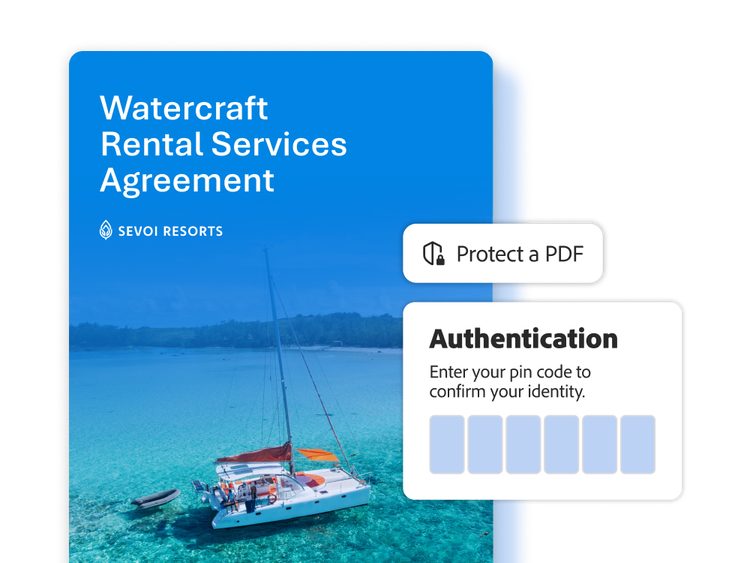
  • Enterprise-level protection. Safeguard documents with robust privacy controls, encryption, watermarking, and access management.
  • Manage access. Set who can view, comment, or contribute — individuals, your organization, or anyone with the shared link.
  • Ethical AI and data privacy. Adobe does not use your content to train AI models, and AI Assistant only accesses the documents you provide.

Learn how to collaborate more efficiently with PDF Spaces.

Find what you need in Adobe Help Center, including documentation, tutorials, and user guides.

Questions? We have answers.


Need help finding more information? Chat with our experts for answers.