{{adobe-brand-intelligence-system}} Skill
Content assembly
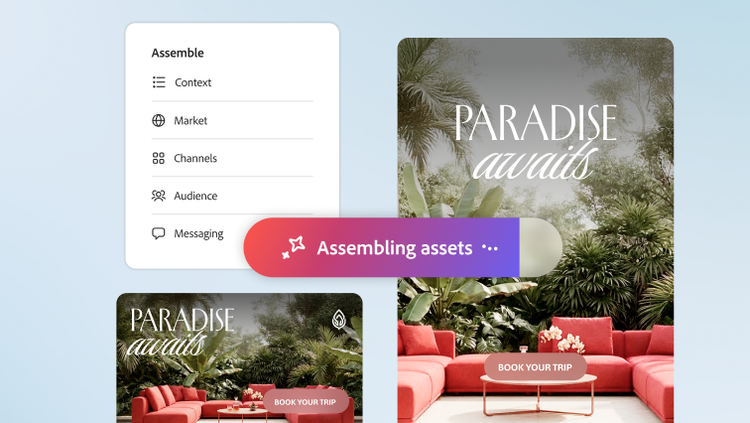
Turn campaign briefs into production-ready asset variants at scale. Adobe Brand Intelligence interprets campaign intent, adapts assets across channel formats, and creates content variations, helping streamline production before review and approval.
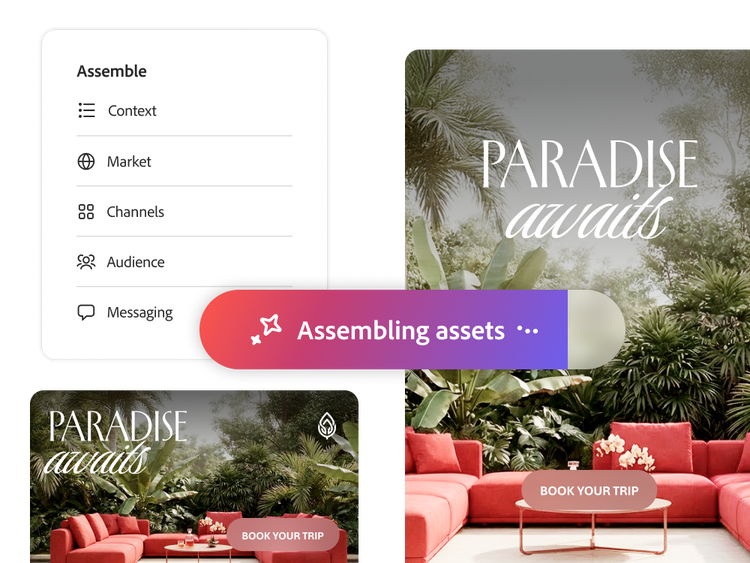
Turn campaign briefs into production direction.
Define the required content variations and ensure campaign guidance is applied consistently throughout the assembly process.
- Scalable variant creation. Create campaign variants across products, audiences, and channels to scale content production from a single brief.
- Brief-driven instructions. Use campaign briefs to inform which layouts, imagery, and elements should be used during assembly, rather than leaving decisions to manual interpretation.
Adapt approved creative across every channel.
Transform hero assets into production-ready variants for every required placement without manual resizing.
- Format adaptation. Adapt variants across a defined set of aspect ratios, formats, and channels from approved base creative.
- Brand-safe outputs. Keep outputs validated by your brand intelligence, so elements respect spatial layout rules and design systems in each new format.
- Less rework. Reduce last-mile resizing work to genuine exceptions, so time can be reserved for content strategy.

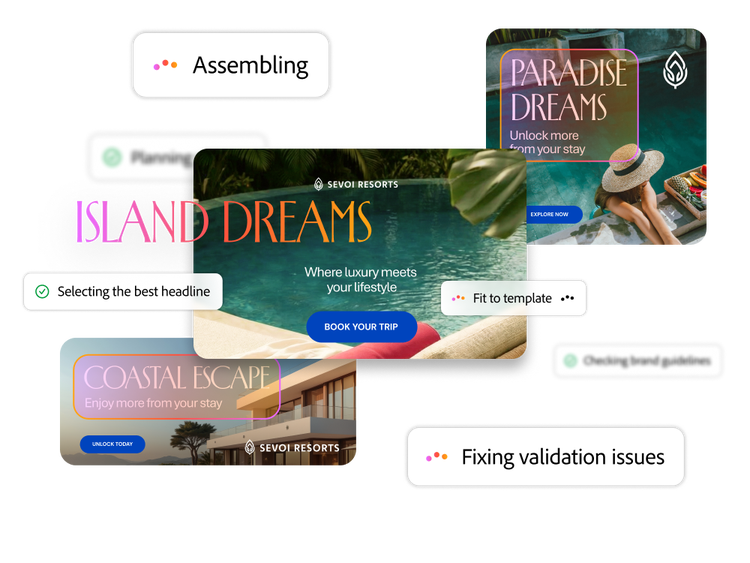
Assemble on-brand asset variants.
Bring creative elements together into asset variants, with fitting and visual finishing applied as part of the assembly process.
- Layout‑based assembly. Merge images, text, and components within a defined layout to produce complete, ready‑to‑use asset variants.
- Best-fit image ranking. Rank and select images following the direction defined in brand guidelines and campaign briefs, reducing manual trial-and-error during asset selection.
- Automatic fit and crop. Adjust imagery during assembly to preserve focal points and safe zones, helping variants meet placement requirements.
- Visual harmonization. Apply finishing touches to help assembled variants look visually cohesive across audiences and channels.
Seamlessly create content for your campaign needs.

Adapt campaigns for multiple channels.
Prepare campaign creative in the aspect ratios and formats required across channels and placements, with less manual resizing.

Localize global campaigns across markets.
Develop market-specific variants from approved local copy, imagery, and brand rules, helping scale localization across markets.

Tailor content to different audiences.
Create variants for audience segments, with tailored images and messages to help improve relevance.

Update campaign assets for product launches.
Refresh existing assets with new photography, copy, and graphics to accelerate campaign production for product launches.
Learn more about Assemble in Adobe Brand Intelligence.
Read about how Assemble in Brand Intelligence turns briefs and brand knowledge into production-ready, on-brand content — reducing rework and accelerating content creation at scale.
Questions? We have answers.
Does content assembly create new creative or only adapt existing assets?
Which formats and channels does content assembly support?
How does content assembly help keep variants on brand?
Content assembly applies Brand Intelligence throughout the assembly process instead of relying only on a final manual review. It uses documented brand guidelines, campaign requirements, approved or tagged assets, layout rules, and learned brand decisions to guide which elements are selected and how they are combined.
The workflow can rank candidate imagery, preserve focal points and safe zones, apply campaign styling, check brand guidelines, and refine eligible issues during assembly. For enterprise governance, a completed assembly run should not be treated as a substitute for final approval. Regulated campaigns and deliberate exceptions should continue through the organization’s established validation, review, and approval workflow.
Can content assembly localize campaigns for different markets?
How many asset variants can content assembly produce from a single brief?