{{adobe-brand-intelligence-system}} Skill
Audience simulation
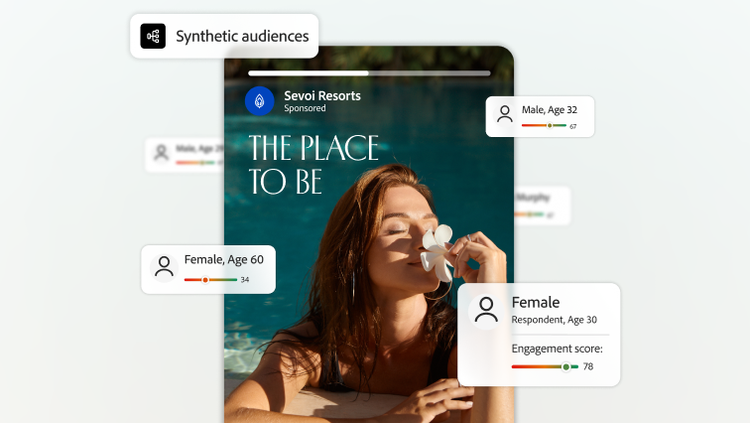
Understand how audiences may respond to content at any stage of creative development. Adobe Brand Intelligence uses synthetic audiences informed by first-party audience data to simulate interviews and guide creative decisions before content goes to market.
Anticipate audience response.
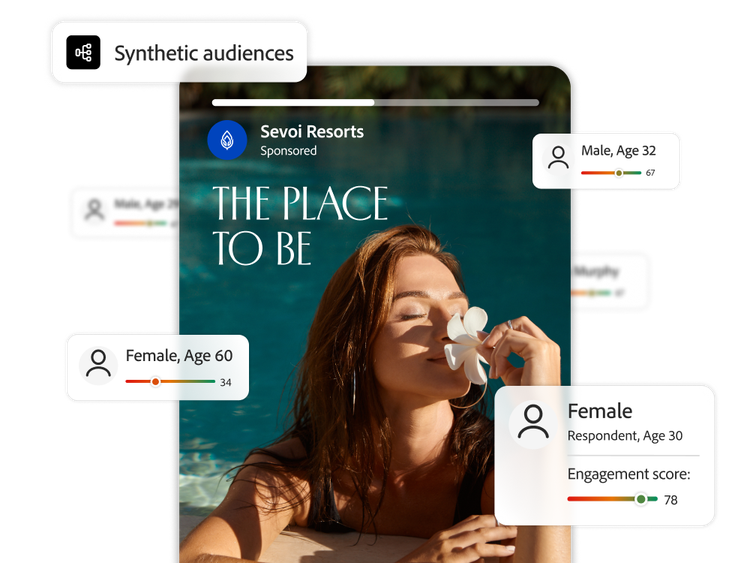
Understand how individual audience personas may respond to content using synthetic audiences built from your audience data.
- Based on your audience data. Build personas from your previous market research and persona documentation.
- Grounded in audience behavior. Use behavioral data to reflect customer actions such as purchases, adoption, and conversions.
- Supplement with market intent. Factor in market signals, such as search and conversation trends about your brand (coming soon).
Customize audience research workflows.
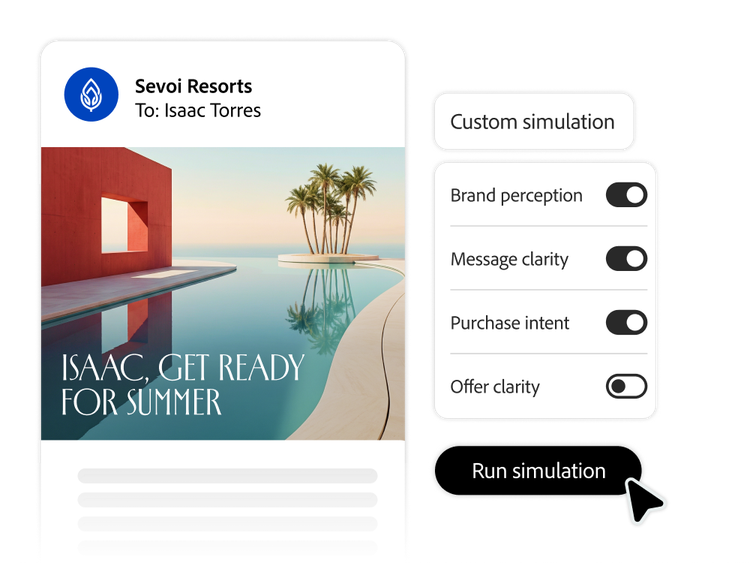
Customize simulations according to how you approach market research by specifying mode of testing, evaluation criteria, and granularity of audience feedback.
- Flexible asset evaluation. Evaluate a single asset in detail or compare multiple assets to explore which may resonate more with simulated audiences.
- Custom metrics. Choose the criteria that synthetic audiences use to evaluate content, including full-funnel measures like brand perception, message clarity, and purchase intent.
- Segment-level analysis. Explore reactions at the persona, segment, or panel level to understand differences across audience types.
Understand what drives audience reactions.
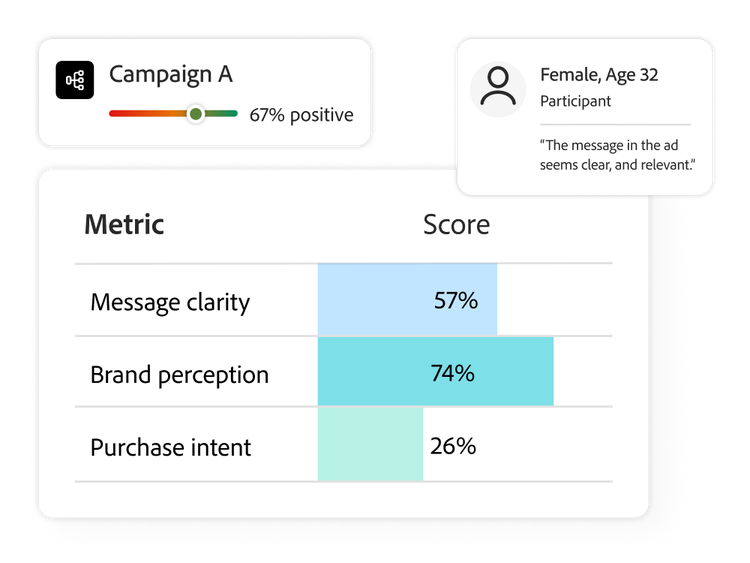
Explore what simulated audiences respond to and why, using summarized insights that connect reactions to messaging, creative choices, and brand signals.
- Reaction drivers and rationale. Surface the reasons behind simulated audience responses through AI-generated interview quotes.
- Quantitative and qualitative summaries. Combine metrics with detailed explanations to inform creative decisions.
- Sentiment analysis. Explore audience feedback categorized by positive, negative, or neutral signals to help guide what to refine or test further.
Refine campaign creative for your audience.

Guide campaign strategy.
Understand which core campaign messages may resonate with audiences and compare different positioning approaches.
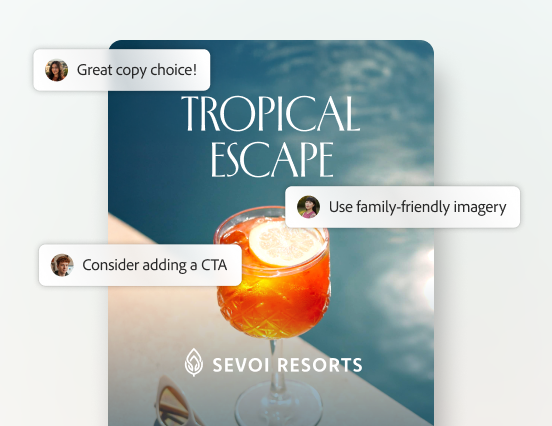
Inform creative decisions.
Identify whether creative elements align with campaign objectives and which images and copy elements may resonate most with audiences.

Explore creative concepts.
Look into how creative wireframes or first cuts of hero assets are articulating key customer value and understand which concepts may be more memorable.
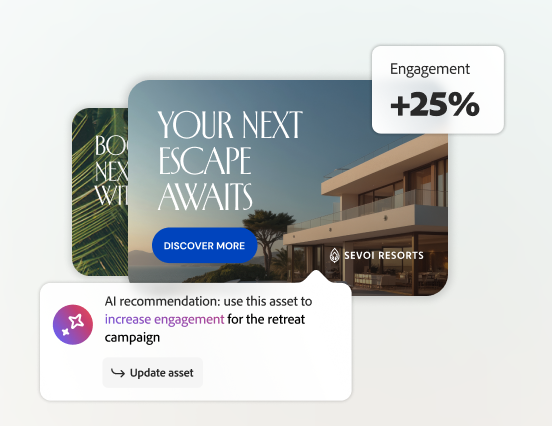
Refine campaign versioning.
Pinpoint how near-final assets can be refined to help meet key campaign objectives across audiences and channels.
Learn more about Simulate in {{adobe-brand-intelligence-system}}.
Read our blog to learn how the Simulate skill in {{adobe-brand-intelligence-system}} uses synthetic audiences to simulate how audiences may respond, helping teams explore creative options and inform creative decisions before campaigns go live.
Questions? We have answers.
What are synthetic audiences?
How does a concept testing platform evaluate ideas before production?
How does creative testing with synthetic audiences work?
Are AI focus groups a replacement for traditional market research or focus groups?
Can teams customize concept testing for different audience segments?
Does audience simulation predict CTR or conversion?