Adobe Learning Manager Features
Full cycle learning
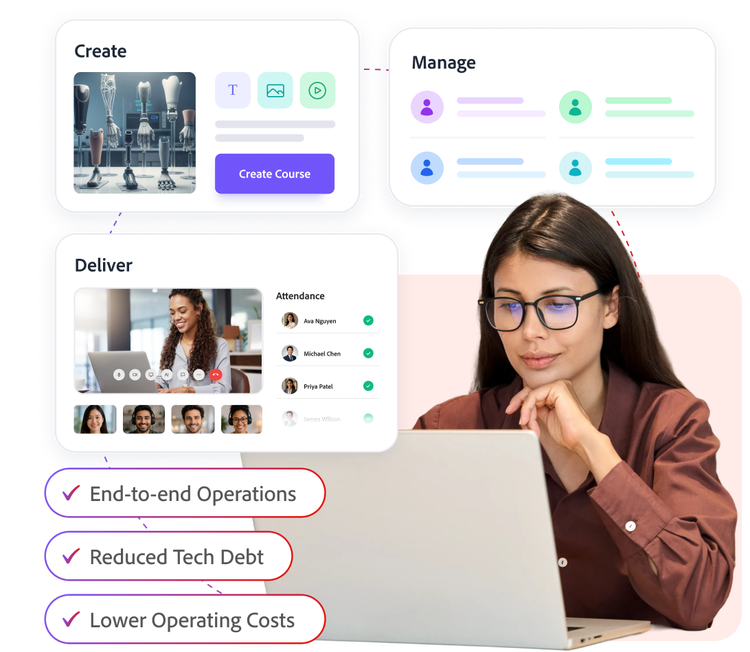
Stop stitching together learning across five different tools. Create content, deliver live and on-demand learning, manage audiences, and measure outcomes from a single platform built for customers, partners, and employees.
Move from disconnected tools to a connected learning ecosystem
Provide consistent experience across every learning format while reducing operational complexity.
- Give learners one destination for self-paced courses, live training, and practice-based learning experiences.
- Help administrators manage programs, learners, and reporting from a single console.
- Reduce technology sprawl and simplify security, privacy, and governance reviews for IT teams.
- Minimize the need to share learner data across multiple systems and reduce your operational and compliance risk.
Create learning content and publish directly to your learning platform
Empower teams to create high-quality learning content faster, without sacrificing instructional integrity.
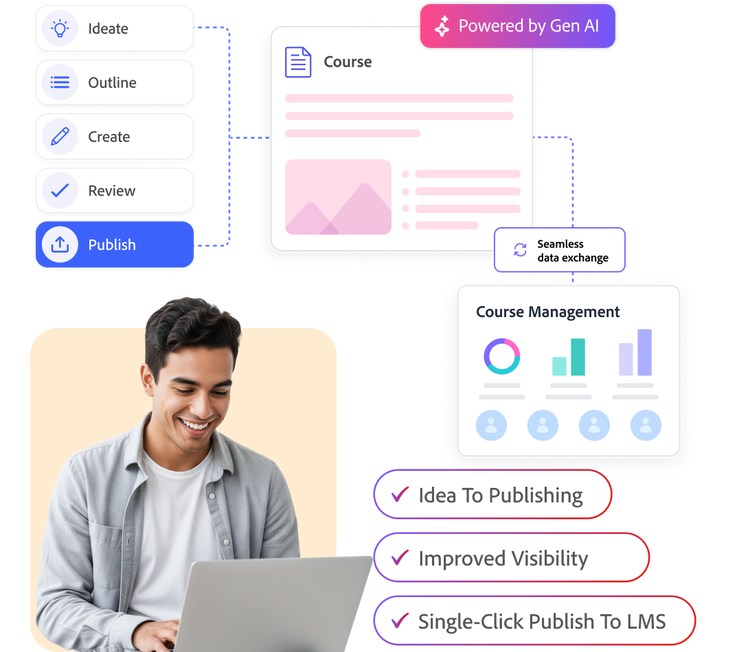
- Accelerate content creation with AI-assisted authoring support from ideation through publishing.
- Connect content creation and learner engagement data to help authors continuously improve learning experiences.
- Publish courses directly to Adobe Learning Manager with a single click, eliminating manual exports and LMS uploads.
- Build content on Adobe's enterprise-ready infrastructure and Responsible AI principles.
Help instructors spend less time managing sessions and more time engaging learners
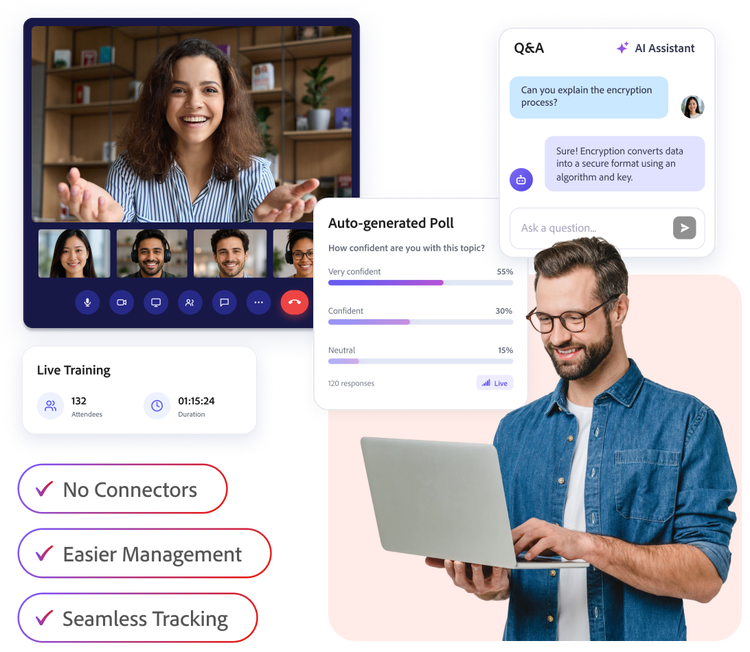
Run instructor-led training, partner workshops, and product enablement sessions without relying on separate virtual classroom solutions with Live Hub.
- Engage learners better with native live training session creation, helping brands extend the same experience across on-demand and live training on the same platform.
- Improve learner participation with AI-powered breakout room monitoring, polls, Q&A, and attendance tracking.
- Eliminate manual processes associated with importing learner records, recordings, and session transcripts from third-party platforms.
Build a complete view of learner needs and training outcomes
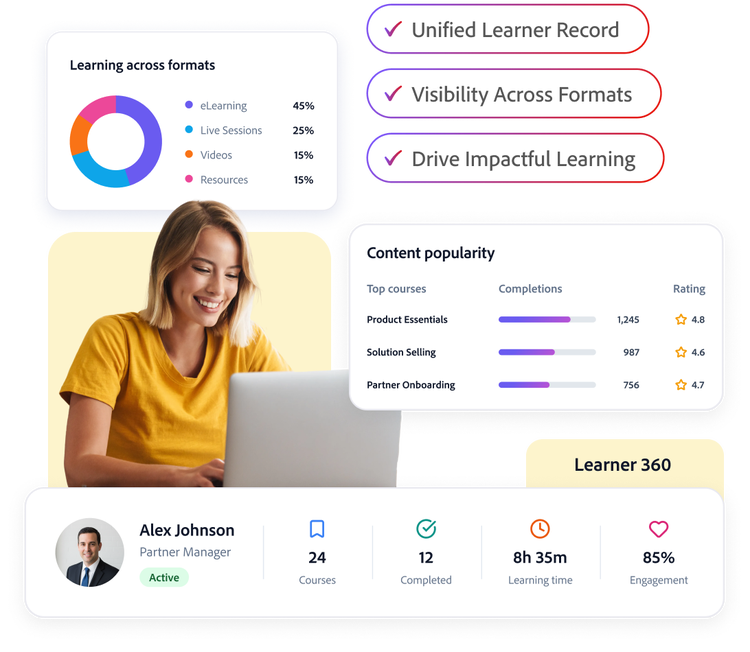
Understand how learners engage across every learning format to make better training decisions.
- Create a singular view of the learner – from interest, compliance, adoption to engagement across learning formats.
- Enable your training teams to understand learner needs across formats to guide better experiences over time.
- Help your authors get better visibility into content popularity and adapt the content strategy aligned with business needs.
- Use enriched learner data to drive business needs including prospect qualification, deal progression, partner revenue growth and improved employee productivity.
Learn how to use Adobe Learning Manager features.
Get answers in Experience League, our vast collection of how-to content – including documentation, tutorials, and user guides.
Learn more | Learn more about how to use Adobe Learning Manager features.