Watch Adobe MAX Online now — free. Catch keynotes, Sneaks, and 50+ sessions.


Adobe Firefly Creative Production can help teams scale approved creative into banners, product visuals, social video adaptations, and more. By using built-in templates, AI models, brand controls, and integrations with existing tools, teams can create reusable production workflows across campaigns, channels, and markets — accelerating launches, maintaining quality, and reducing rework.

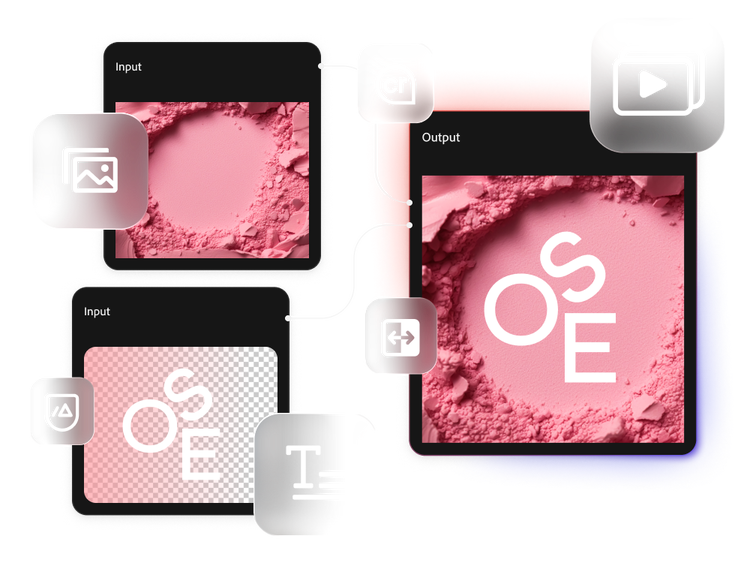
Generate banners from approved creative across placements, formats, markets, and audiences. Use templates to scale variations while carrying out the original creative and messaging.

Create marketing content from approved 3D digital twins. Use AI to scale it across your product catalog, channels, regions, and customer experiences while preserving pixel-perfect product identity.

Create multiple versions from a single approved video, tailored to the format, language, and context of the platforms and markets you target.
Firefly Creative Production supports Adobe Firefly models and can extend creative with third-party and custom models. Teams can choose the model for each step while keeping outputs, approvals, and delivery contained within a single governed production system.


NOW AVAILABLE
Scale packshots and showcase products in AI-generated scenes while maintaining product accuracy with 3D digital twins. Marketers can create content on their own by adjusting lighting, camera angles, environments, and configurations. This flexibility reduces the need for specialized creative support, manual production work, and the need for costly reshoots.
Serta Simmons Bedding halves its content creation time.
Discover how Serta Simmons Bedding built an AI-powered content supply chain for the future with Adobe Firefly.

Best Buy builds an AI-ready content engine.
Best Buy scales governed content activation with Adobe Experience Manager Assets, Workfront, and Firefly.

Route production outputs to proofing and approvals so reviews happen in context of briefs, tasks, and stakeholders.

Streamline review and collaboration for rich media by saving outputs for feedback and iteration.

Connect production inputs and outputs to your asset management solution to support governance and activation readiness.

Automatically validate production outputs against brand guidelines and display results in Frame.io for review and sign-off.