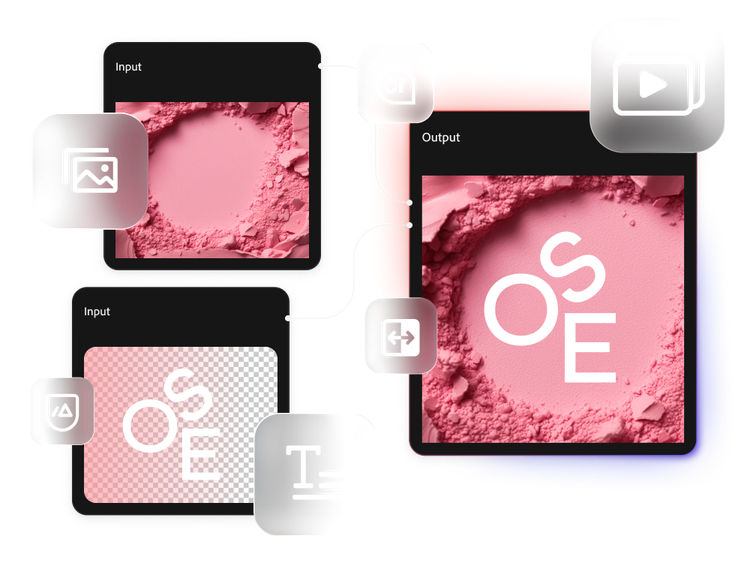
Ask
The right tool for every stage of work.
Built for different stages of the content lifecycle, Firefly Graph and Firefly Creative Production for Enterprise connect creative development and scaled production in one enterprise-ready workflow. Explore the comparison to see where each product fits.
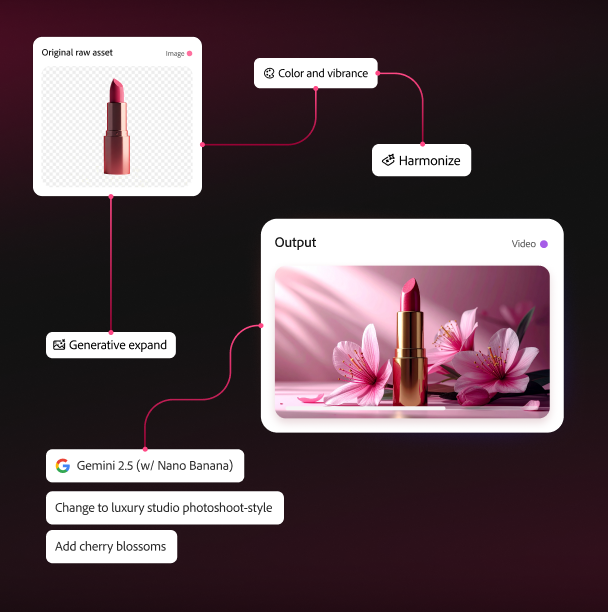
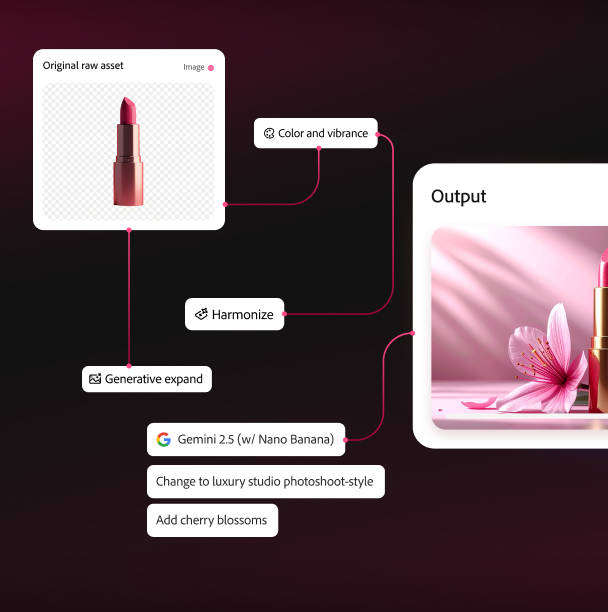
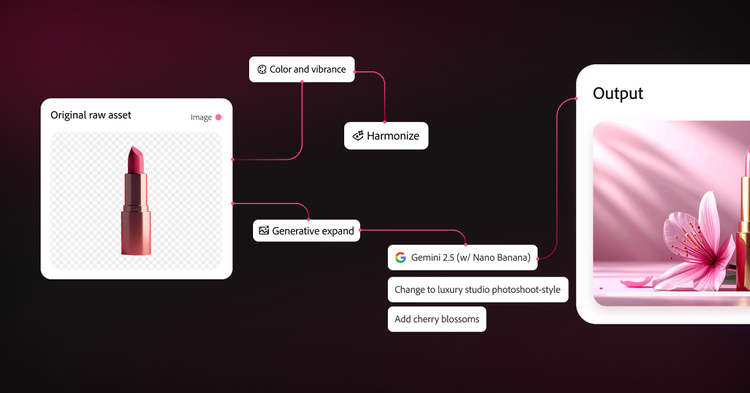
Firefly Graph for Enterprise
Workflow that empower creatives to produce standout content.
Firefly Creative Production for Enterprise
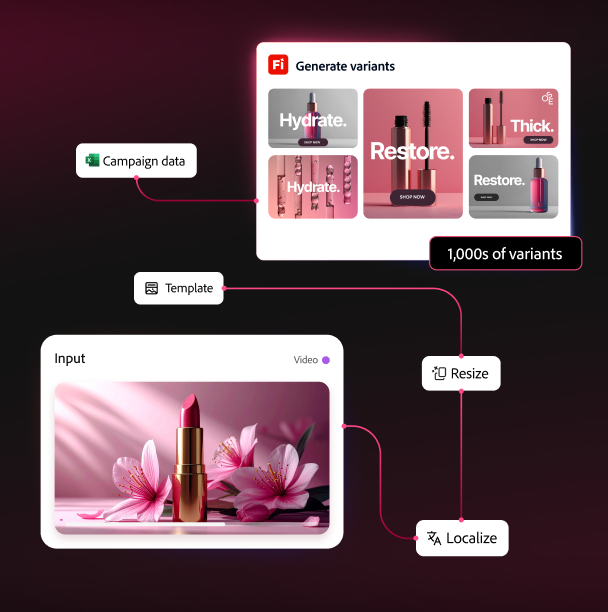
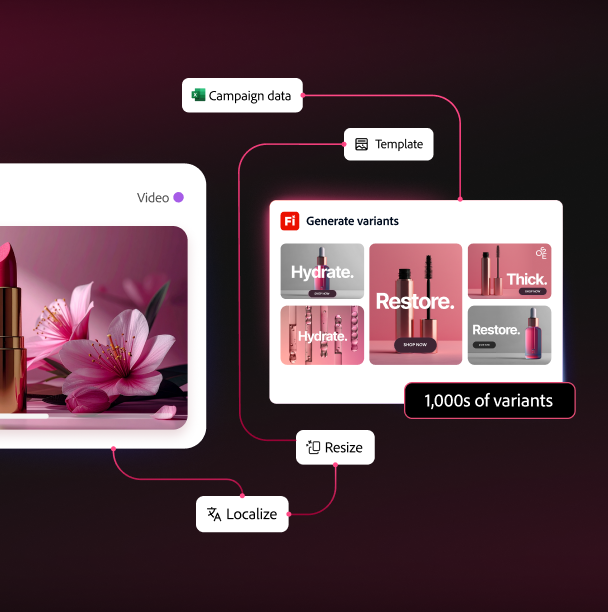
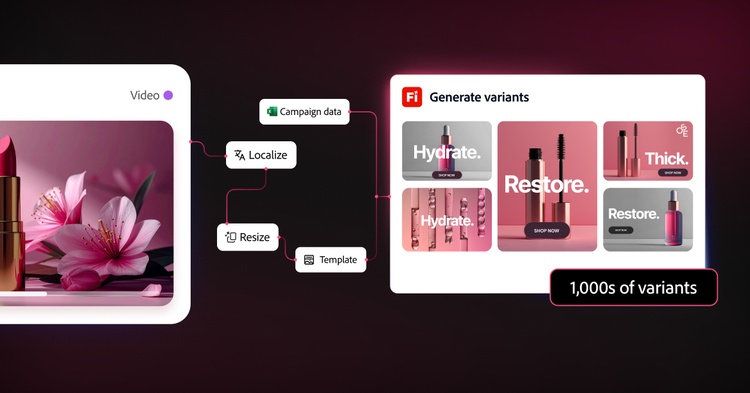
Downstream scaled production, managed with Adobe’s forward-deployed team for marketing ops, creative ops, and production – activating content at scale.

Upstream creative work for professionals and technologists developing hero assets.
Firefly Graph for Enterprise


Downstream scaled production, managed with Adobe's forward-deployed team for marketing ops, creative ops, and production — activating content at scale.
Firefly Creative Production for Enterprise
Questions? We have answers.
Firefly Graph, built for upstream creative work, helps creative teams design, refine, and reuse AI-powered workflows to produce high-quality assets with more precision and control. It's best for teams shaping how content gets made, from early concept development to repeatable creative processes.
Firefly Creative Production for Enterprise, built for downstream scaled production, helps teams standardize, automate, and run repeatable workflows that generate large volumes of on-brand content across channels, markets, and formats. It's best for organizations that need to operationalize approved creative and deliver production-ready assets at scale.
A business should choose Firefly Graph when the priority is building, refining, and reusing creative workflows with more control and precision. It is the better fit for upstream creative development, AI workflow design, and repeatable workflow authoring.
A business should choose Firefly Creative Production for Enterprise when the priority is high-volume workflow automation across channels, formats, and markets. If the goal is batch execution, operational scale, and production-ready output at volume, Firefly Creative Production for Enterprise is the better option.
Yes, you can start with just one, as each product stands on its own and solves a distinct enterprise need. Firefly Graph is part of Adobe Creative Cloud for enterprise and is ideal for creative teams that need to design, iterate, and govern AI-powered workflows. Firefly Creative Production for Enterprise is the right choice when your ops or production teams need to automate high-volume asset generation. Many enterprises will find the most value by running both, with Firefly Graph producing hero assets that flow directly into Firefly Creative Production for Enterprise workflows for scaled activation.
Think of it as upstream and downstream. A creative team uses Firefly Graph to build and perfect a hero campaign concept, designing workflows that combine generative AI models with Adobe Photoshop and Adobe Illustrator actions, then saving those workflows as reusable enterprise assets. Once the hero asset is approved, it moves downstream into Firefly Creative Production for Enterprise, which automatically generates every audience size, language, channel format, and regional variant, at production speed, with brand validation built in and outputs delivered directly into Adobe Experience Manager, Adobe Workfront, or your DAMs.
Both Firefly Graph and Firefly Creative Production for Enterprise are designed to help businesses scale creative work with stronger governance, but they support that need in different ways. For enterprises, the distinction is important: Firefly Graph helps govern how creative workflows are designed, while Firefly Creative Production for Enterprise helps govern how those workflows are executed in production. Firefly Graph helps organizations bring more governance to the creative development stage. It gives teams a structured way to capture creative decisions, standardize repeatable workflows, and apply enterprise controls around how AI-powered creative processes are built, shared, and managed. Firefly Creative Production for Enterprise extends that governance into production execution. It is designed for governed, production-ready workflows that automate repetitive content production while helping teams maintain quality, brand consistency, workflow control, and operational oversight at scale.
Firefly Graph helps enterprises scale by turning creative expertise into reusable workflows. Teams can capture how a high-quality asset is created, refine that workflow over time, and share it so others can reproduce consistent creative outcomes more efficiently.
Firefly Creative Production for Enterprise helps organizations scale by turning approved creative into high-volume output. Teams can standardize workflows, connect them to templates, rules, and systems, and generate on-brand variations across channels, regions, formats, and campaign needs.
Together, they address two different dimensions of scale: Firefly Graph scales the knowledge and repeatability of creative workflows, while Firefly Creative Production for Enterprise scales production throughput and activation.
Firefly Graph and Firefly Creative Production for Enterprise fit into the content supply chain as complementary solutions serving different stages of a workflow.
Firefly Graph supports upstream creative workflows where teams explore directions, define how content should be created, and turn creative knowledge into reusable workflows.
Firefly Creative Production for Enterprise supports the downstream production and scaling of assets where teams take approved assets, templates, workflow logic, and business rules and turn them into scalable, repeatable production output.
Firefly Graph helps define creative systems, while Firefly Creative Production helps operationalize that system across the enterprise.
cardTitle
Power content creation with precision and control.
Description
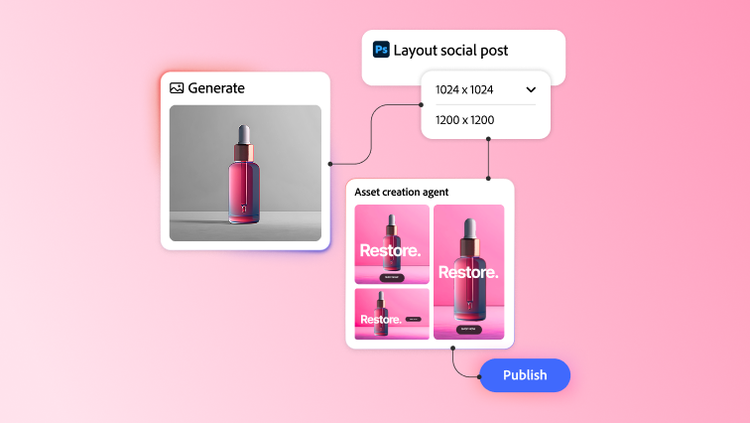
Firefly Graph and Firefly Creative Production connect creative development and scaled production in one enterprise-ready workflow.
cardDate
2026-06-18
cardImage
primaryTag
caas:content-type/product-page
Tags
caas:content-type/product-page, caas:products/creative-cloud-for-enterprise