
Integrate AI-powered ideation, asset creation, and intelligent automation with your design workflow.

Transform ideas into vector artwork.

Sketching, tracing, and rebuilding concepts consume time and limit the number of ideas teams can assess.

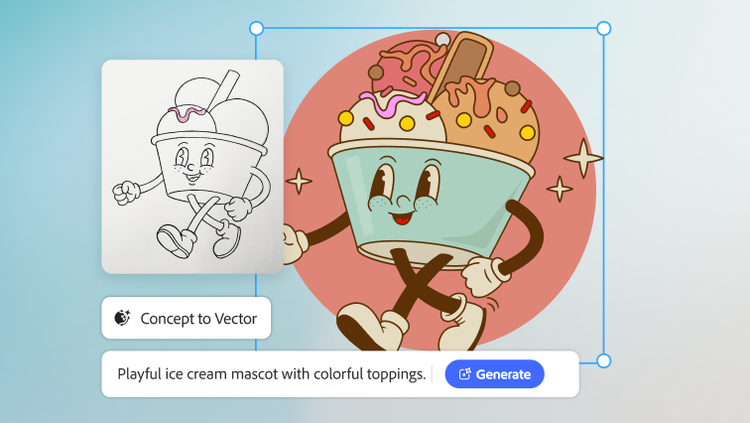
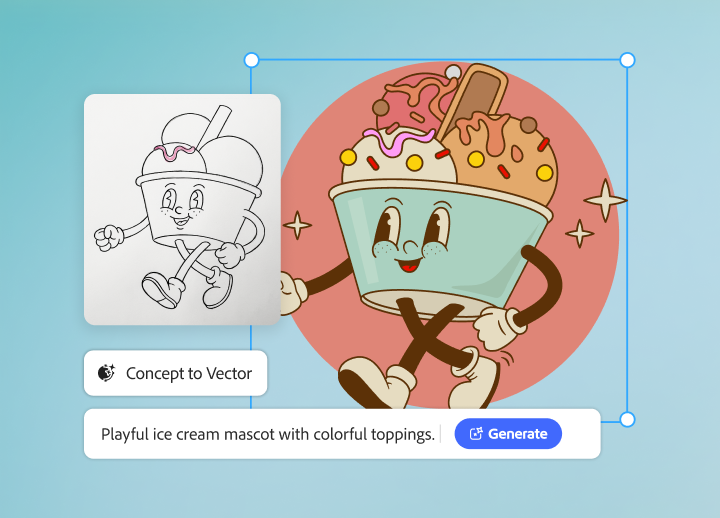
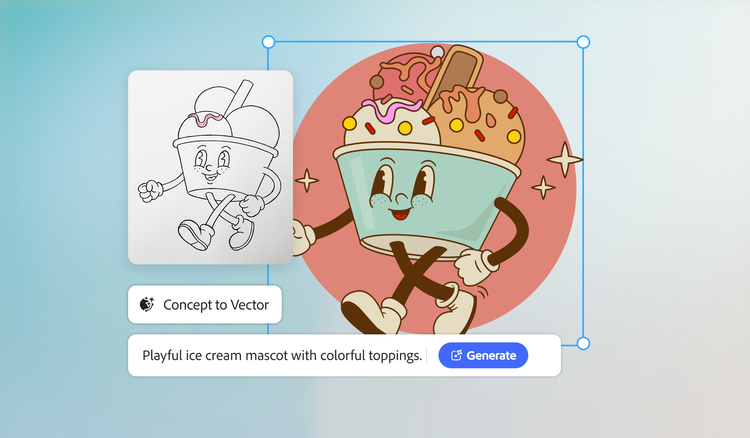
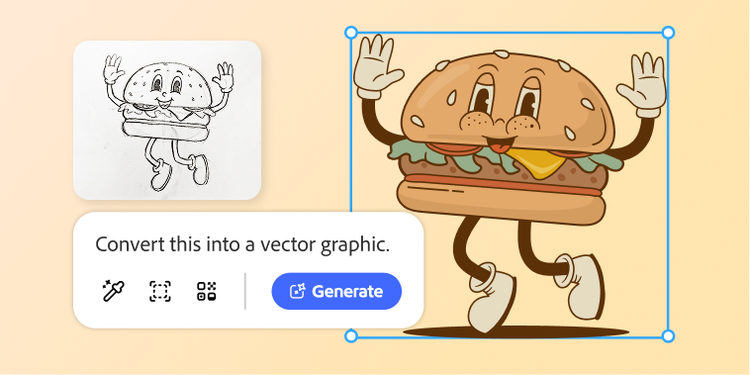
Adobe Firefly generates fully editable vector artwork from simple prompts, enabling designers to explore multiple directions in seconds and refine the strongest concepts in Adobe Illustrator by reshaping, restyling, recoloring, and restructuring them at will.

With extensive control over paths, shapes, colors, and composition, teams can explore more ideas, make better designs, and deliver stronger designs faster.
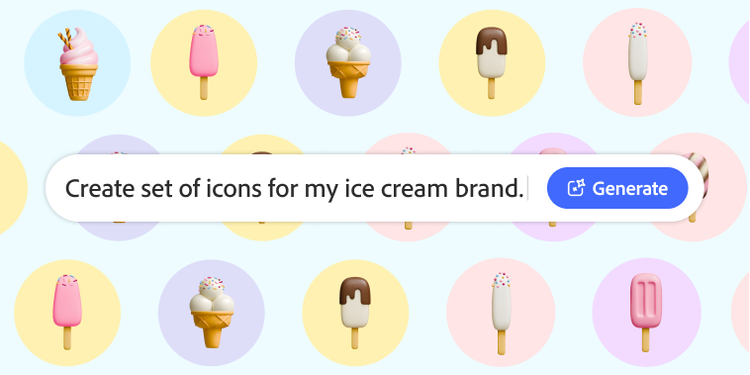
Generate on-brand assets faster.

Producing logos, icons, illustrations, and branded graphics is manual work, and as campaigns expand across channels, products, and audiences, teams must create more while maintaining brand standards.

The generative AI features in Adobe Illustrator delivers production-ready assets faster, with extensive creative control. Generate graphics from a prompt, refine with industry-leading vector tools, explore variations, recolor asset systems, and scale from favicon to billboard without quality loss.

The result: more creative iterations and consistent quality, at scale.

Scale designs across markets.

Global campaigns require teams to adapt to approved designs across languages, regions, formats, and channels. Doing it manually drains design time, breeds inconsistencies, and delays launch.

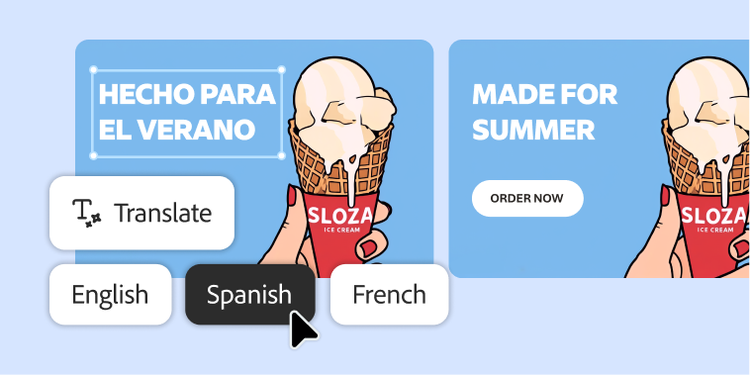
AI Assistant in Adobe Illustrator automates versioning and localization: generate market-specific variations from a master design, duplicate artboards, update localized copy, and maintain layouts and brand standards. AI flags text overflow and layout issues for a designer to verify and approve before publication, while editable, non-destructive files keep designers in control.

As a result, campaigns can be delivered faster, with less effort and greater consistency.

Learn more about how to turn creative concepts into scalable design assets.

https://main--da-bacom--adobecom.aem.page/fragments/products/creativecloud-business/graphic-design/customer-stories

Questions? We have answers.

How do AI features in Adobe Illustrator help enterprise design teams create vector artwork faster?

The AI features in Adobe Illustrator help enterprise design teams create vector illustrations faster by generating editable vector graphics from text prompts and accelerating color exploration with Generative Recolor. For teams adopting AI-driven graphic design, this translates to less manual setup during ideation and more time dedicated to refining production-ready artwork for campaigns, products, and brand assets.

Can teams generate logos, icons, and illustrations directly in Adobe Illustrator?

Yes, teams can directly generate icons and other editable vector graphics, including subjects, scenes, patterns, and icon-style assets, in Illustrator using Text to Vector Graphic. This makes Illustrator useful for developing icon design systems and exploring early logo or illustration directions, while still allowing designers to refine the final artwork as editable vectors.

How can Adobe Creative Cloud for enterprise support icon design at scale?

Creative Cloud for enterprise supports icon design at scale by helping teams generate editable vector options in Illustrator and manage reusable creative elements through Creative Cloud Libraries. For enterprises, this makes it easier to standardize icons, reuse approved brand assets, and keep design teams aligned across files, campaigns, and use cases.

How do AI-driven graphic design features in Creative Cloud for enterprise support design systems and brand consistency?

AI-driven graphic design features support design systems and brand consistency by helping teams create variations faster while leveraging shared libraries, reusable styles, and centralized brand assets to keep output aligned. For enterprise users, AI features in Illustrator can accelerate creative exploration, while Creative Cloud Libraries help ensure that designers across teams use the same approved colors, graphics, text styles, and other core brand elements.

How does Creative Cloud for enterprise help design teams maintain brand consistency across markets?

Creative Cloud for enterprise helps design teams maintain brand consistency across markets by centralizing brand assets and templates while giving regional teams the flexibility to adapt designs and illustrations for local needs. This balance is especially important for design localization, where teams need to adjust language, formats, and market-specific context without losing the core visual system that defines the brand.

Can AI-generated design outputs still be edited by professional designers?

Yes. AI-generated design outputs in Adobe Illustrator can, and should, be edited by professional designers. This is essential for enterprise vector illustration workflows, as it enables design teams to use AI to accelerate creation with extensive precision, quality, and control required for final asset production.

How do the AI features in Illustrator handle text overflow and layout issues across localized design versions?

The AI features in Illustrator help teams manage text overflow and layout adjustments in design localization workflows through Rewrite, which can generate, translate, proofread, and resize text. For enterprise AI-driven graphic design teams, this makes it easier to adapt copy when localized versions expand or contract, reducing the manual work required to resize and reflow layouts across markets.
#F8F8F8
*Customers remain responsible for trademark clearance/search before adopting AI-generated logo commercially.