Audience Profiling | Adobe Journey Optimizer
.

Adobe Journey Optimizer Features

Profiles and audiences

Create ready-to-engage customer profiles by combining data from online, offline, and pseudonymous sources and use a drag-and drop canvas to effortlessly design, manage, and enrich audiences. Both profiles and audiences are easily activated for batch campaigns and real-time customer journeys.

Watch demo

Manage audiences with Adobe CX Enterprise Coworker.

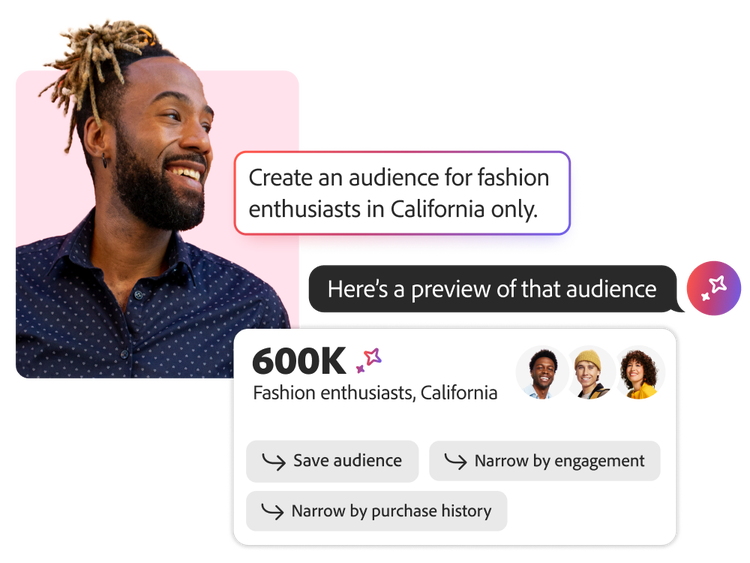
Empower your teams to collaborate and quickly create, manage, and optimize audiences with greater ease and efficiency using a conversational interface .

  • Accelerate audience creation and activation with conversational AI. Quickly discover, refine, and build high-value audiences using natural language, helping marketers move from insight to execution faster.
  • Improve audience quality and campaign outcomes. Validate audience definitions, estimate reach, and uncover opportunities to maximize engagement before campaigns go live.
  • Drive smarter personalization through audience intelligence. Gain actionable insights into audience composition and behavior to continuously optimize targeting and deliver more relevant customer experiences.
Adobe Journey Optimizer interface displaying a visual customer journey map with branching paths, touchpoints, and scheduling options for personalized campaign orchestration.
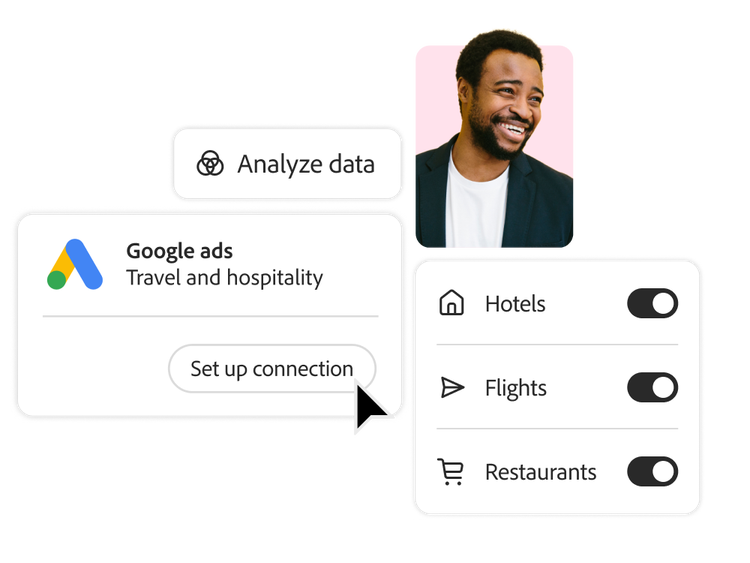
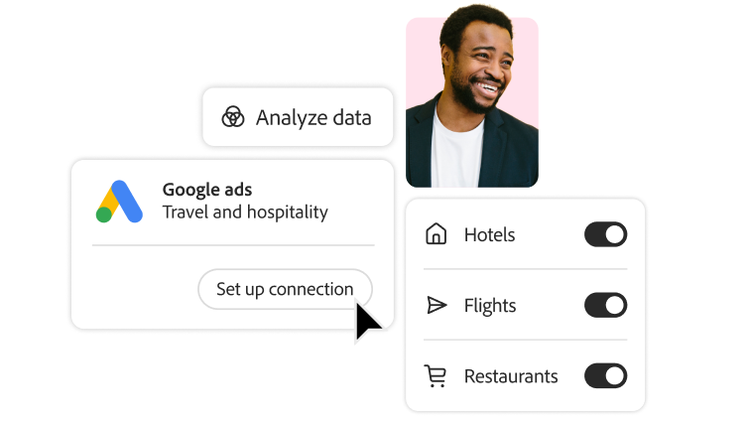
Setting up a connection between a customer profile and Google Ads

Real-time customer profiles

Bring together customer attributes and events from online and offline sources into unified customer profiles ready for use across your company.

  • Identity resolution. Connect customer identity across datasets by stitching data from various sources with disparate identity keys.
  • Data ingestion. Enhance customer profiles with real-time streaming data or batch updates using pre-built source connectors.
  • Data export. Export engagement data to popular cloud storage providers to maintain a complete, up-to-date record of customer interactions for reporting, archiving, or analysis.

Audiences profiles and segmentation.

Create and enrich audiences through a visual, canvas-based workflow. Journey Optimizer can also ingest existing audiences from other platforms for activation.

  • Audience management. Navigate and manage audiences easily with tagging, governance controls, and searchable folders. Explore audience trends and visualize overlap with easy-to-use dashboards.
  • Audience composition. Compose audiences in an intuitive waterfall-style workflow. Rank, cap, split, and join audiences to create new ones.
  • Audience enrichment. Enrich your audiences to boost personalization. Layer in additional attributes such as hours of operation of customers’ preferred stores.
  • Audience activation. Activate audiences within campaign and journey workflows. Build audience qualification events into journeys to target the right audiences on the right channels in the right moments, while avoiding marketing fatigue.
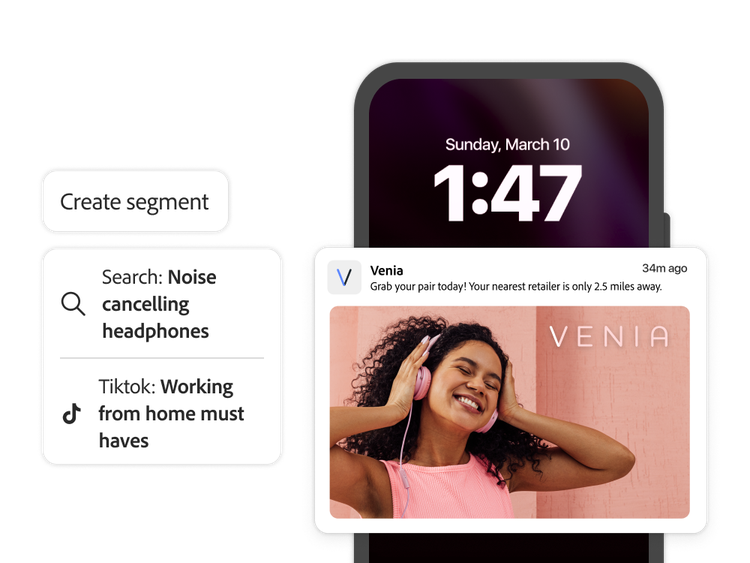
A customer segment and the resulting personalized mobile ad
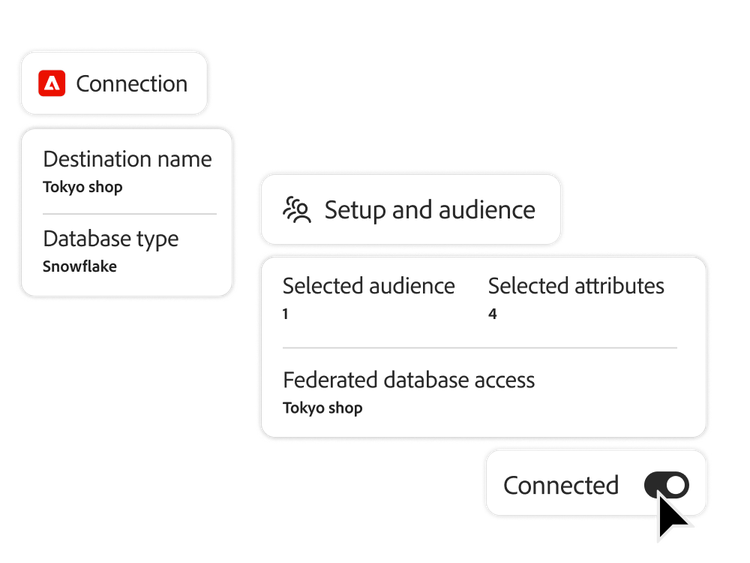
Connecting to Snowflake data warehouse to enrich audience with selected attributes

Federated Audience Composition

Create and enrich audiences directly from your data warehouse while minimizing data transfer and duplication.

  • Federated data access. Connect directly to data warehouses including Snowflake, Google BigQuery, Azure Synapse, and Amazon Redshift while minimizing data duplication and enhancing data governance.
  • Audience enrichment. Augment your existing customer profiles and audiences with data attributes from your data warehouse for refined segmentation, targeting, and personalized marketing.
  • Real-time activation. Instantly activate federated audiences across channels and touchpoints for timely, relevant customer engagement.

Data governance and privacy

Respect and protect your customers with enterprise data governance tools. Consent management, patented data labeling, policy creation, and enforcement tools keep your data operations compliant with evolving policies and expectations.

  • Labeling and cataloging. Create, manage, and enforce data usage policies with labeling, cataloging, and flexible out-of-the-box templates.
  • Alerts and policies. Prevent users from activating sensitive data with policies enforced through Journey Optimizer. In-product alerts notify your team of attempted violations.
  • Privacy service and consent management. Enable your teams to honor consent and privacy preferences using either an API or marketer-friendly interface.
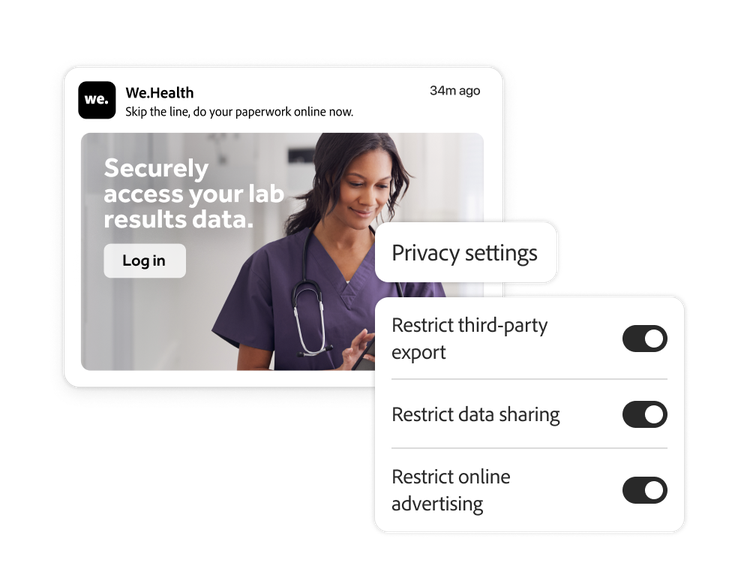
Privacy settings for an online healthcare platform
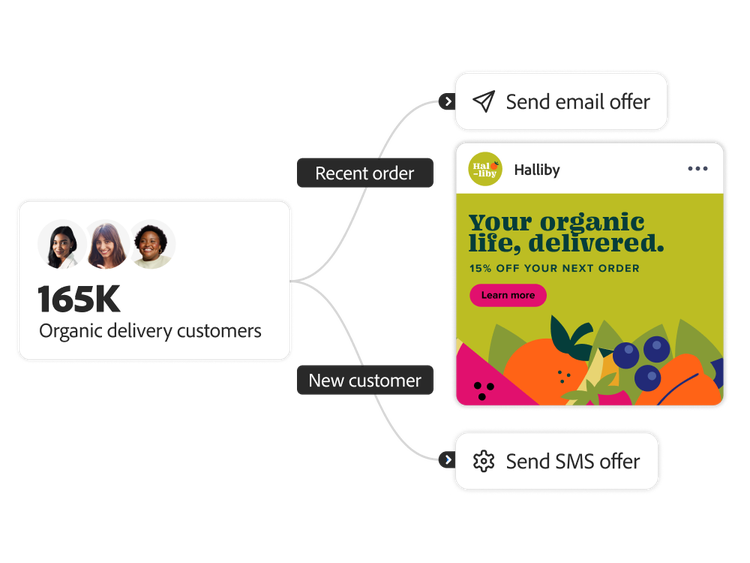
Audience workflow segmenting new and existing organic food customers

Learn more about personalizing journeys using unified profiles and dynamic segmentation.

Learn how to use profiles and audiences features.

Find what you need in Experience League, our vast collection of how-to content – including documentation, tutorials, and user guides.

Learn more

Questions? We have answers.

Let’s talk about what Adobe Journey Optimizer can do for your business.

Get started

New message from advisor