.

ADOBE JOURNEY OPTIMIZER B2B EDITION FEATURES

Omnichannel orchestration

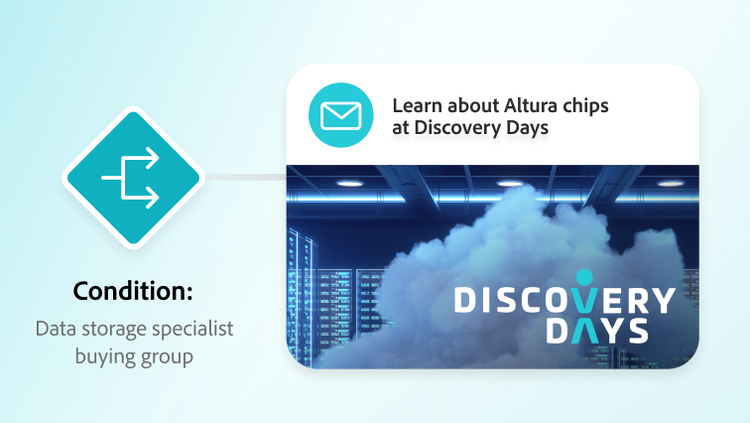
Orchestrate inbound and outbound marketing, sales, and advertising channels in harmony using a context-rich AI-decisioning engine for intelligent and seamless engagement.

Agentic journey decisioning

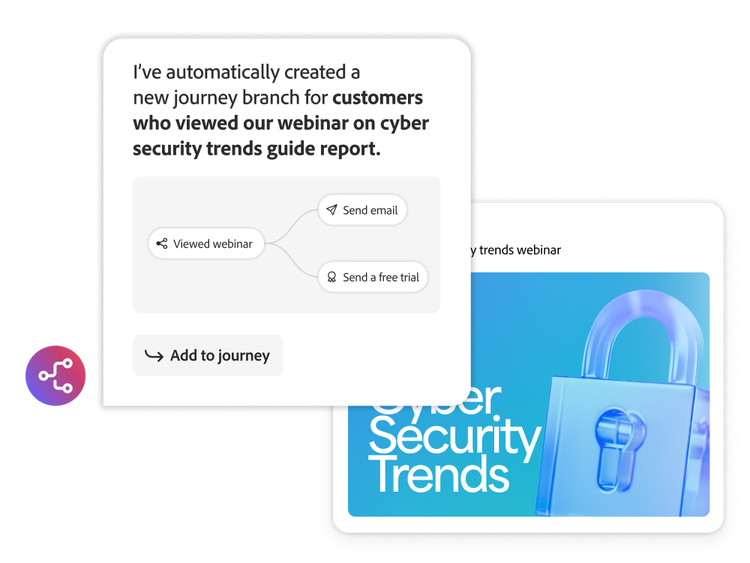
Use AI-driven decisioning to reduce manual rule setup, enable reusable-decisioning frameworks, and ensure real-time, context-aware routing during journey execution.

  • Real-time engagement triggers. Initiate engagement and automate journey progression using active listening and activity triggers that respond to real-time behavior.
  • Journey actions. Automate customer-facing engagement activities and internal marketing workflows, such as scoring behavior, for each lead, account, and buying group based on their journey activity.
  • Buying group engagement scoring. Measure the collective intent of an entire buying group by qualifying engagement based on the individual behavior of each group member.
  • Adobe Marketo Engage campaigns. Link Marketo Engage Smart Lists and Smart Campaigns to your journeys to enrich your lead marketing programs with account and buying group data and context.
Unified engagement channels

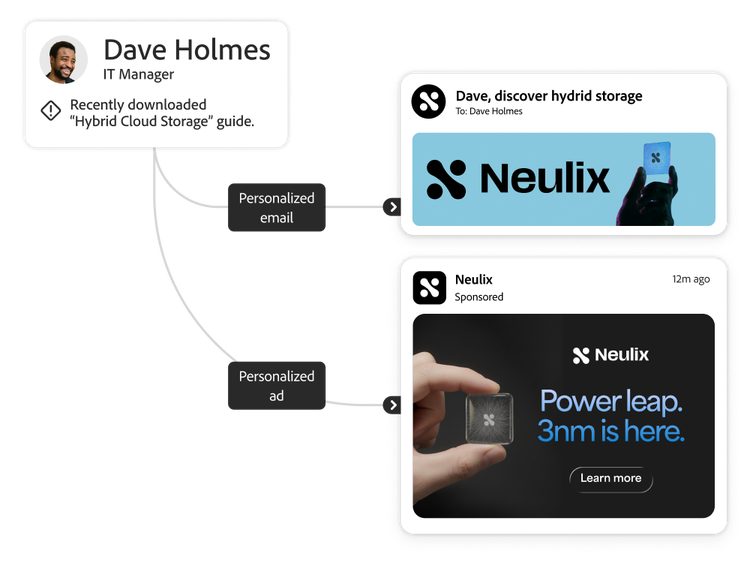
Ensure seamless marketing operations and customer engagement with one tool for all leads, accounts, and buying groups across inbound and outbound sales, marketing, and paid media channels.

  • Email. Deliver highly personalized emails that are enhanced with generative AI to boost engagement and conversions.
  • Paid media. Activate anonymous, pseudo-anonymous, and known profiles directly from the journey canvas to LinkedIn, ZoomInfo, Outreach, and many more destinations.
  • Website. Tailor web experiences across key stages of the buying cycle using behavior signals, solution interests, and engagement data.
  • Landing pages and forms. Activate personalized landing pages and forms with account, lead, and buying group context to capture richer first‑party data.
  • Mobile engagement. Launch precise, contextualized mobile experiences spanning in-app messages, push notifications, SMS, WhatsApp, and more, directly via the journey canvas.
  • AI-powered conversations. Turn anonymous web visitors into known leads and advance them in their journey based on engagement history and unified profiles using Adobe Brand Concierge.
  • Interactive chat and webinars. Target buyers using Adobe Marketo Engage channels like Dynamic Chat and Interactive Webinars to maximize the impact of your buying group experiences.

Email designer

Build, govern, and scale email experiences using modular authoring, intelligent personalization, and enterprise-ready controls — designed to maximize engagement across journeys.

  • Email building and modular authoring. Design, clone, and update email assets with a modern WYSIWYG editor, custom HTML, and email APIs. Validate experiences with built-in preview and simulation tools.
  • Personalization and dynamic content. Use reusable fragments, email templates, and handlebar scripting to support dynamic logic and advanced personalization.
  • Governance and operational readiness. Stay in control with brand‑approved templates, send‑time optimization, built‑in reporting, and compliance guardrails.
  • Centralized email preferences center. Standardize opt‑ins, respect customer communication choices across journeys, and ensure consistent enforcement of email limits and subscription settings.

Asset management integrations

Streamline the delivery experience by embedding marketing-approved content directly into account and buying groups.

  • Adobe Experience Manager Assets. Design personalized content for buying group members using assets from Experience Manager Assets, including AI-generated images from Adobe Firefly.
  • Adobe Marketo Engage. Reuse assets from Marketo Engage design studio for consistent, connected, and synchronized experiences across buying group journeys and campaigns.
  • Adobe Express. Easily create, edit, and access content for your journeys using Adobe Express within the asset library and the email or landing page editors. Generate and refine creative assets using Adobe Firefly within Adobe Express.
  • Adobe Stock. Accelerate content personalization by designing and editing assets using Adobe Stock photos, design elements, and thousands of custom fonts.

Learn how to use omnichannel orchestration features.

Find what you need in Experience League, our vast collection of how-to content — including documentation, tutorials, and user guide.

Learn more

Let’s talk about what Adobe Journey Optimizer B2B Edition can do for your business.

Get started