Adobe Workfront Planning
Make marketing strategy actionable with AI.
Turn strategy into structured, connected plans — with AI assisting from the first insight through brief creation and execution handoff.
Unify strategic ideation and campaign planning so enterprise context can carry through stages of the marketing lifecycle.
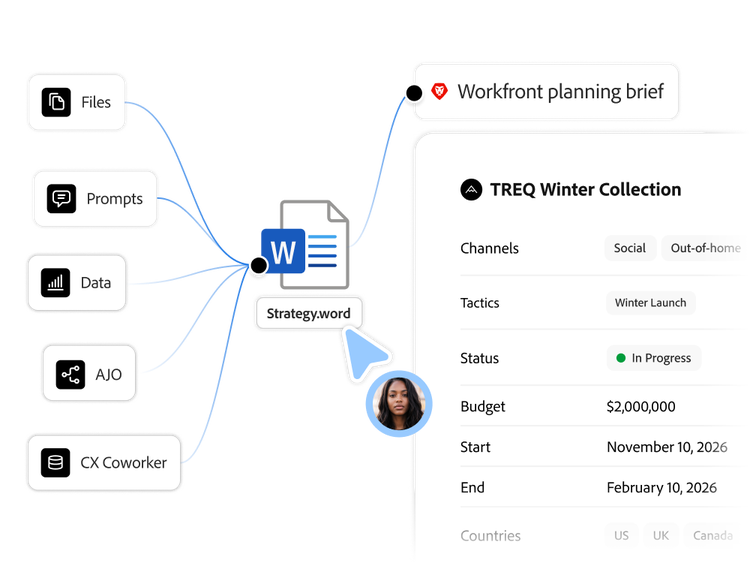
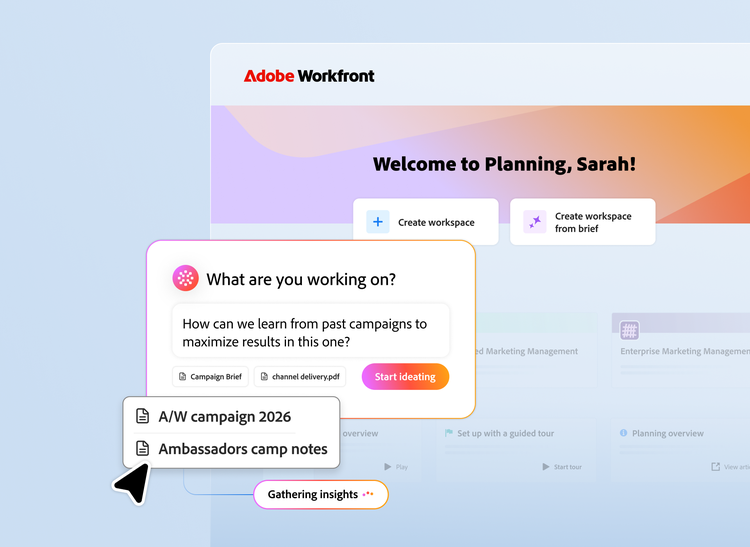
Shape campaign strategy with Ideation Space. (coming soon)
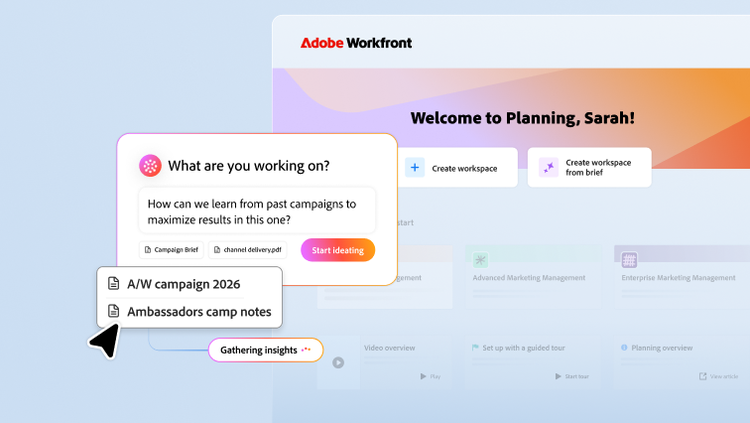
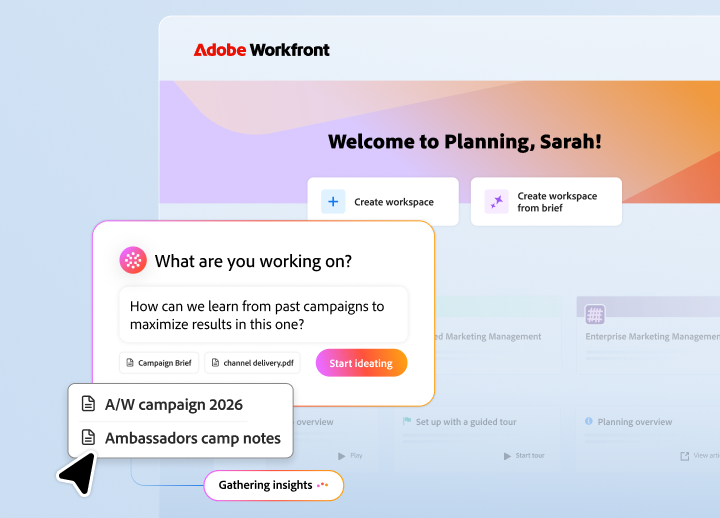
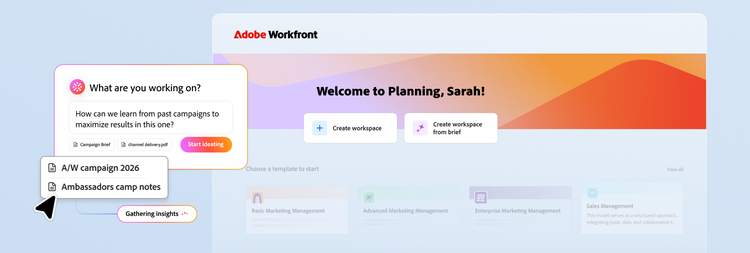
Turn scattered inputs into approval-ready campaign strategy with an AI-driven infinite canvas. Here, marketing teams can combine files, prompts, and ideas from across sources, then draw on their strategy to work with Adobe Customer Journey Analytics data.
- Leverage performance data. Introduce performance insights from similar campaigns via Customer Journey Analytics or other data sources — so strategy can be informed by how similar campaigns performed.
- Refresh or start from scratch. Update a proven campaign for a new season: leverage insights to help decide what stays, what shifts, and why, or build a net-new campaign with guided ideation, channel mix suggestions, and initial concept directions.
- Collaborate on the strategy itself. Share the canvas and colleagues join live — same view, same data, same moment. Strategy stops living in a doc that gets emailed around.
- Connect to Workfront Planning. Approved outputs can create new campaign workspace in Planning, populated based on your configuration for the team to review and pick up.
Customize campaigns and metadata from start to finish.
Create shareable enterprise context by building the custom data structure your business needs — so the way you organize campaigns in Workfront Planning reflects the way your business runs.
- Custom workspaces. Create workspaces for each team or business unit and define the records that are important for each group’s success.
- Custom records. Deploy custom record types that reflect your marketing lifecycle — campaigns, activities, planning, performance, and more.
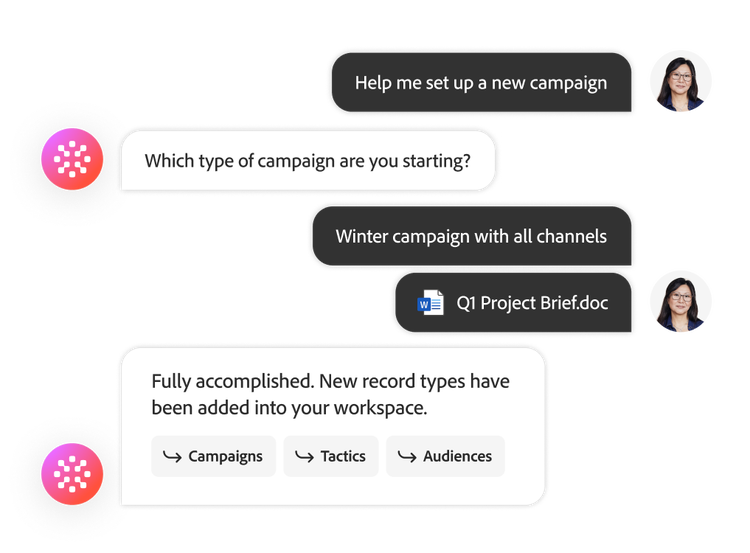
- Automated record creation. Create records with the help of AI through a chat interface or connection to Ideation Space. Records can also be created manually or through the upload of documents.
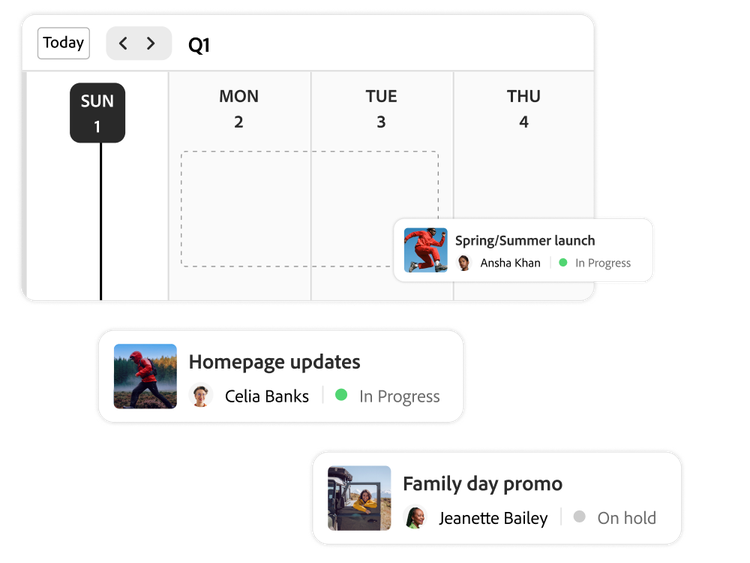
Visualize and share campaign views.
Build custom views that give team members and stakeholders the visibility they need — with campaign calendars, shareable timelines, and interactive filtering that turn planning data into actionable intelligence.
- Campaign calendars. Create calendars for your campaigns, events, deliverables, and more.
- Shareable views. Build, customize, and save views specifically for you, your team, or stakeholders.
- Custom filtering. Provide actionable intelligence with interactive timeline views in table or calendar format that you can create, save, and share.
Connect marketing records end-to-end.
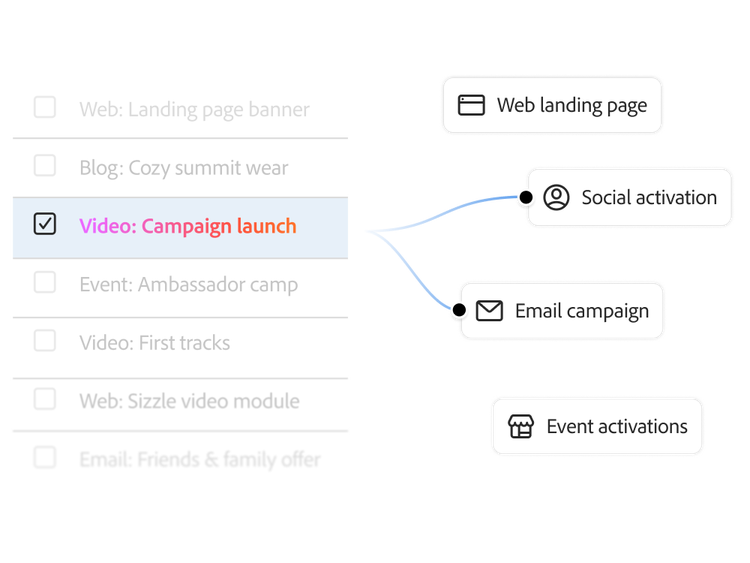
Unify marketing strategy and activities through an operational graph of your marketing data, connecting strategic planning to execution and visualizing the end-to-end workflow.
- Linked records. Combine planning and execution records to connect projects to the strategic priorities they support.
- Connected records. Connect records to each other or to Adobe and third-party data sources and applications.
- Global records. Standardize metadata across your organization through the creation of common records used cross-functionally for governance and visibility.
- Automate value calculation. Use lookup and formula fields to facilitate aggregation and calculation of data across linked records.
Learn more about Adobe Workfront Planning.
Let us show you the full power of Adobe Workfront Planning
Questions? We have answers.
What is Adobe Workfront Planning, and how is it different from Adobe Workfront Workflow?
How does Adobe Workfront Planning connect marketing plans to execution?
How do custom records help standardize campaign planning across teams?
What views can teams use to visualize campaigns in Workfront Planning?
Does Adobe Workfront Planning integrate with GenStudio for Performance Marketing?
What is strategic planning software, and how does it work?
What is the Ideation Space in Adobe Workfront Planning?