ADOBE ACROBAT STUDIO FOR LEGAL
Streamline legal analysis across contracts, policies, and cases.
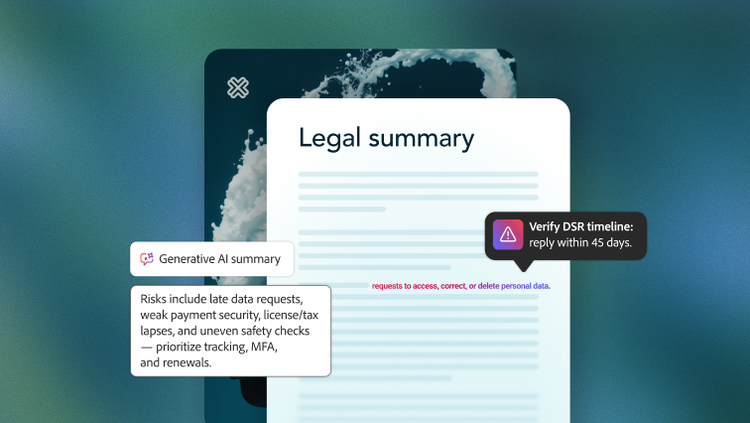
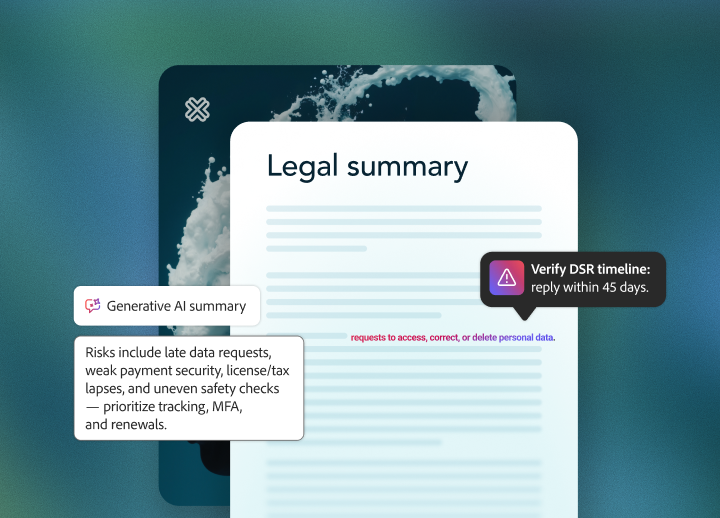
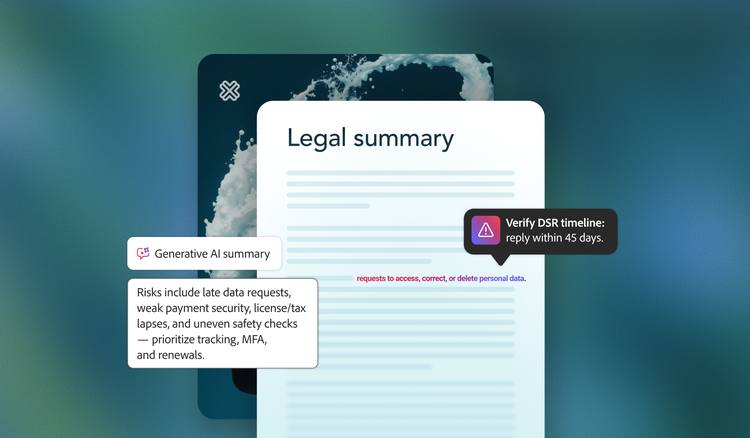
Extract key terms, summarize complex documents, and flag compliance risks with Adobe Acrobat Studio.
Whether reviewing non-disclosure agreements, analyzing briefs, or advising on regulations, your teams can deliver timely, trusted guidance that drives results.
Improve compliance and mitigate risk through intelligent, end-to-end collaboration.
Accelerate contract and policy reviews.
Organize contracts, policies, and legal guidance in one secure workspace. With PDF Spaces, legal teams can compare contract versions, track changes, and highlight key differences.
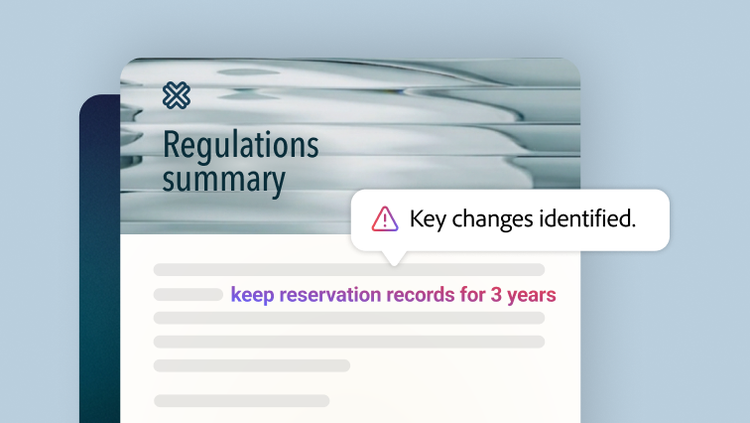
The AI Assistant extracts updates, summarizes regulations, and provides source-linked citations. This helps cut review cycles and lets teams focus on negotiation and compliance, rather than searching for the latest version.
Keep collaboration streamlined and secure.
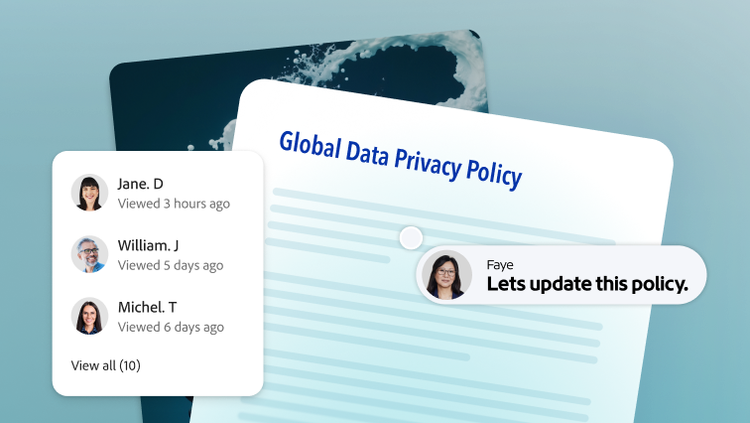
Let policy owners, legal counsel, and compliance leads collaborate in real time — annotating, commenting, and reviewing documents together. The share and track tools and in-document commenting provide visibility into edits and approvals — keeping collaboration organized, secure, and auditable.
Easily redact sensitive information before sharing with built-in functionality, protecting confidential details throughout the review process.
Distribute final policies with confidence.
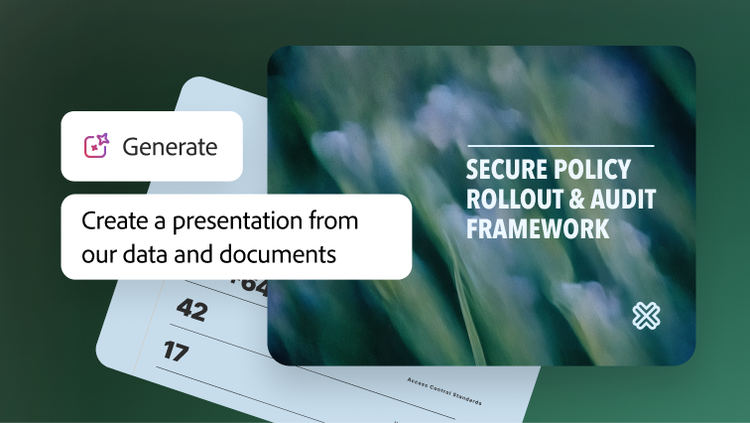
Easily transform insights and finalized policies into polished, on-brand summaries, memos, or guidelines using the generate presentation feature and Adobe Express templates.
Securely deliver documents as PDFs or consolidate them in interactive, AI-assisted PDF Spaces, with access controls so only authorized recipients can view sensitive content. Engagement is tracked, ensuring the right people receive and review every update.
Learn more about how Adobe Acrobat Studio empowers legal teams.
https://main--da-bacom--adobecom.aem.page/fragments/products/acrobat-business/legal
Questions? We have answers.
How does Adobe Acrobat Studio help legal teams accelerate document review cycles?
Does Acrobat Studio support compliance and audit requirements?
Can Acrobat Studio help identify risks in contracts or legal documents?
How secure is sensitive legal data within Acrobat Studio?
How can businesses pilot Acrobat Studio in legal without disrupting current workflows?
A typical pilot approach involves:
- Starting with one or two matter types like NDAs or vendor contracts.
- Giving Acrobat Studio access to a small cohort (e.g., commercial contracts group) via a dedicated product profile.
- Defining do-and-don’t rules, such as “Use AI for NDAs and vendor MSAs; no AI on active litigation or investigations.”
- Measuring cycle time, risk flagging, and stakeholder satisfaction versus your baseline.
Adobe provides adoption guidance and enablement content tailored to business and IT leaders rolling out Acrobat Studio.