
Content as a Service v3 - workfront-customer-stories - Friday, May 15, 2026 at 14:27
Ask




How do you want to learn about Adobe Workfront?
Explore the features and capabilities of Adobe Workfront, where humans and AI work together across the marketing lifecycle.
Human directed, agent executed.
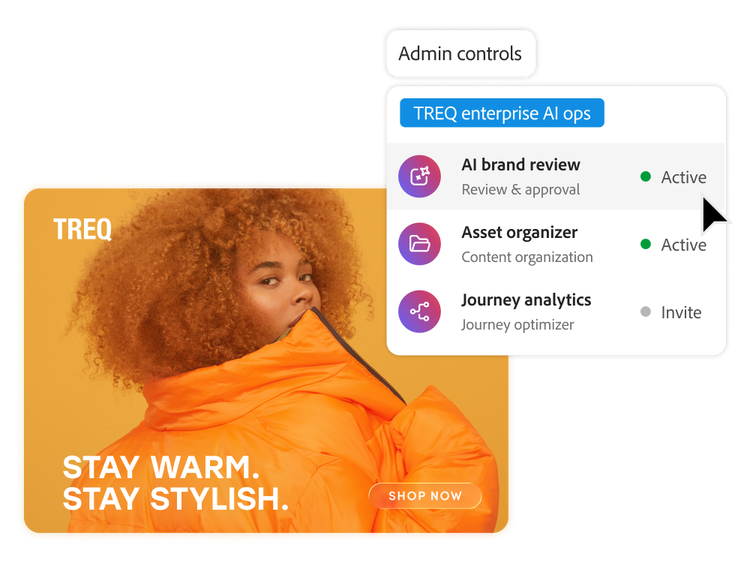
Work progresses automatically. Create seamless handoffs between people and agents in a system with shared context. Agents handle the heavy lifting, so human work can be elevated to focus on strategic and creative direction.
- Work assigned to any agent. Bring any AI agent into Workfront as a governed participant. Assign work to an AI Collaborator the way you would assign it to a person.
- Centralized AI workforce management. Create, register, and manage AI collaborators in a governed registry, making it easy to discover, assign, and apply AI consistently across projects, workflows, and teams.
- Context-driven execution. Assign AI collaborators to handle routine work, advance tasks, and support informed decisions using shared project, timeline, and campaign context — reducing rework and delays.
- Enterprise-ready intelligence. Apply Adobe’s best-in-class agentic capabilities with role-based access, defined actions, and oversight, enabling confident AI adoption that aligns with your organization’s policies.
Streamline enterprise planning.
AI-powered planning unifies planning and execution data to deliver actionable insights, role-based visibility, and consistent alignment at scale.
- Accelerate onboarding with AI that quickly sets up plans and brings teams into Adobe Workfront Planning, reducing manual configuration and getting everyone aligned from day one.
- Unify your marketing strategy and activities by linking planning and execution records across the marketing ecosystem.
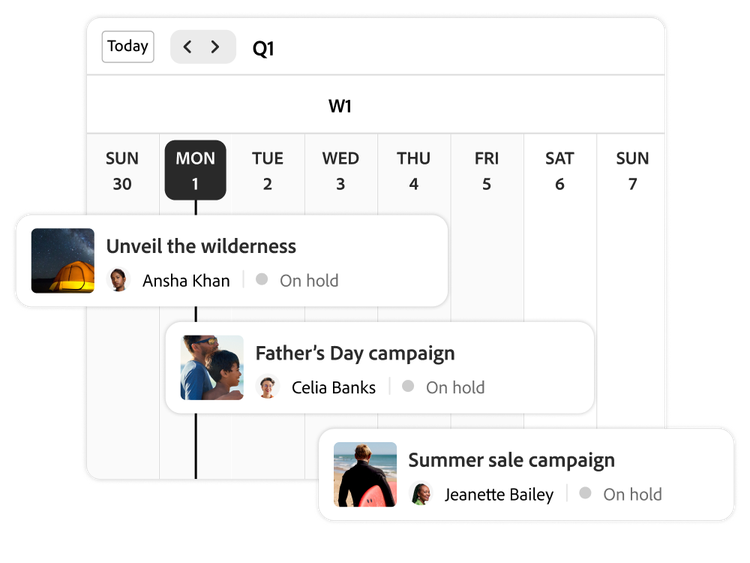
- Create, save, and share interactive views, such as calendars or timelines, to provide role-specific visibility and intelligence across teams.
Connect teams and tools.
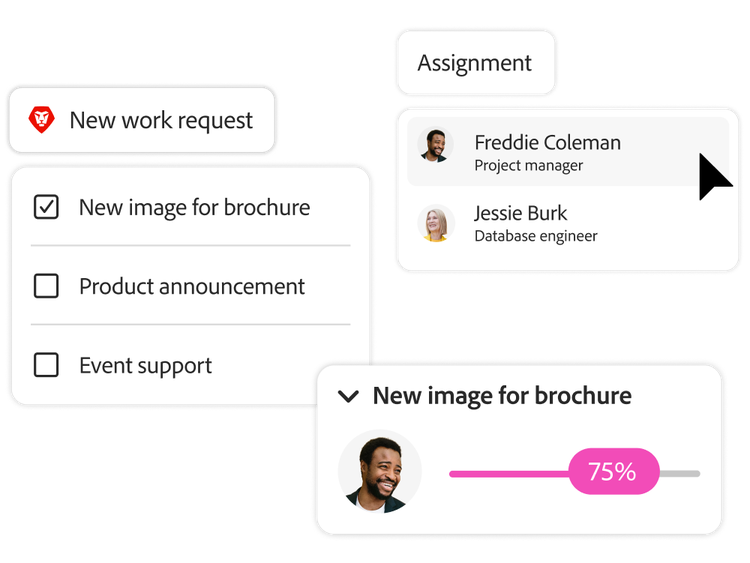
Workfront is your single collaborative system that lets you break down silos and manage all work across the organization.
- Consolidate work requests, streamline project intake, capture data with custom forms, accelerate project reviews, and surface your team’s work insights — all with Workflow Optimization Agent.
- Support multiple work styles such as agile or hybrid approaches.
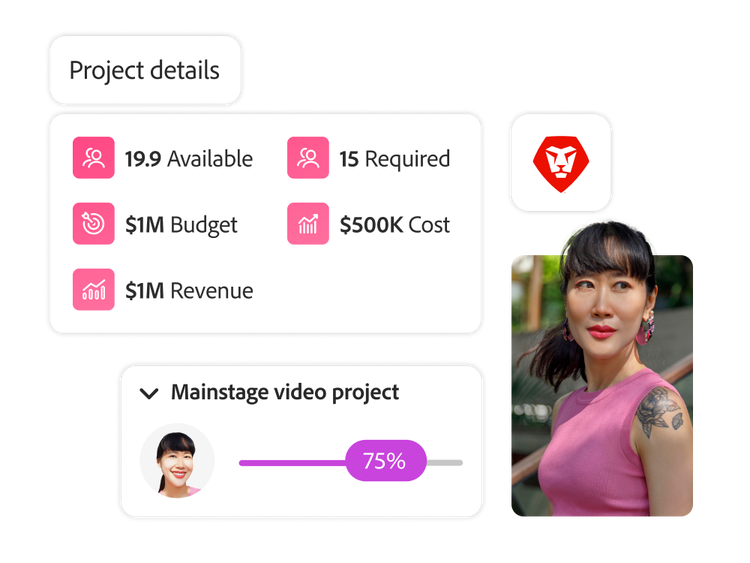
- Ensure team members are aligned by accurately estimating and budgeting resource allocation across work initiatives.

Automate workflows.
Streamline execution and accelerate time to market by eliminating manual work, standardizing processes, and connecting project workflows.
- Customize project templates that standardize execution and automate repeatable work.
- Keep work moving by automating sequential or parallel review stages.
- Automatically produce campaign briefs by using AI to ingest source documents in formats like Microsoft PowerPoint, Microsoft Word, PDF, and more.
- Customize each user’s home experience to view only relevant work and prioritize that day’s most important tasks.
- Build your own process automations without a team of developers.
Accelerate reviews and approvals.
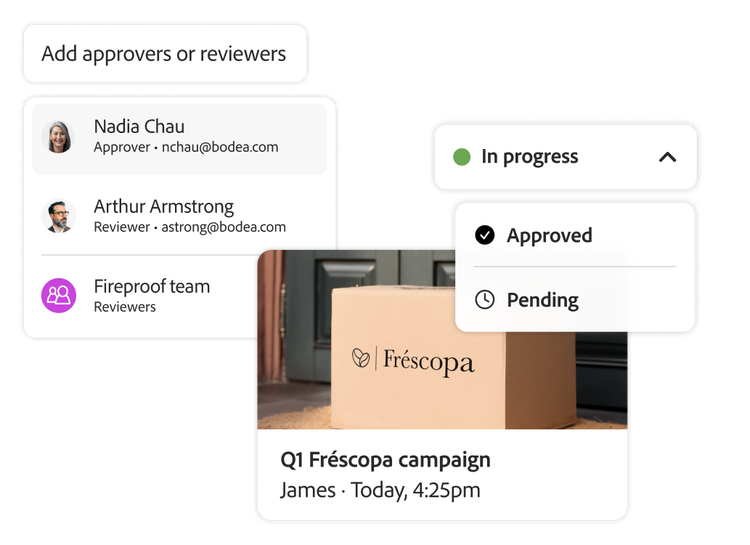
Help your teams easily collaborate across projects and applications with automated review and approval capabilities, AI-assisted brand checks, and cross-team access to project details.
- Deliver more work on time and on brand with advanced digital proofing and automated approval workflows.
- Rely on enterprise-level audit trails to meet the challenges of working in highly regulated environments.
- Shorten feedback loops with AI-driven capabilities that automatically score content for compliance with brand standards.
- Natively integrate with Frame.io to unify reviews and approvals and help creatives, marketers, and stakeholders collaborate more effectively from their preferred tools.
Visibility, control, and insights.
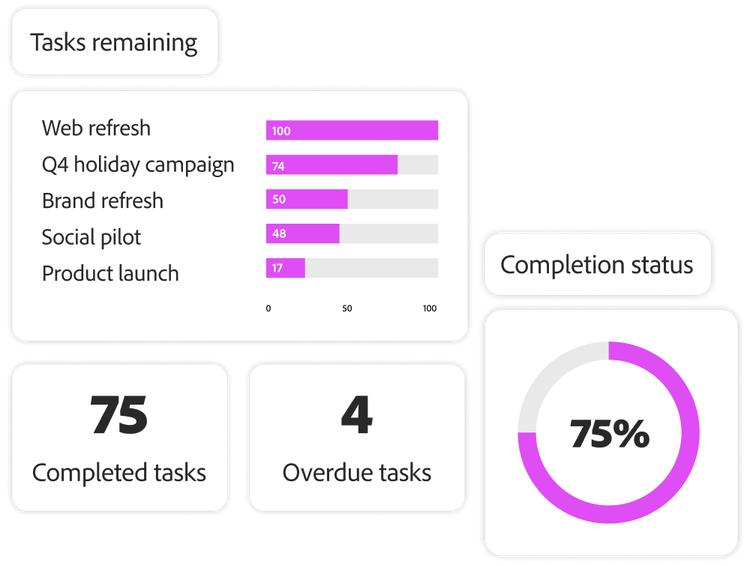
Operate marketing with confidence by clearly defining how AI is used, maintaining visibility into progress and risk, and ensuring brand, compliance, and accountability are built into every workflow.
- Make informed decisions and gather insights by building effective dashboards with user-friendly, visual tools.
- Add, edit, and manage the types of report widgets you want to add to dashboards to quickly build datasets.
- Export your Workfront data into data lakes or other business intelligence (BI) tools.
The innovations for Adobe Workfront.
- AI Collaborators. Assign work to any AI agent inside Workfront like you would a person. It pulls the context, does the work, and returns it for review.
- Workfront MCP. Connect any AI tool — like Claude, Copilot, or ChatGPT — directly to your Workfront data and workflows, enabling intent-driven execution, real-time insights, and governed actions across your entire work management system.
- Workflow Optimization Agent. Streamline marketing and creative workflows by translating natural language into intelligent, connected actions across planning, execution, review and approval, and insights.
- Unified review and approval. Provide fast, collaborative reviews and approvals of digital content with the power of Adobe Workfront and Frame.io for Business.
- Workfront Planning. Coming soon as a standalone product allowing teams to connect, customize, and collaborate — as well as providing centralized campaign planning and marketing calendars that give organizations the visibility they need and the ROI they require.
- Advanced enterprise operations. A unified and scalable way to manage finances, resources, projects, and enterprise access.
Adobe Workfront project management software use cases.

Scale your project management efforts.
Manage project workflows at an enterprise level with a single system so you can easily intake, resource, track, collaborate, and report on every project that is key to your business’s success.

Centralize project management for agencies and client work.
Orchestrate work across complex project management software. Let Adobe Workfront help centralize operations into a marketing system of record to deliver outstanding results for your clients.

Improve cross-functional collaboration.
Eliminate barriers with powerful enterprise project management software that encourages teams across the organization to contribute, collaborate, and work together seamlessly to produce the best results.

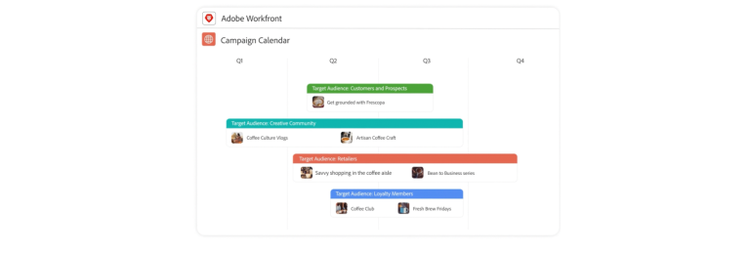
Execute campaign planning flawlessly.
Keep your campaigns aligned to business objectives and connected to execution workflows.
Unlock more with Adobe workflow software integrations.
Connect Adobe work management software to create and deliver timely, tailored experiences for every customer.
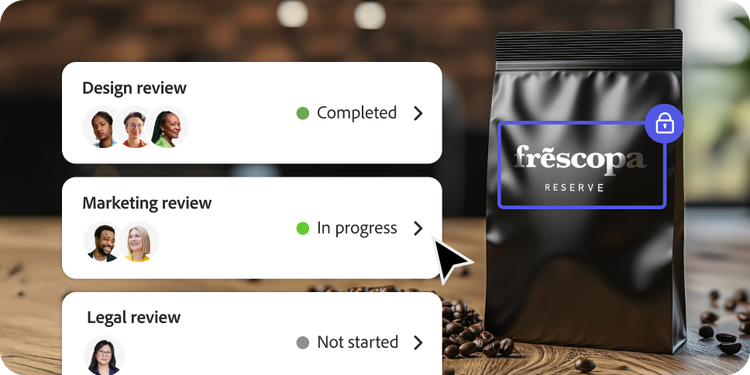
Streamline on-brand content creation with Adobe Express.
Deliver brand-compliant content with built-in review and approvals.

Do more with additional Adobe integrations.
Integrate Workfront with other Adobe products, including Adobe Experience Manager, Frame.io for Business, Adobe Creative Cloud for enterprise, and Adobe GenStudio for Performance Marketing, to build an optimized content supply chain.

Adobe Workfront has been named a Leader in The Forrester Wave™ Collaborative Work Management Tools report.
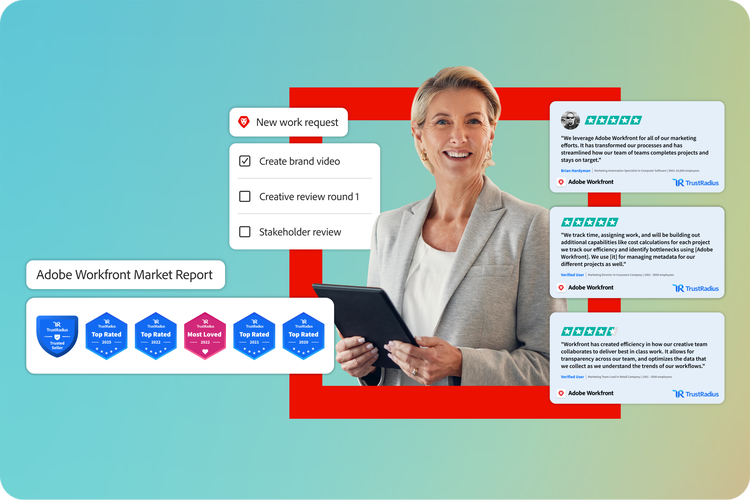
Adobe Workfront earned the 2025 TrustRadius Top Rated award, based on customer reviews.
Helping some of the world’s biggest companies build a marketing system of record.
Learn more about Workfront.
Questions? We have answers.
Adobe Workfront is a human-agent work management solution that helps teams and organizations plan, track, and manage their work efficiently. It’s designed to streamline project management, task collaboration, resource management, and portfolio management across various teams and departments.
Workfront lets people and AI agents work side by side in one governed system. AI Collaborators bring agents directly into your existing workflows — whether that's Adobe agents, custom agents, or third-party agents built in Claude or Copilot. Workfront MCP extends that same governed access to the AI tools your team already uses. Ideation Space in Workfront Planning captures campaign ideas and carries them into a connected plan. Content Reviewer unifies Workfront and Frame.io for Business with automated brand checks. This list will grow as new agentic capabilities roll out.
Every AI or agentic action — through AI Collaborators or Workfront MCP — runs in compliance with your existing permissions, roles, and licensing, so agents can only see and do what the person behind them is already authorized for. MCP access requires the same OAuth authentication used to log into Workfront. Every action is logged and auditable, giving IT and compliance full visibility into what ran and who approved it. With AI Collaborators, human-in-the-loop approval is built in by default — so teams can scale AI while staying on-brand, on-policy, and accountable.
In a world of growing content demands and fragmented data, you need to think strategically about your operations. Adobe Workfront helps you lay the groundwork for centralized management of your entire marketing life cycle, leading to comprehensive visibility, robust project management, valuable insights, and campaign orchestration at scale.
Workfront offers robust project management software project management software capabilities, allowing managers to view team capacity, allocate resources to projects and tasks, and balance workloads across teams or individuals. It also provides tools for resource scheduling, capacity planning, and skill-based resource allocation.
Workfront facilitates cross-team collaboration cross-team collaboration by driving efficiencies through every stage of a project and simplifying review and approval cycles.
Workflow automation Workflow automation is a business process that uses software to automate repetitive tasks such as email communication, data entry, and software updates to increase work productivity and efficiencies.
Workfront includes native integrations Workfront includes native integrations with the top enterprise tools and systems, including Adobe Experience Manager, so your team can continue to work with focus, efficiency, and productivity.
Let us show you the full power of Adobe Workfront.
title
Marketing workflow
CardDescription
Connect, collaborate, and execute complex workflows, all from one platform.
cardDate
2024-8-22
cardImage

primaryTag
caas:content-type/product-page
Tags
caas:content-type/product-page,caas:products/workfront,caas:cta/learn-more
Let’s talk about what Adobe Workfront can do for your business.