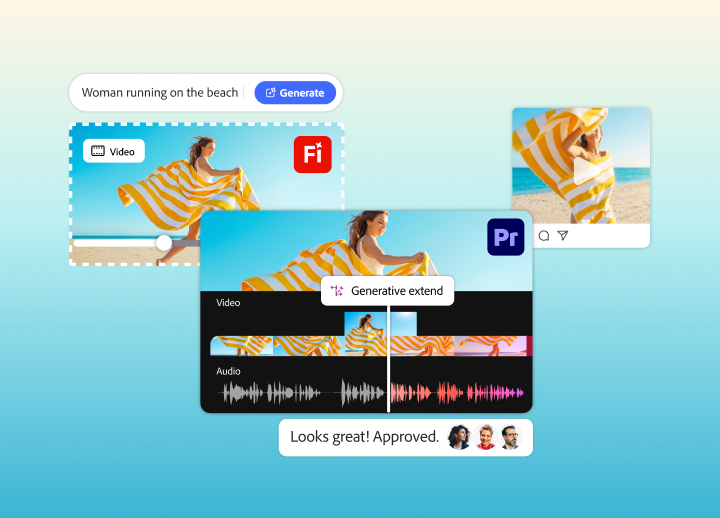
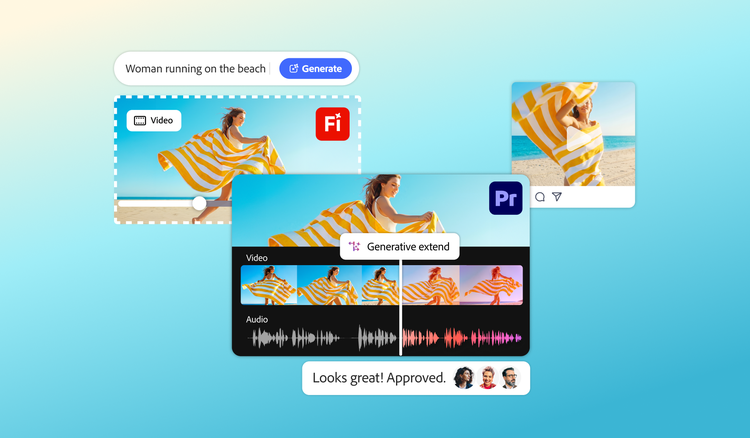
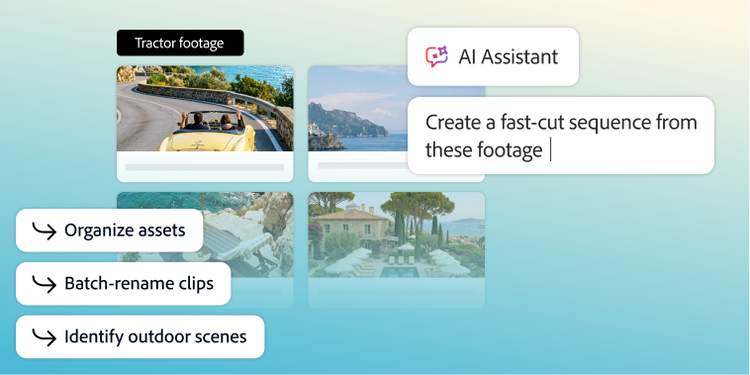
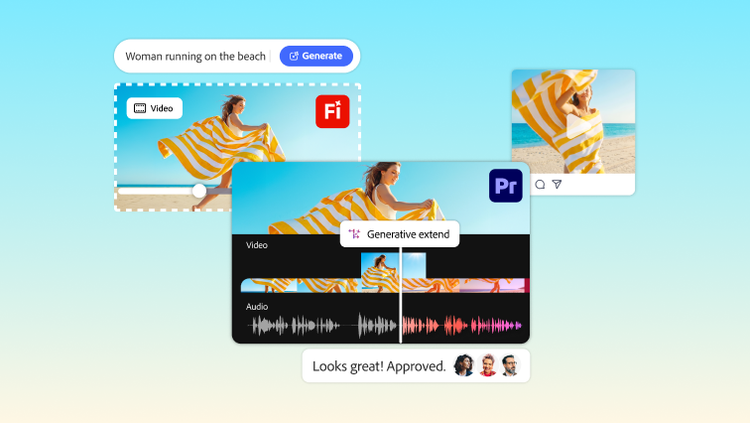
Adobe Creative Cloud for enterprise supports enterprise video production by connecting concept development, asset generation, editing, review, and collaboration in one creative ecosystem. For executive teams, that means a more efficient video production process across planning in Firefly, editing in Premiere, and feedback workflows that help distributed teams move projects forward with less friction.
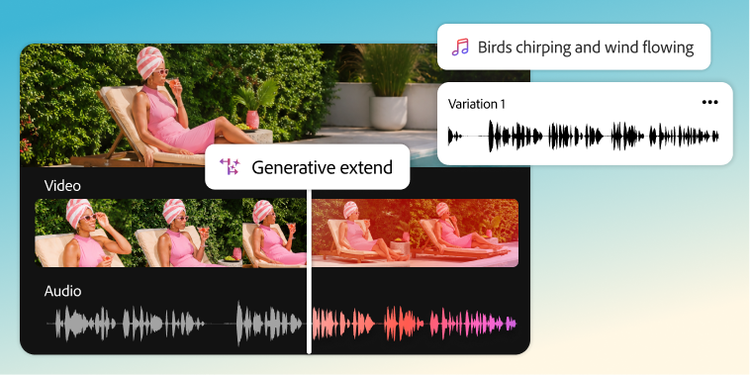
Yes. Adobe Firefly supports both visual and audio generation workflows for video production. Firefly supports capabilities for generating images and video, and also audio workflows such as sound effects, soundtracks, speech, and audio translation, which makes it useful for teams looking to accelerate both visuals and audio production around a project.
Adobe Firefly can generate several types of supplemental content for a video production workflow, including concept visuals, generated video clips, sound effects, and soundtracks. For enterprise teams, that makes Firefly useful for filling creative gaps, supporting earlier concept development, and supplying additional content that helps editors and producers keep projects moving.
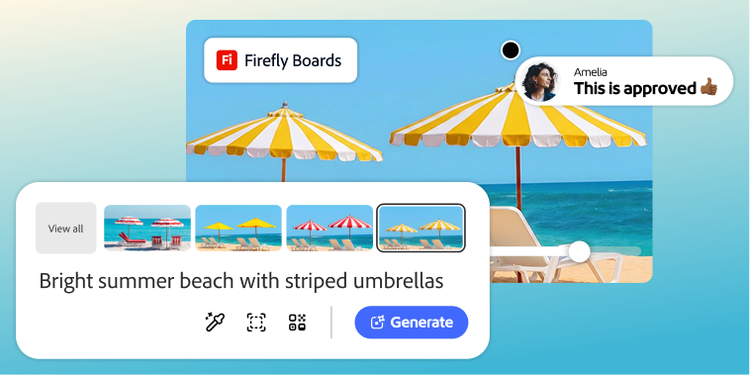
Adobe Firefly Boards helps teams connect storyboarding to the broader video production workflow by giving them an infinite canvas for organizing ideas, references, generated assets, and early creative exploration before production begins. For enterprise teams, that means stronger alignment on narrative direction and visual approach before editors, producers, and stakeholders commit time deeper into the video editing workflow.
Adobe Premiere helps enterprise teams start editing faster by reducing the time between asset creation and the first edit, including direct handoff from Firefly video into Premiere and workflow features like Generative Extend in Premiere. For large teams, this improves the video editing workflow by helping editors move sooner into rough cuts, revisions, and finishing instead of losing time on setup and missing content.
Audio production is a core part of effective enterprise video production because sound design, soundtrack, speech, and translated audio all shape how content is understood across channels and audiences. For executive teams, strong audio workflows matter because they help enterprise video content feel more polished, more adaptable, and more usable across different markets and formats.
Creative Cloud for enterprise can help reduce video production costs by improving concept alignment earlier, generating supplemental content when teams need it, and reducing friction in editing, reviewing, and revision workflows. For enterprise video production, those efficiencies can help lower the operational cost of rework, delays, disconnected tools, and repeated manual effort across the production lifecycle.
Yes. Creative Cloud for enterprise supports collaborative video editing workflow needs for distributed teams through tools like Team Projects in Adobe Premiere and review workflows with Frame.io for Business. Creative Cloud supports cloud-based collaborative editing, shared project work, real-time comments, revision tracking, and faster approvals, which are all important for enterprise video production teams working across locations.