.

Adobe Workfront Features

Centralized workflow

Scale production and business outcomes with an enterprise workflow management tool that connects teams, streamlines processes, and supports even the largest enterprises in building a marketing system of record.

AI Assistant

Get the information you need immediately through a natural language conversational interface. Ask questions or choose a suggested topic to quickly get AI-generated answers based on data insights, product documentation, Adobe Workfront app usage, and more.

  • Quick answers. Access information using a simple question-and-answer format or commands such as, “Tell me about this project,” “Summarize this document,” “Find a project,” or others.
  • Detailed insights. Get detailed insights within Workfront, including answers to complex questions and usage insights.
  • Actions. Perform actions such as creating projects, tasks, or issues, without navigating to different areas of the platform.
Workflow Optimization Agent (coming soon)

Unlock smarter, faster ways to work with AI-powered workflow intelligence.

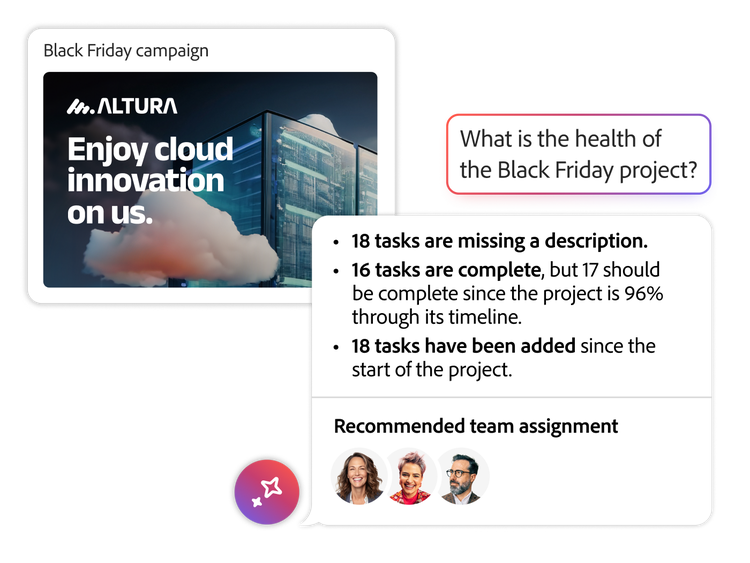
  • Automated capabilities. Specialized capabilities support automated approvals, project health monitoring, and seamless transformation of creative briefs into actionable work.
  • Insights. Proactive insights and automation help teams anticipate issues, maintain momentum, and make confident decisions.
  • Support. Intelligence embedded into every touchpoint gives teams support when and where they need it.

Discover more about Workflow Optimization Agent.

Centralized request queues

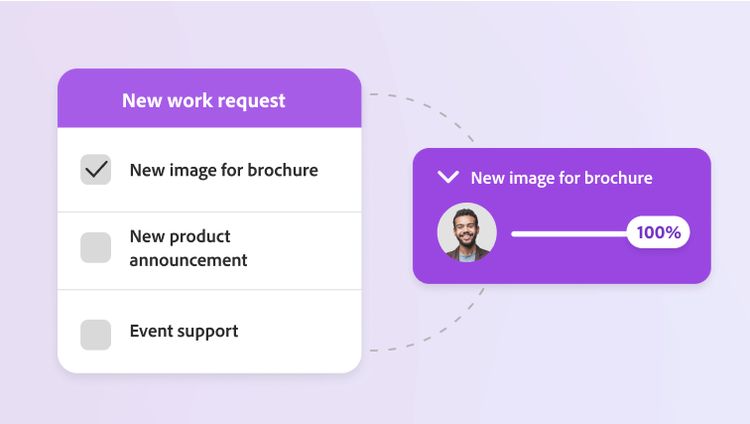
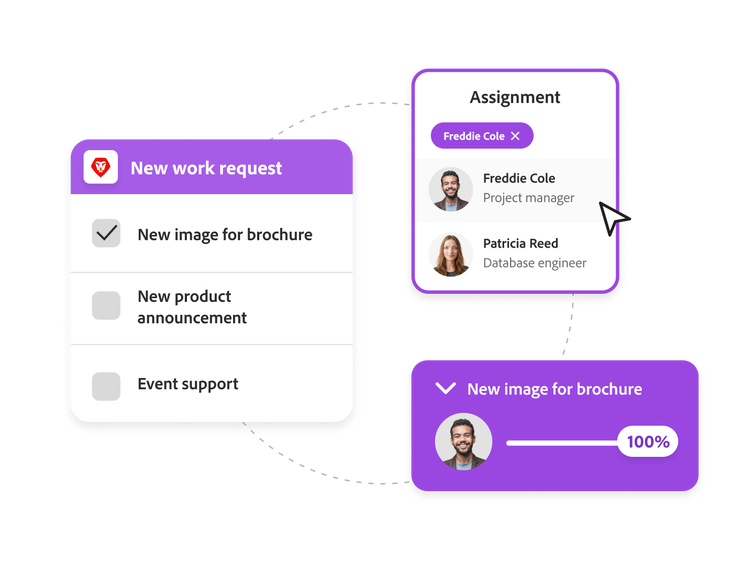
Improve your project request process and ensure all incoming work is vetted against priorities by consolidating intake channels.

  • Request queues. Share user-friendly intake forms across your teams to ensure the business uses the right process for requesting work and captures those requests in one place for evaluation and accountability.
  • Automated routing. Set up system rules so that requests are automatically routed to the right individuals or job role that is best equipped to handle the request.
  • AI workflow acceleration. View optimal allocations for team members based on historical and currently assigned work.

Learn more about centralized request queues.

Custom forms and briefs

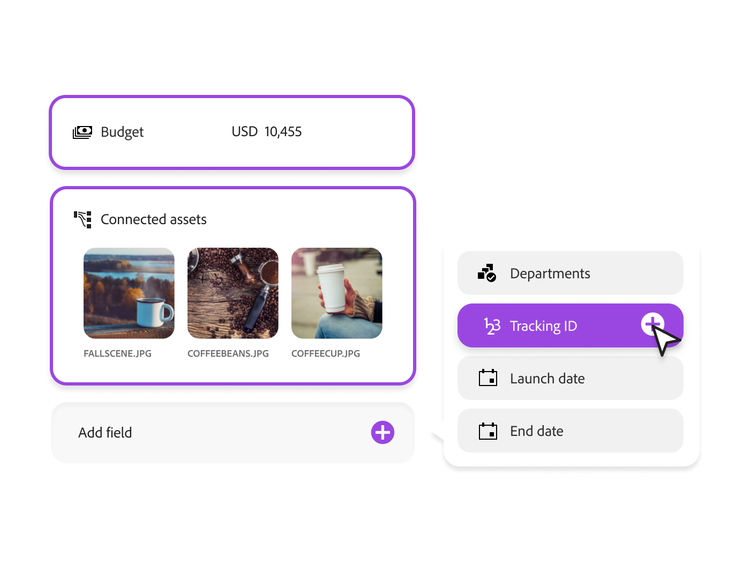
Ensure the right data is captured for every workflow initiative and item in your plan.

  • Custom forms. Create custom fields in your request forms to capture all the information needed for project success.
  • Default sections. Set permissions on data fields to streamline forms and make them easier to use.
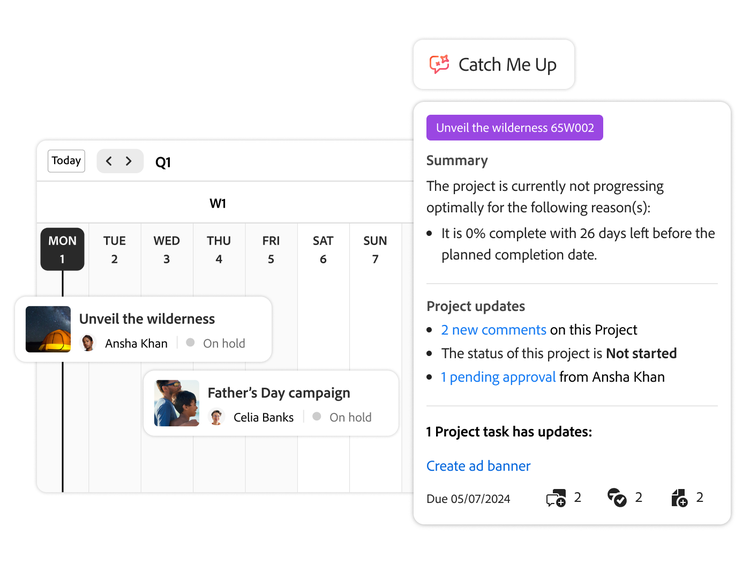
An AI project status summary and a weekly campaign dashboard view

Workflow prioritization

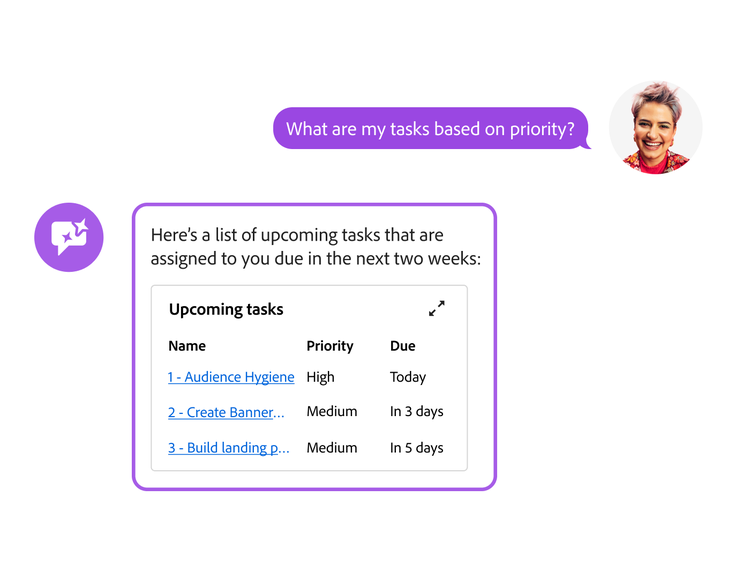
Stay on top of workflows with a streamlined, intuitive, and AI-powered experience designed to help task owners easily manage, prioritize, and track their daily tasks.

  • Greater task clarity. Know exactly when items are due so you can manage, prioritize, and complete them on time. Increase productivity with easier access to project context and the ability to perform tasks quickly.
  • Single, focused view. Keep track of all your tasks with a view that eliminates clutter and lets you focus on what’s important.
  • Calendar view. Use the calendar view for a visual representation of your tasks and issues each month.
  • AI summarization. Use AI to get summaries of updates, uploaded documents, approvals, and other changes to your active projects over a 24-hour, three-day, or week-long period.

Learn more about workflow priorities.

Resource and capacity management

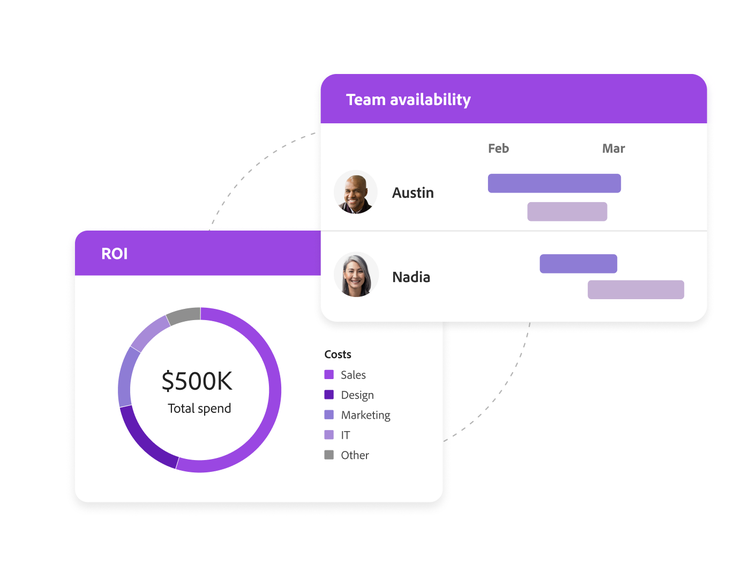
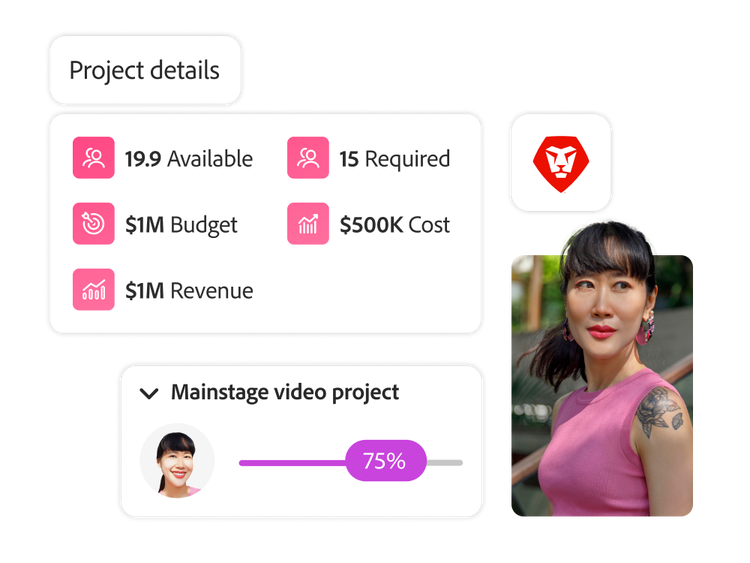
Ensure the right people and assets are aligned to the right priorities with enterprise‑level capacity planning. Workfront gives operations leaders end‑to‑end visibility from forecast to execution — so teams can confidently plan work, balance workloads, and adapt as priorities change.

  • Forecasting and availability (coming soon). Know when to take on new work with time‑phased forecasting that shows future capacity across teams, roles, and regions.
  • Top‑down and bottom‑up planning (coming soon). Plan capacity at the portfolio or team level, then refine staffing based on planned effort, skills, and assignments.
  • Utilization and performance. Track utilization from forecast to actuals to understand the impact of resource shifts and continuously improve performance.
  • Advanced filters and views. Drill into the exact teams, roles, skills, or time frames you need to prioritize and assign work with enterprise‑ready views.
  • Non‑labor resources (coming soon). Plan and manage equipment, materials, meeting rooms, and shared assets with calendar‑based booking — so every constraint is visible, not just people’s availability.

Financial management for operations

Keep work profitable and predictable by connecting resource plans directly to financial outcomes. Adobe Workfront brings financial structure and governance into day‑to‑day execution, giving finance and operations a shared source of truth.

  • Rate cards and cost structures. Define labor and non‑labor rates, overtime rules, and cost structures that reflect how your enterprise actually operates.
  • Cost, margin, and ROI visibility. Estimate and track costs and margins using planned effort and actuals — so leaders can understand ROI before and during execution.
  • Financially aligned planning. Tie budgets and financial assumptions directly to resource plans, keeping delivery and finance aligned from day one.
  • Enterprise governance. Support complex multiteam and multiregion operations with consistent financial logic and auditable planning data.

Home experience

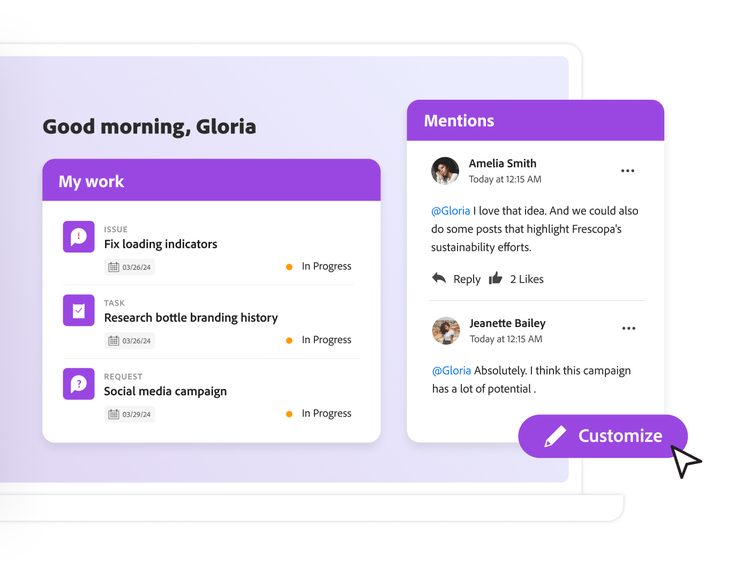
Customize your home experience to highlight the workflows most important to you and easily manage your tasks, issues, requests, and approvals using widgets.

Widgets can be arranged to display the information that best suits your needs and include the following.

  • Tasks assigned to you
  • Projects you own
  • Projects you’re on
  • Issues assigned to you
  • Requests you’ve submitted
  • Pending requests for teams you’re on
  • Pending assigned, delegated, and overdue approvals
  • Mentions and to-dos

Work methodologies support

Workfront supports multiple work methodologies out-of-the-box by providing flexible tools that enable frameworks such as Scrum, Agile, Kanban, Waterfall, or hybrid approaches.

  • Boards. Enable teams to collaborate and manage tasks in simple, flexible ways with visual workboards.

Learn more about work methodologies support.

Learn how to use work centralization features.

Find what you need in Experience League, our vast collection of how-to content — including documentation, tutorials, and user guides.

Learn more

Questions? We have answers.

Let’s talk about what Adobe Workfront can do for your business.

Get started