.

Adobe Acrobat Studio Features

PDF creation and editing.

Work smarter with intuitive PDF tools that streamline every step of your workflow. Adobe Acrobat Studio helps teams create, edit, and collaborate with precision — and with a prompt, AI can handle most PDF actions for you, like deleting pages, exporting files, or replacing text.

Create and combine with ease.

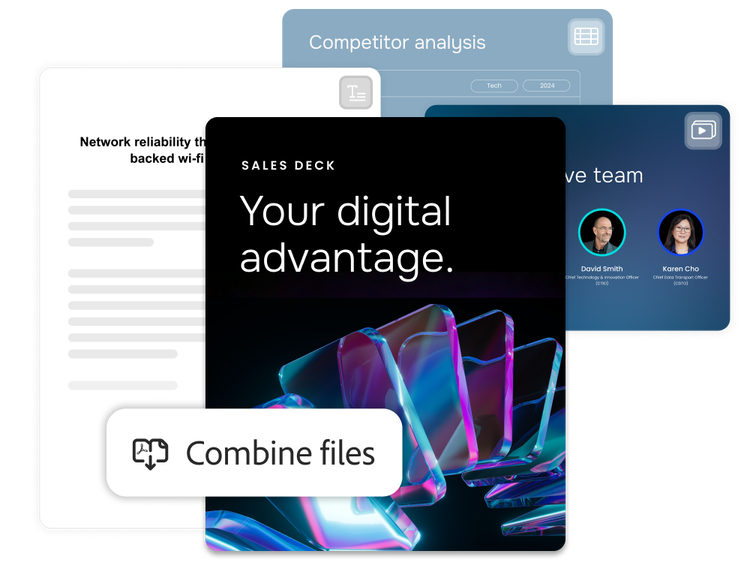
Acrobat Studio makes it simple to quickly turn any file into a professional PDF — whether you're scanning paper documents, merging multiple formats, or organizing content for clarity and impact.

  • Creation from any source. Convert Microsoft Word documents, images, spreadsheets, or scanned files into high-quality PDFs in seconds.
  • Multiple file merging. Combine different file types into a single, streamlined PDF for easier sharing and archiving.
  • Preview and arrangement. Organize files before combining to ensure clarity, flow, and a polished final document.
Edit your PDF directly.

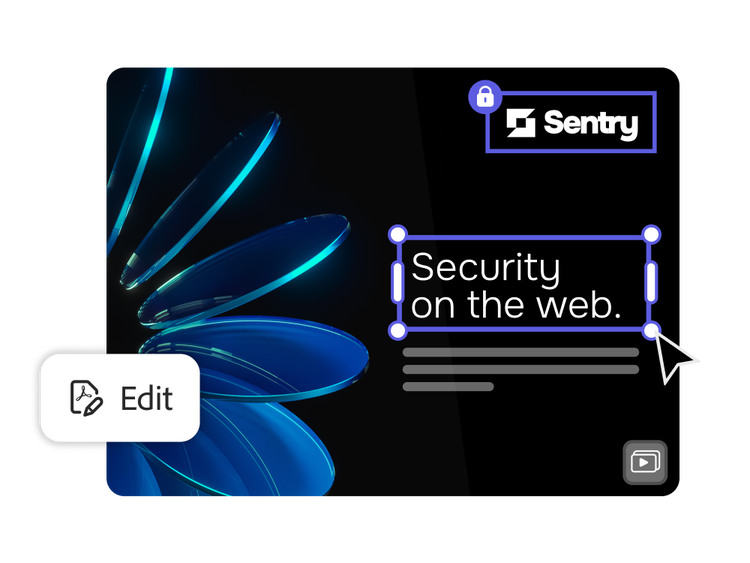
Stay agile with real-time editing that keeps your projects moving. Quickly make updates without disrupting your workflow, saving time, reducing rework, and keeping your content accurate and polished.

  • Easy text editing. Modify copy directly within your PDF — perfect for quick updates or last-minute changes.
  • Image adjustments. Swap, resize, or reposition visuals without leaving the document.
  • Layout control. Move elements, adjust spacing, and fine-tune formatting to keep your content clean and professional.
  • Real-time refinement. Make edits on the fly and keep your workflow moving without returning to the source file.

Convert, export, and organize with ease.

Make your PDFs more functional across formats and projects. Adapt documents for different needs, including exporting for collaboration, organizing for clarity, or preparing files for long-term use.

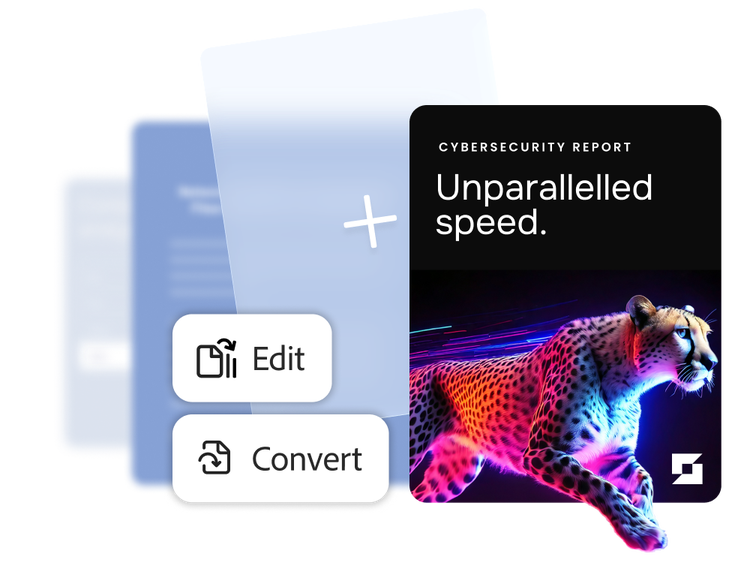
  • Reliable format conversion. Export PDFs to Microsoft Word, Excel, or PowerPoint with layouts and formatting preserved, making it easy to collaborate, present, or repurpose content.
  • Page-level control. Reorder, split, rotate, or delete pages to keep documents organized and easy to navigate.
  • Advanced search tools. Quickly locate content in large files with powerful search and indexing features.

Protect, govern, and sign securely.

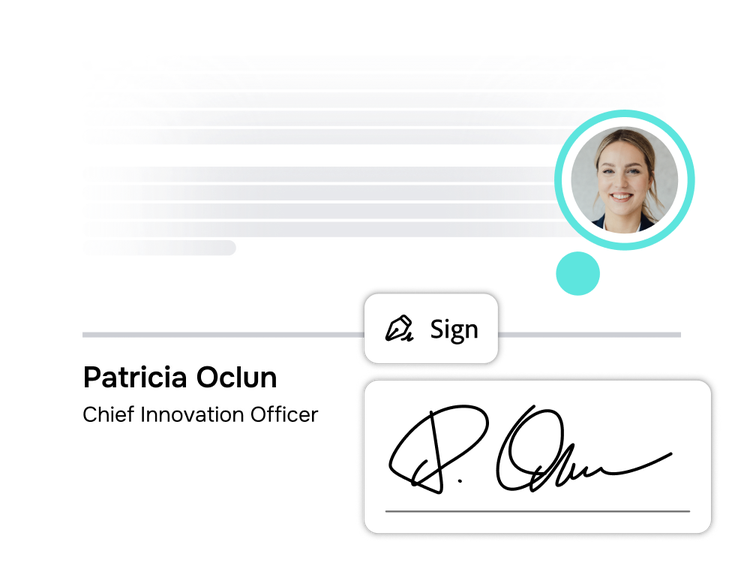
Accelerate approvals with secure signatures and seamless integration. Acrobat Studio protects sensitive content and supports signature workflows across teams and systems.

  • Document protections. Add passwords and permissions to control access and prevent unauthorized changes.
  • Redaction of sensitive content. Permanently remove sensitive content to meet privacy and compliance requirements and reduce risks.
  • Integrated e-signatures. Send, sign, and track documents with easy e-signature tools — powered by Adobe Acrobat Sign.

Learn how to use PDF creation and editing features.

Find what you need in Adobe Help Center, our comprehensive resource for how-to content — including documentation, tutorials, and user guides.

Questions? We have answers.