Dynamic Content and Messages | Adobe Journey Optimizer
.

Adobe Journey Optimizer Features

Messages and content

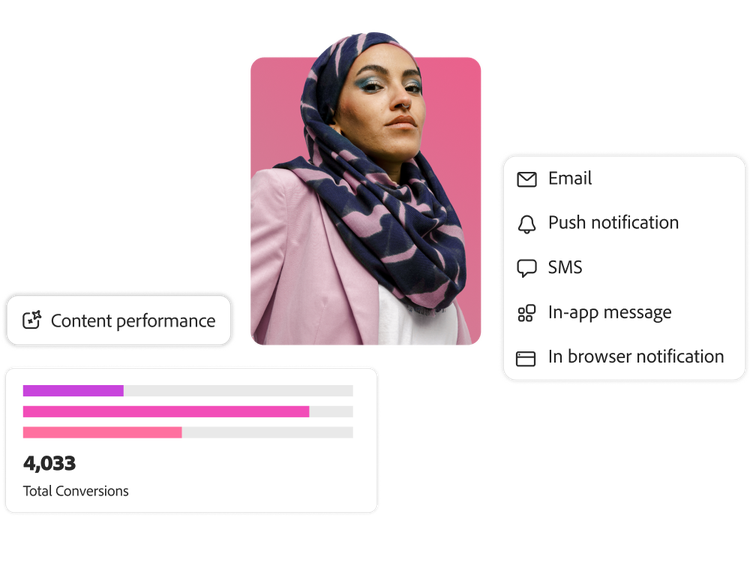
Craft messages and content to engage your customers across every channel, including email, mobile messaging, in-app, web, and direct mail. Author, edit, and activate content fast with a built-in content designer and centralized asset repository that simplify workflows for your teams.

Content creation using AI

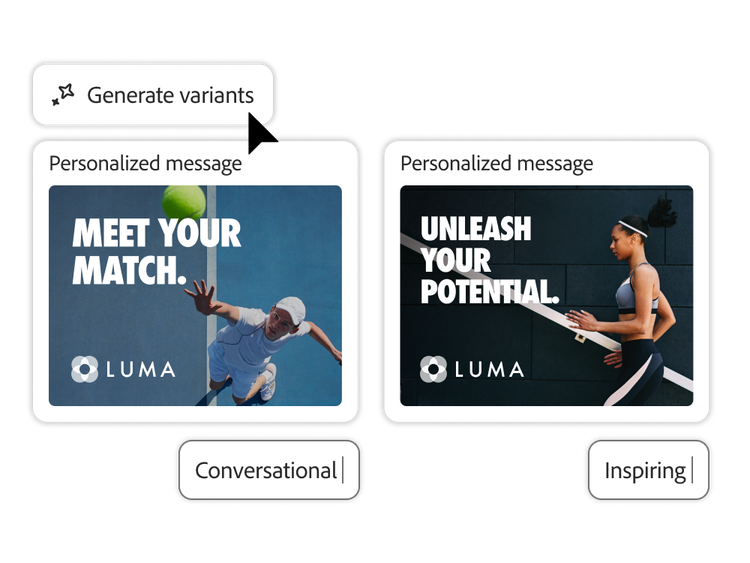
Use generative AI to create and fine-tune engaging, on-brand content optimized for every channel — all without leaving your existing workflows.

  • AI-powered content generation. Generate copy, images, or content blocks for your campaigns and landing pages based on prompts, campaign content, and marketing objectives, sourcing material from your asset library, AI, or both.
  • Content variations. Effortlessly generate multiple variations of marketing and campaign assets in minutes, followed by experimentation to test and learn which variations resonate with your customers.
  • On-brand content. Inform the AI model with assets from your brand to generate content that aligns with your brand guidelines, tone, and communication strategies. Run AI brand checks to ensure content adheres to your standards.
  • Content quality and effectiveness. Boost performance with clear feedback on readability, tone, call to action, and subject line effectiveness — with automatic checks for spelling, grammar, and style.
Digital asset management (DAM)

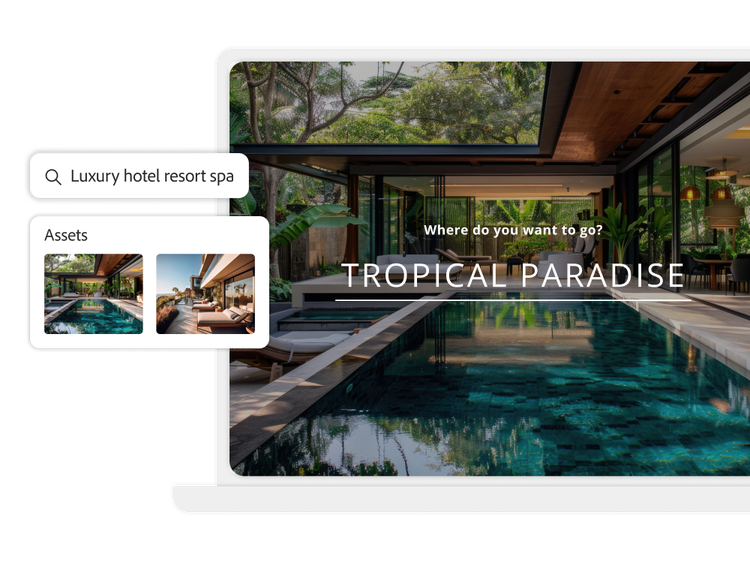
Find, manage, and use all of your digital assets with the natively embedded DAM, Adobe Experience Manager Assets Essentials.

  • Asset discovery. Search for content to use in your journeys and campaigns using full-text search, smart metadata tagging, and AI semantic search to quickly find what you need.
  • Asset editing. Tailor existing content to create the perfect asset with built-in editing tools, powered by Adobe Express and Adobe Photoshop Express. Resize images, remove backgrounds, convert file types, and more.
  • Asset governance. Manage assets better with detailed information and access for each asset. Use version control to view or revert to prior versions.
  • Personalized PDFs. Dynamically create and securely deliver individual invoices, tickets, receipts, and more as attachments using API-triggered campaigns.
  • Experience Manager integrations. Streamline and scale content creation, management, and delivery with reusable content fragments from Experience Manager Sites and dynamic content personalization from Dynamic Media in Experience Manager Assets.

Message authoring

Craft the perfect message to engage your customers with flexible design tools that adapt to your teams’ skillsets and workflows.

  • Drag-and-drop editing. Design, edit, and publish dynamic content templates and messages for any channel with an easy-to-use visual editor, including ready-to-use layout modules such as headers, product cards, and footers.
  • HTML coding and conversion. Let code-savvy users develop full HTML messages from scratch. Or auto-convert from image or HTML to modular, editable content. Update, re-arrange, and personalize without re-coding.
  • Content templates. Create and save dynamic message templates to reuse custom content and accelerate your workflows. Use templates as a starting point, then adapt them to the unique needs of each campaign.
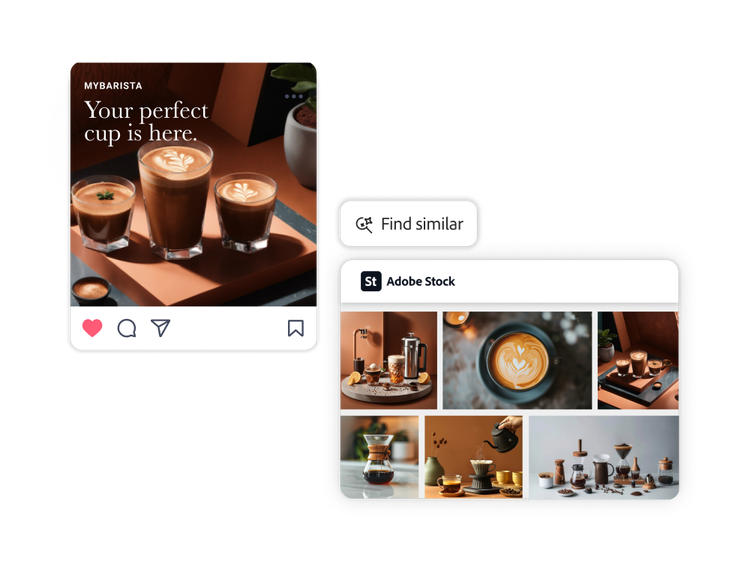
  • Adobe Stock. Access millions of high-quality, curated, royalty-free photos, videos, illustrations and vector graphics in Adobe Stock directly within the built-in message designer. Find assets to match your message and import licensed images directly into your asset repository1.

Personalization editor

Personalize your communications to ensure that every message resonates.

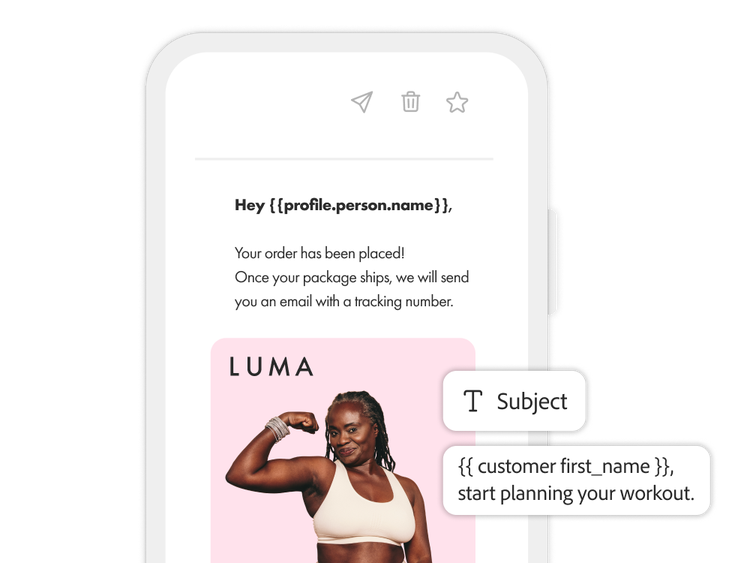
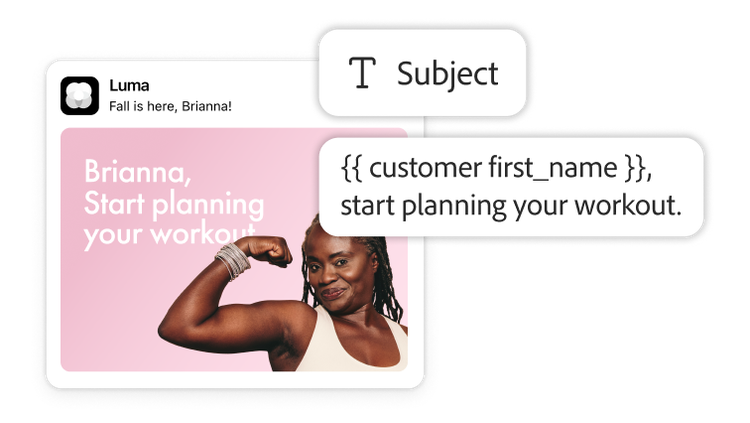
  • Dynamic content. Set the rules or describe them in natural language, and let AI build the logic to dynamically adjust images, subject lines, links, offers and more, based on each customers’ characteristics and context.
  • Data-driven personalization. Tailor message content, such as email subject lines and copy, based on profile attributes, audience, offer eligibility, and external context attributes (e.g., weather, location, inventory).
  • Content fragments. Maintain message consistency and speed up your workflows with reusable content blocks. Use HTML, JSON, or text to define editable fields that can dynamically update for each campaign or journey.

Composable content

Build highly personalized messages quickly by gathering all content from multiple systems into one place without switching tools.

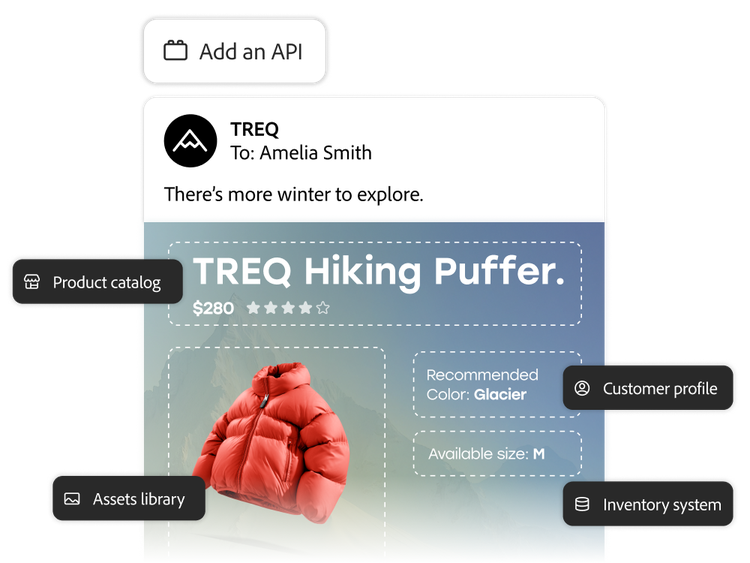
  • Content from anywhere. Boost engagement using the message designer to directly pull content, recommendations, pricing, loyalty points and more from any API-enabled system — Adobe or otherwise.
  • No-code workflows. Create dynamic content that’s intuitive and doesn’t require technical setup using preconfigured endpoints with marketer-friendly mappings.
  • Dynamic messages. Render real-time messages at send time with the latest information including live inventory, balances, weather, itineraries, reviews, and more.

Learn more about messages and content.

Learn how to use messages and content features.

Find what you need in Experience League, our vast collection of how-to content — including documentation, tutorials, and user guides.

Learn more

Questions? We have answers.

Let’s talk about what Adobe Journey Optimizer can do for your business.

Get started

A marketer with channel performance analysis and conversion results