Integrate your existing data.
Learn how to fetch data for adaptive forms and send data back to update the respective data sources in our Help section.


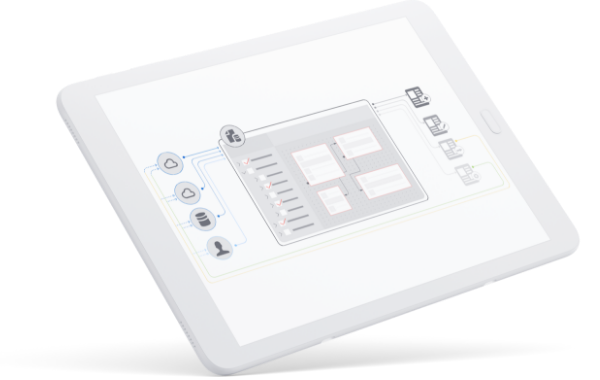
Quickly integrate data sources without any custom development and visually map entities to form fields and documents to personalize customer experiences and automate application processing across various internal departments and stakeholders.
___________________________________________
To maximize your application automation and personalized experience delivery, your business needs to cull from a variety of data sources and platforms — and sometimes connecting those dots can be a challenge.
With Adobe Experience Manager Forms codeless data mapping, unifying critical back-end systems and data sources is simple and visual. Thanks to an intuitive drag-and-drop approach, it’s easy to integrate key sources while mapping workflows, processes, and desired experiences — no coding needed.

Visual drag-and-drop data integrations
If you can see it, you can integrate it. With a fully visual drag-and-drop approach, map data to form fields, workflow steps, and document content.
Easier automation and personalization
Once mapped, automate application processing and personalize key customer experiences across any internal department or stakeholder.
Learn how to fetch data for adaptive forms and send data back to update the respective data sources in our Help section.
How health and human services agencies are individualizing community care
Read this article to learn how HHS agencies can personalize the customer experience for faster, better, and more efficiency service delivery.

Marin County optimizes mobile forms with Experience Manager
Marin County, California, taps into the power of Adobe Experience Manager Forms to improve mobile access to forms from any device or location. Learn how they do it.
Under The Hood of Adobe’s Gen AI Innovations
Get an inside look at our latest AI innovations announced at Summit, driving greater value, accuracy, and adaptability.


