Understand the benefits of the application dashboard.
Get more details about the benefits of the applications dashboard and how to streamline the customer forms experience in our Help section.


Route application submissions through customized workflows and a centralized dashboard for review, approval, and digital signatures by back-office employees — even when employees are on the go on a mobile device.
____________________________________________________
Managing customer forms and applications requires collaboration between people filling out the form, receiving it, and approving it. You need a way to monitor the process, from content development to online publishing.
With the applications dashboard in Adobe Experience Manager, you can streamline the entire customer forms process from start to finish. Build customized workflows so you can submit applications easily. Then watch as they’re reviewed, approved, and digitally signed — whether they’re online or off.

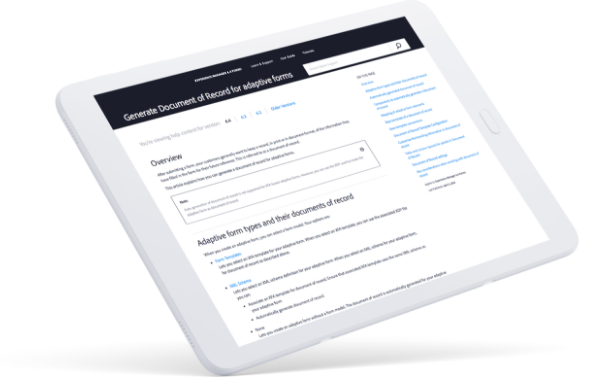
Get more details about the benefits of the applications dashboard and how to streamline the customer forms experience in our Help section.
Marketing tools that work together, work better.
Learn how Adobe Workfront, Adobe Experience Manager Assets, and Adobe Creative Cloud for enterprise help you deliver unique customer experiences.
Transforming the citizen digital experience with content velocity and generative AI
Exploring the state of digital government experiences and how content velocity can help unlock the content lifecycle for government.
Improving digital experience in the National Security Community
Employees in the national security community need to be able to securely and easily collaborate and share content and assets. Learn how in this Adobe and GovLoop guide.,Employees…


