Agentic experience creation
Adobe Experience Manager Sites brings agentic AI to experience creation. The set of capabilities that plan, create, optimize, and govern content is available across every surface your teams work in — whether it’s Experience Manager’s own agentic authoring surface, Adobe CX Enterprise Coworker, or other third-party AI assistants. The same governed brand and product context powers every space, so the content produced is on-brand and consistent no matter where the work starts.
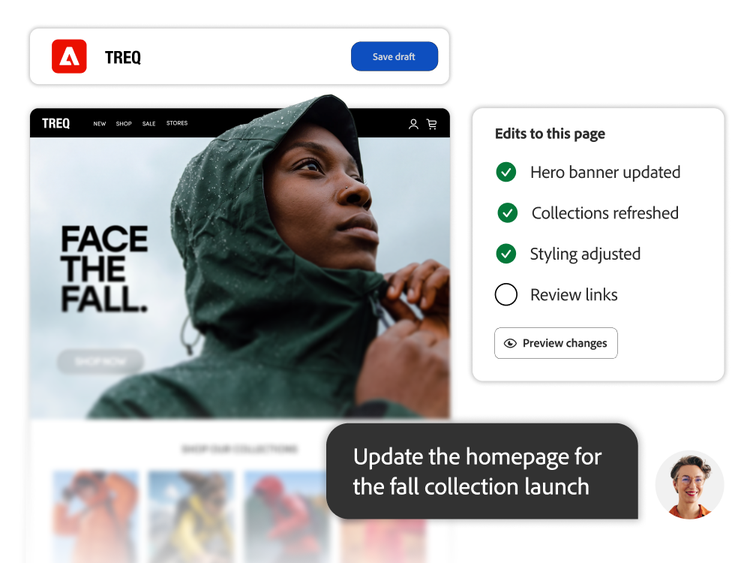
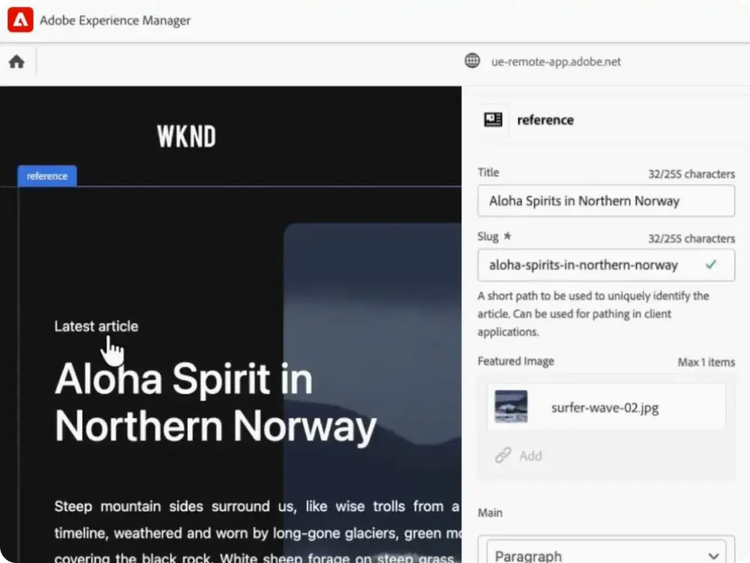
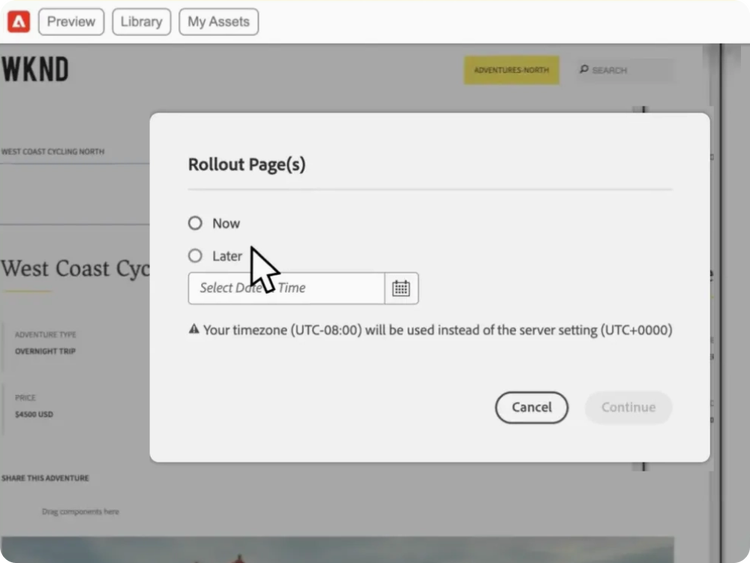
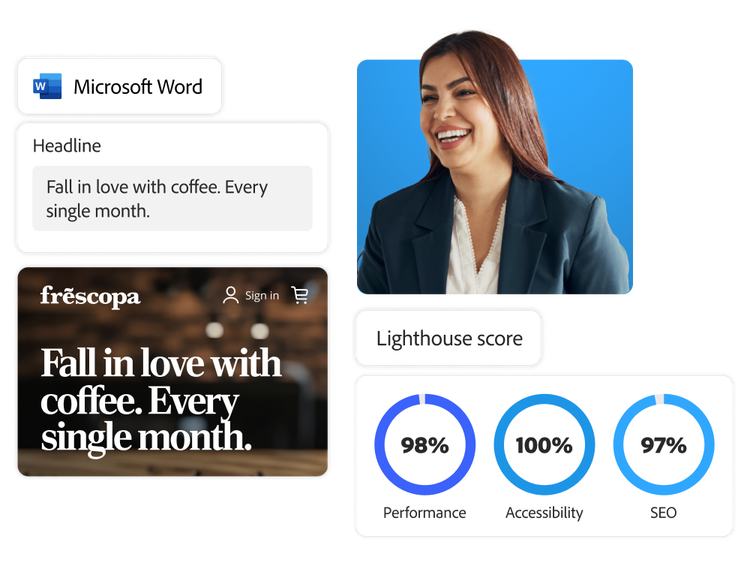
- Create and update experiences. From updating a single page or form to generating production-ready pages from a brief or a Figma design, agentic authoring reduces time-to-market, so teams focus on creativity, not coordination.
- Modernize and migrate. Migrate entire sites into structured, cloud-ready formats in one step — turning legacy content into well-structured experiences that are easier for both people and AI to read and represent accurately.
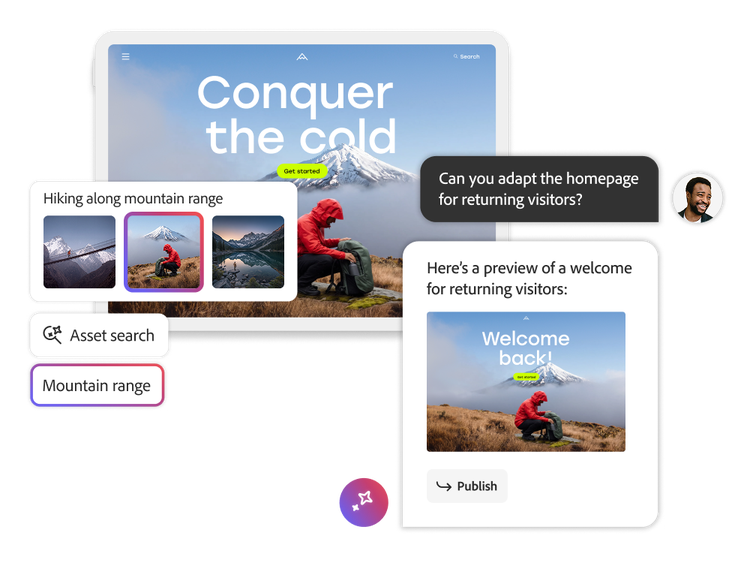
- Find and reuse content. Interpret intent and search across Experience Manager for the most relevant, approved content, surfacing the right assets for the right moment and reducing duplicate work.
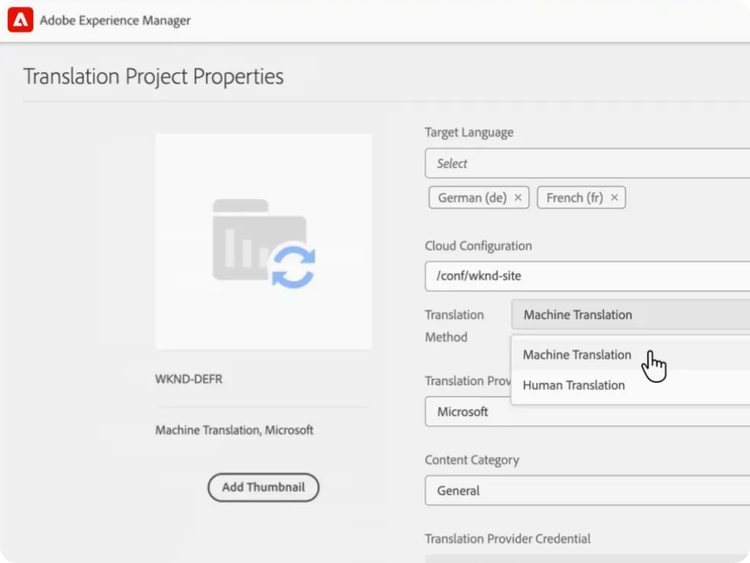
- Optimize and personalize. Adapt copy, images, and video for each channel and audience — with on-brand prompt templates and audience context built in — to improve engagement and conversion across the experience lifecycle.
- Stay on brand and compliant. Automatically manage permissions, flag expired assets, and keep every piece of content on-brand and legally compliant — ensuring consistency that builds trust with people and AI alike, without slowing teams down.