Understand the benefits of the application dashboard.
Get more details about the benefits of the applications dashboard and how to streamline the customer forms experience in our Help section.


Route application submissions through customized workflows and a centralized dashboard for review, approval, and digital signatures by back-office employees — even when employees are on the go on a mobile device.
____________________________________________________
Managing customer forms and applications requires collaboration between people filling out the form, receiving it, and approving it. You need a way to monitor the process, from content development to online publishing.
With the applications dashboard in Adobe Experience Manager, you can streamline the entire customer forms process from start to finish. Build customized workflows so you can submit applications easily. Then watch as they’re reviewed, approved, and digitally signed — whether they’re online or off.

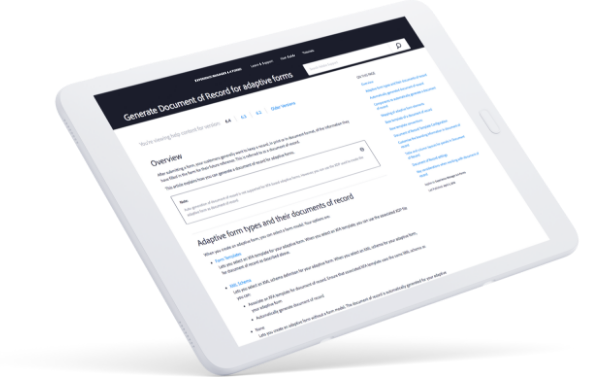
Get more details about the benefits of the applications dashboard and how to streamline the customer forms experience in our Help section.
Laugh in the face of deadlines with Adobe Experience Manager
Read The Business Value of Adobe Experience Manager Assets to find out how we’re helping the average customer triple ROI in just over three years.
Finally, a DAM that can control your content demands
Check out The Seven Requirements of a Next-Generation DAM to learn how you can meet, and even, exceed the rising demand for exceptional digital experiences.

Xfinity Creative exceeds savings targets by 3x.
Comcast’s in-house studio optimized efficiency by centralizing operations with Adobe Workfront.


