REPORT
Adobe positioned as a Leader in Digital Experience Platforms.
Adobe helps global brands deliver innovative content personalized digital experiences. Learn why Adobe is recognized as both a Leader and a Customer Favorite.


REPORT
Adobe helps global brands deliver innovative content personalized digital experiences. Learn why Adobe is recognized as both a Leader and a Customer Favorite.
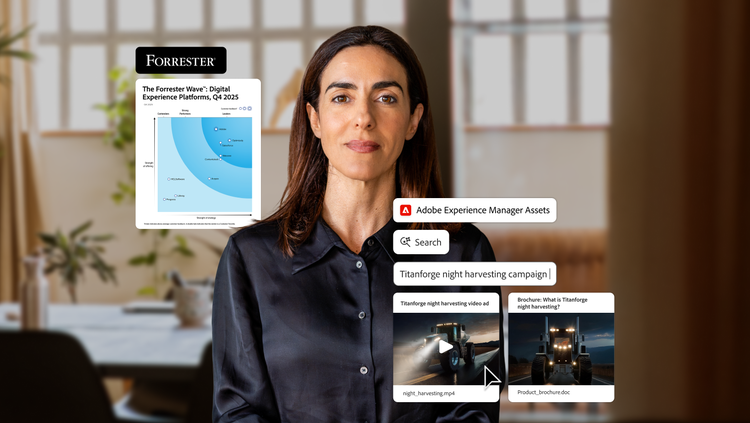
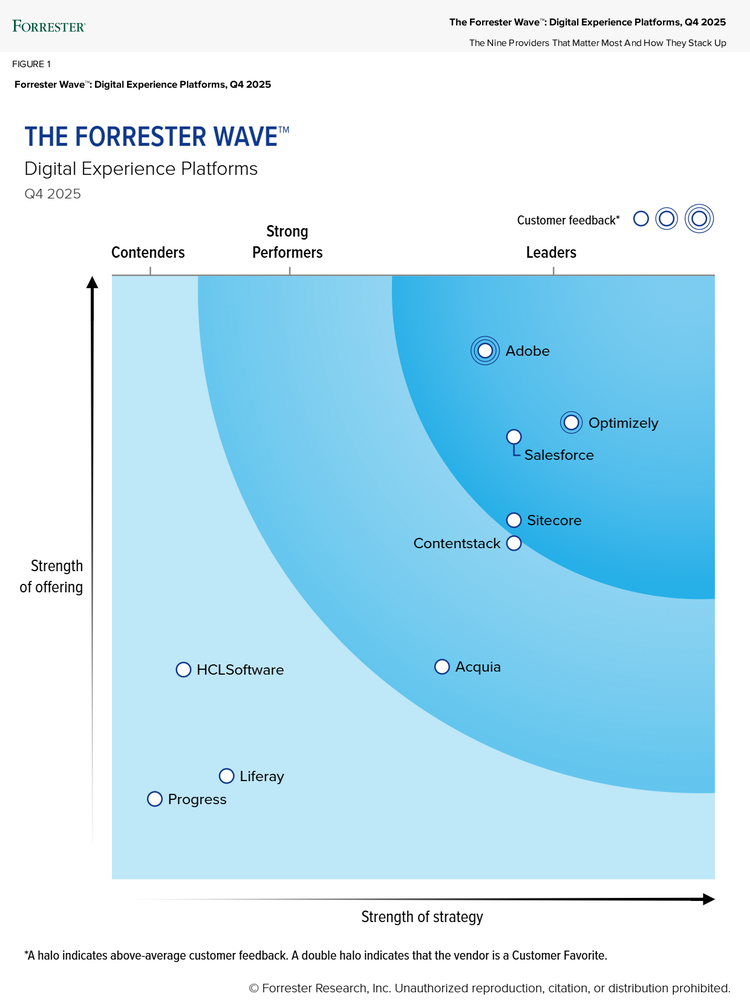
Adobe’s position as a Leader in The Forrester Wave™: Digital Experience Platforms, Q4 2025 cites its cohesive platform that helps teams harmonize customer data, orchestrate journeys across channels, and scale personalization.
Please share your contact information to get the report.
The Acrobat online PDF compressor balances an optimized file size against the expected quality of images, fonts, and other file content. Just drag and drop a PDF into the PDF compression tool above and let Acrobat reduce the size of your PDF files without compromising quality.
For more refined control of optimization settings, you can try Adobe Acrobat Pro for free for seven days. Acrobat Pro for the Mac or Windows operating system lets you customize PPI settings for color, grayscale, and monochrome image quality. You can also use PDF editor tools, edit scans with OCR functionality, convert PDFs to Microsoft PowerPoint and other file formats, convert PNGs and other image file formats, organize and rotate PDF pages, split PDFs, and more.

