Webinar
Getting Started with Firefly in Photoshop
Length: 30 mins
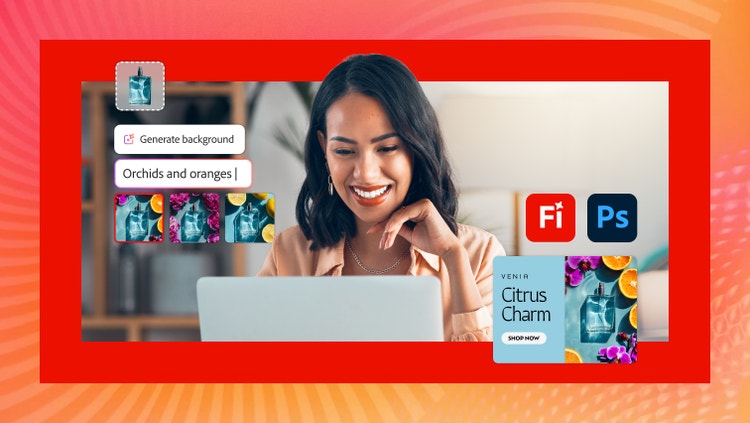
Generative AI in Adobe Photoshop makes it easier than ever to expand, edit, and visualize creative ideas. Join this session to see practical ways Adobe Firefly can accelerate your creative workflows so you can get from concept to polished design faster.
Discover how to:
- Expand, remove, and replace existing images with Generative Fill in Firefly.
- Generate new images to explore and collaborate on ideas.
- Create cohesive images in seconds by blending a selected Photoshop layer into a background and matching color, lighting, and more.
Please share your contact information to view the webinar.
Event speakers

Zach Winters
Senior Product Enablement Program Manager
Adobe

Tor Gundersen
Senior Strategic Development Manager
Adobe
Recommended for you
Firefly model maturity curve for enterprise AI.
Determine if Adobe Firefly base models, Custom Models, or Foundry fits best for your enterprise on-brand content creation at scale.
Cannes Lions: Creativity meets brand consistency.
Get insights from leaders at Walt Disney Imagineering, DICK'S Sporting Goods, WPP, and Adobe on scaling AI while preserving brand identity.
Cannes Lions: When creativity becomes culture.
Get insights from leaders at YouTube, Ulta Beauty, Adobe, and the NFL on creator partnerships, cultural moments, and AI-powered creativity.